Accounts — table view — CRM accounts table with saved views, default state
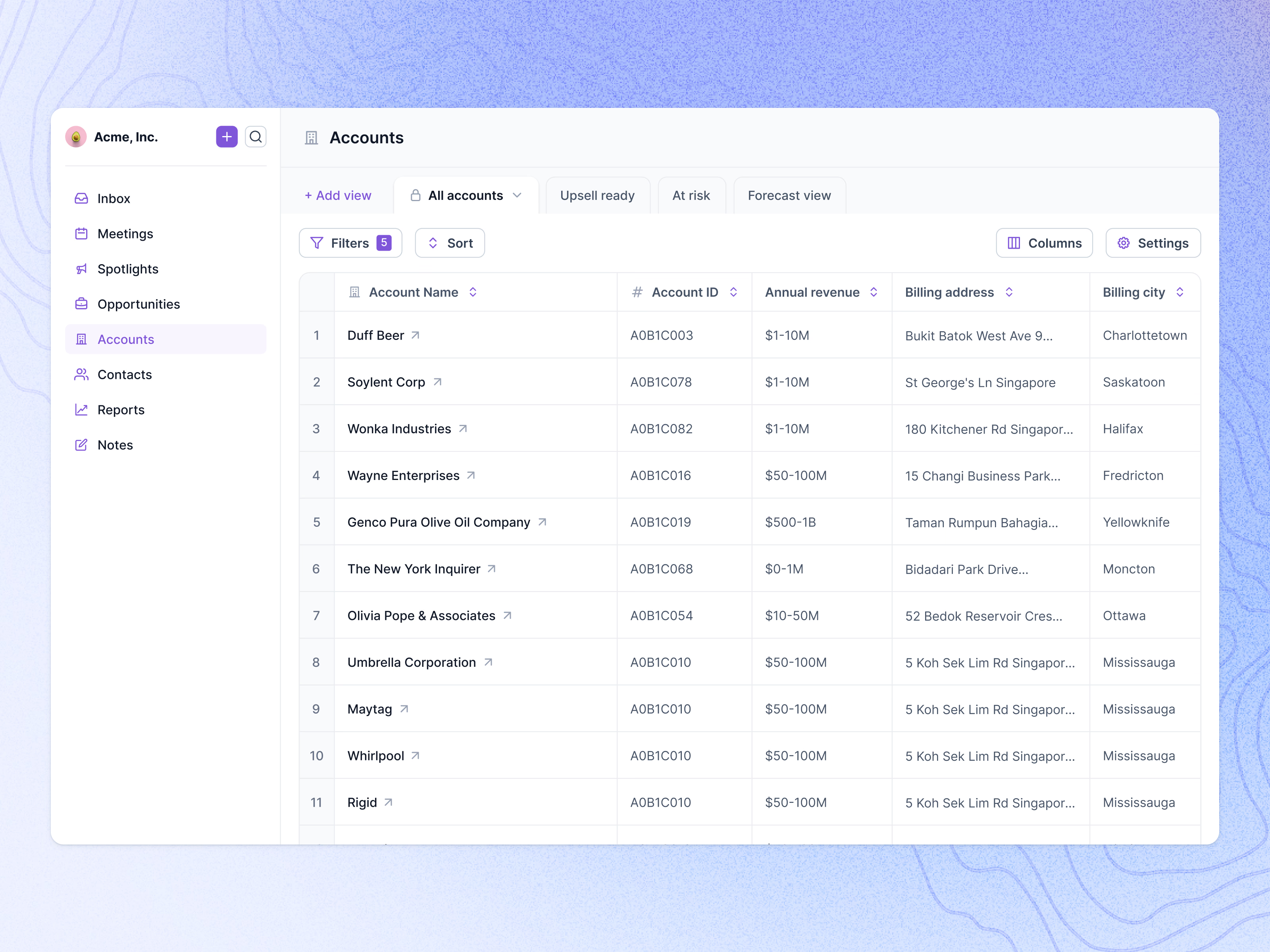
A plain default state for a CRM’s accounts table.
A workspace sidebar on the left (inbox, meetings, spotlights, opportunities, accounts, contacts, reports, notes) leads to a table that reads like a spreadsheet: numbered rows, the company name with a link arrow, account ID, an annual revenue band, billing address and city. Long addresses truncate so every row stays one line high.
Above the table, saved views sit as tabs (All accounts, Upsell ready, At risk, Forecast view) next to Add view, with Filters, Sort, Columns and Settings on the row below.
Got something real to build?
Tell me what you’re building and let’s see if we’re a good fit.