Add note to records / dropdown — Record type menu for attaching notes to Salesforce records
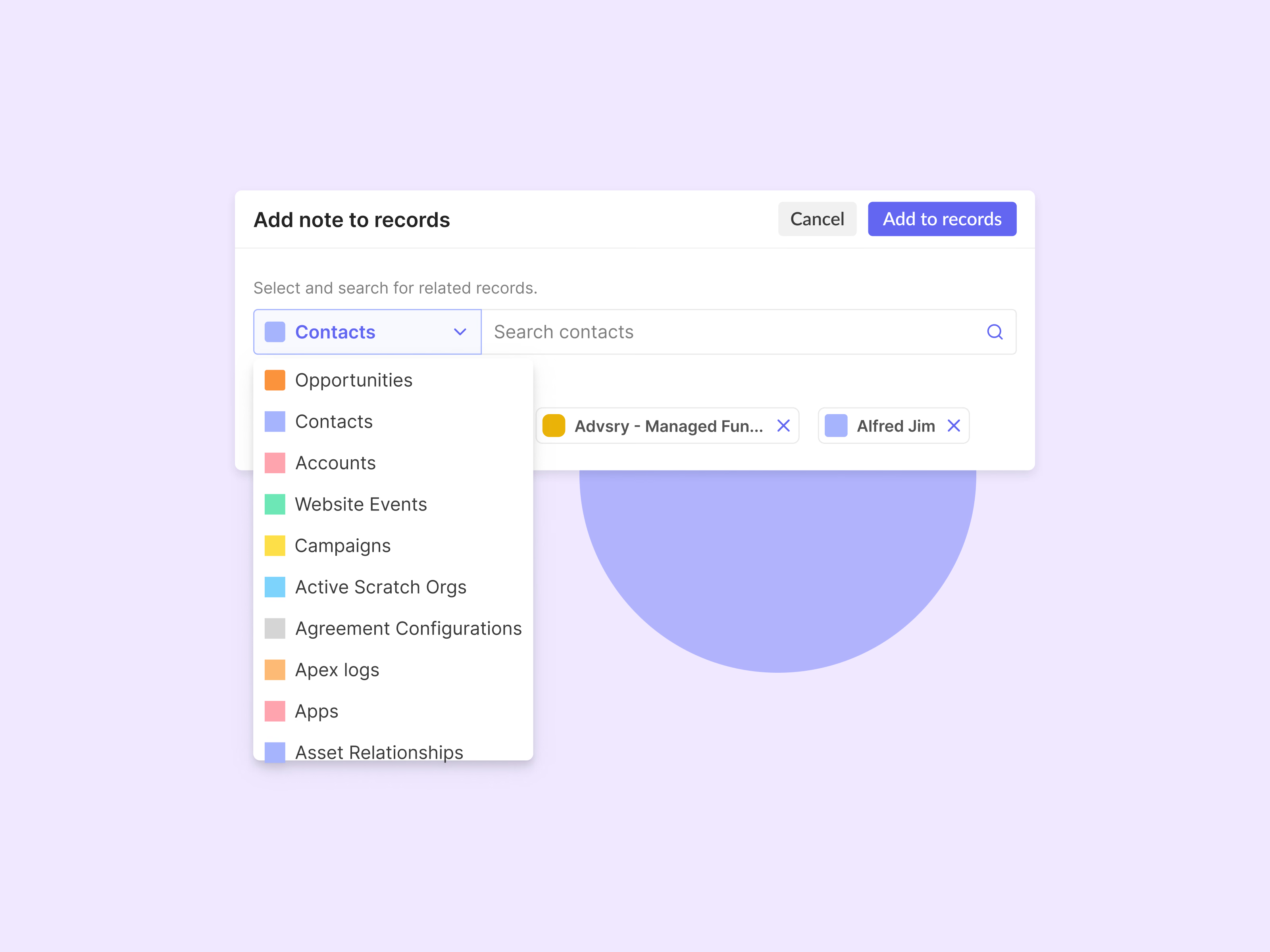
The record type menu in the Add note to records modal. Before searching, you choose what kind of record to look in. Opportunities, contacts and accounts come first, followed by the long tail of Salesforce objects like campaigns, scratch orgs and Apex logs.
Each type has its own color square, and that color follows the record into the attached list, so a mix of contacts, opportunities and accounts stays easy to tell apart. Every attached record has an x to remove it.
Got something real to build?
Tell me what you’re building and let’s see if we’re a good fit.