Add task steps — Sales sequence task panel for Seequence
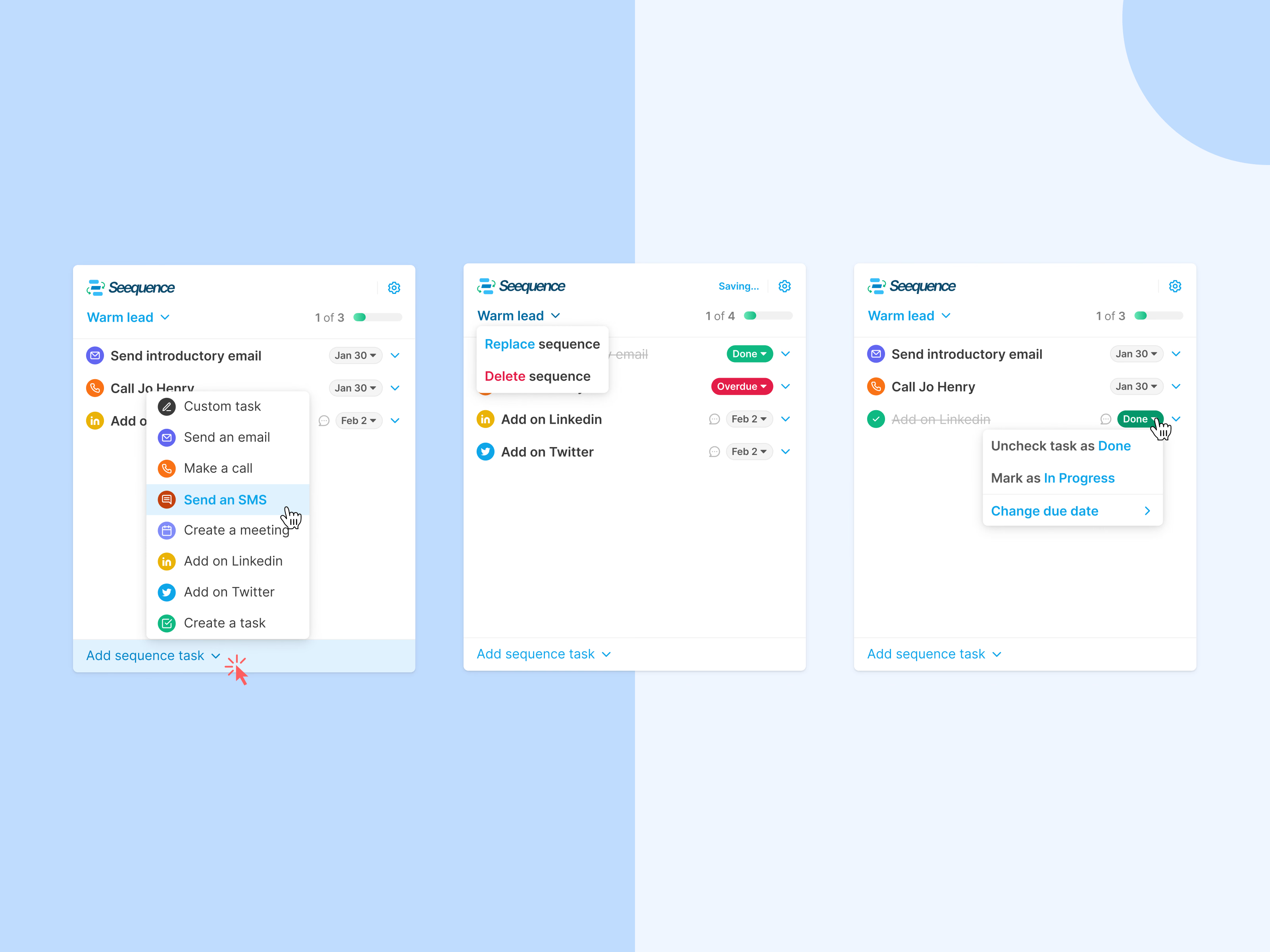
Seequence, a small panel for working through a sales sequence, here one called Warm lead, with progress shown at the top.
Each task is one line: a channel icon (email, call, LinkedIn, Twitter), the task, a comment icon and a due date. Add sequence task opens a menu of task types, from emails and SMS to meetings and custom tasks. Finished tasks are struck through and get a green Done chip, while late ones show Overdue in red. Clicking a status lets you undo it, mark it in progress or change the due date, and the sequence menu can replace or delete the sequence.
Got something real to build?
Tell me what you’re building and let’s see if we’re a good fit.