Candidate status (3) — Interview invitation status timeline for Teero candidates
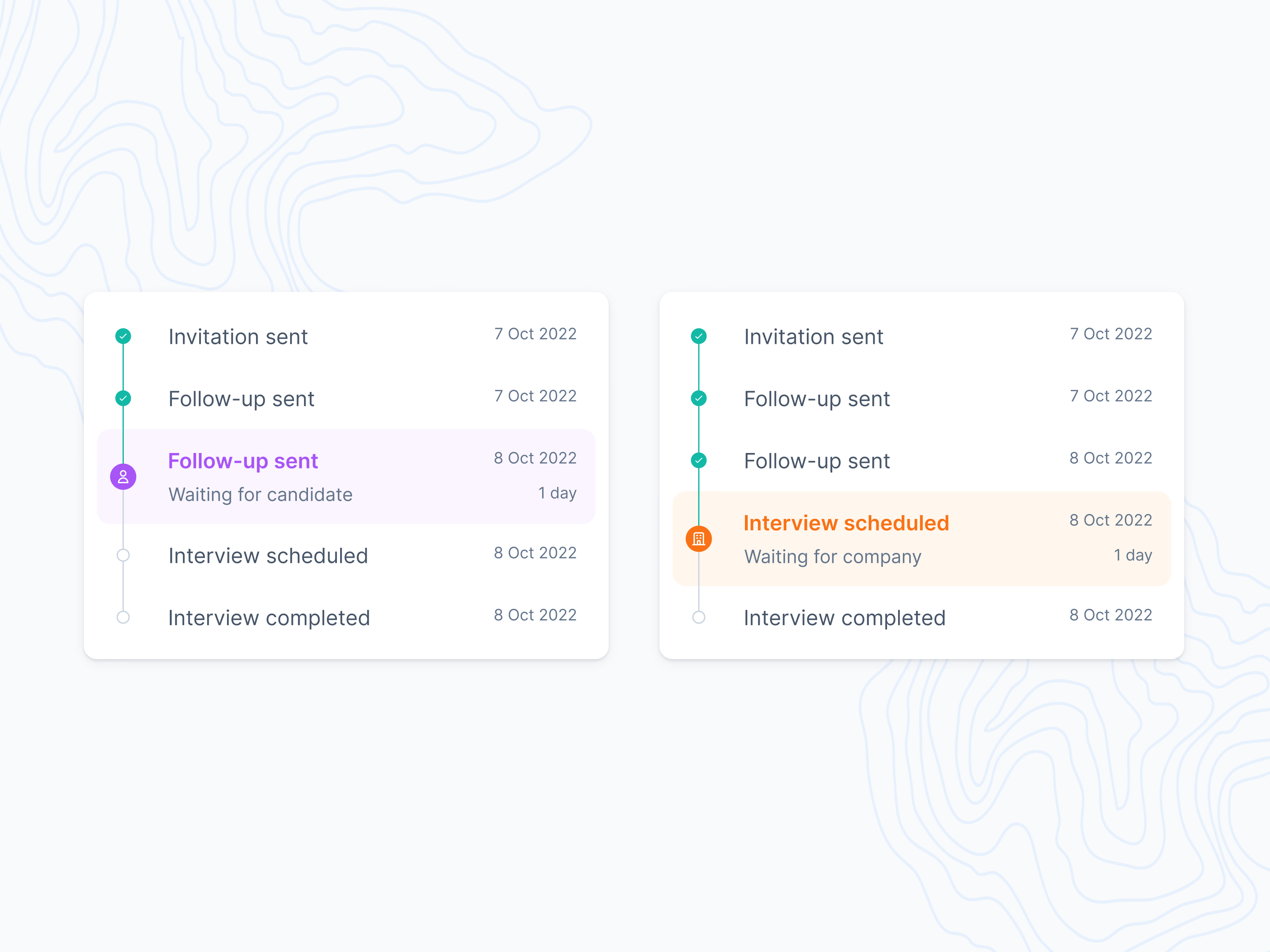
Two states of the candidate status timeline in Teero, following an interview invitation from sent to completed.
Done steps get a green check and a date. The current step is highlighted and says who the process is waiting on, and for how long: purple with a person icon when it’s waiting for the candidate, orange with a building icon when it’s waiting for the company. Steps still ahead stay as empty circles.
The color change lets a recruiter tell at a glance whether the next move is theirs.
Got something real to build?
Tell me what you’re building and let’s see if we’re a good fit.