Chart command menu — Chart editing command menu with AI prompts in Stealth AI
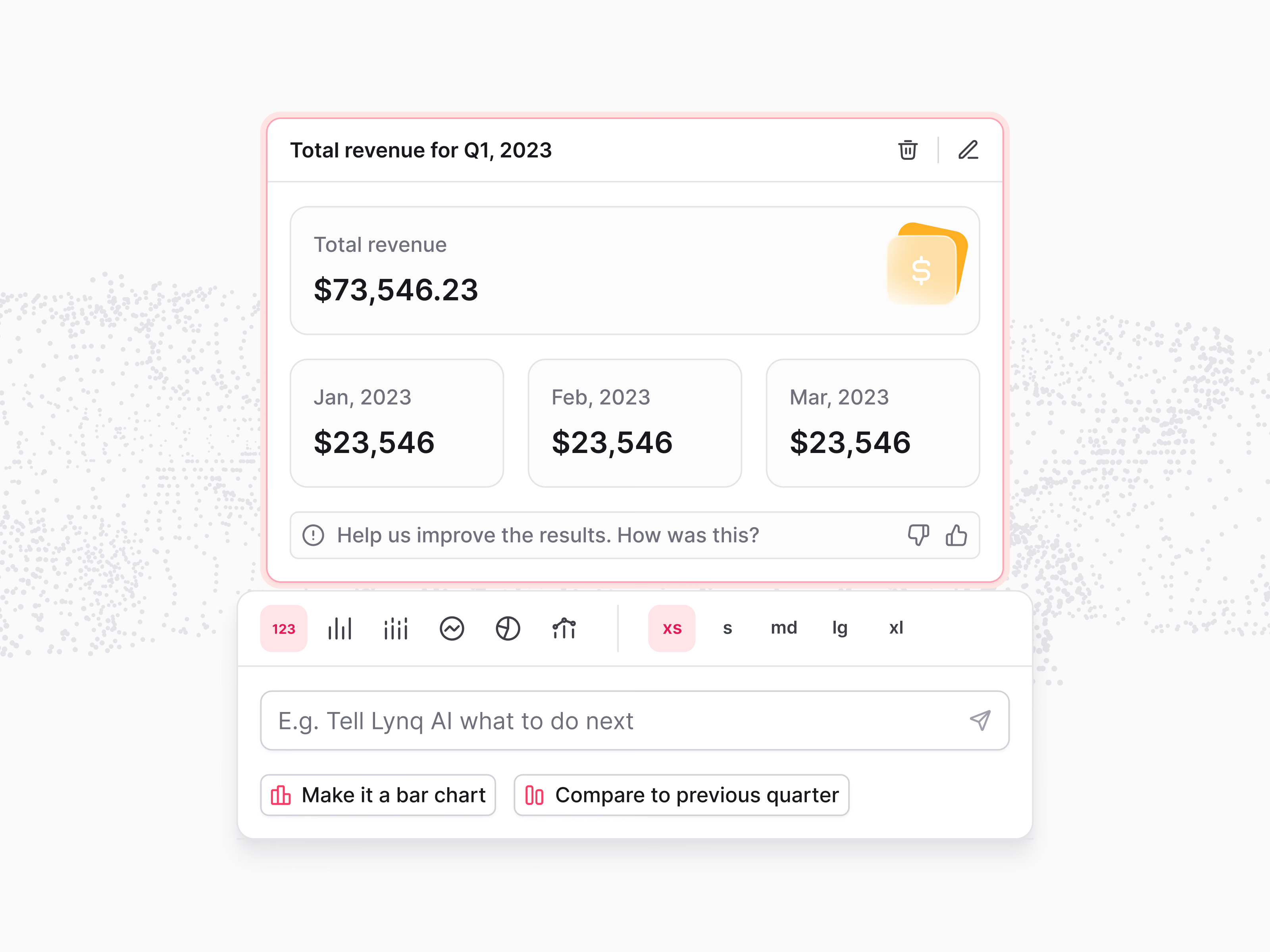
A command menu for editing a chart in Stealth AI.
Selecting a widget, here total revenue for the quarter, outlines it and adds edit and delete buttons, plus a quick prompt asking how the result was. The menu attached below has two rows of controls: chart types as icons, from a plain number to bar, line and pie, and sizes from XS to XL. Under them, an input lets you tell the AI what to change, with suggested commands like make it a bar chart or compare to previous quarter.
Got something real to build?
Tell me what you’re building and let’s see if we’re a good fit.