Chart customisation panel — Chart type menu and settings panel in Stealth AI
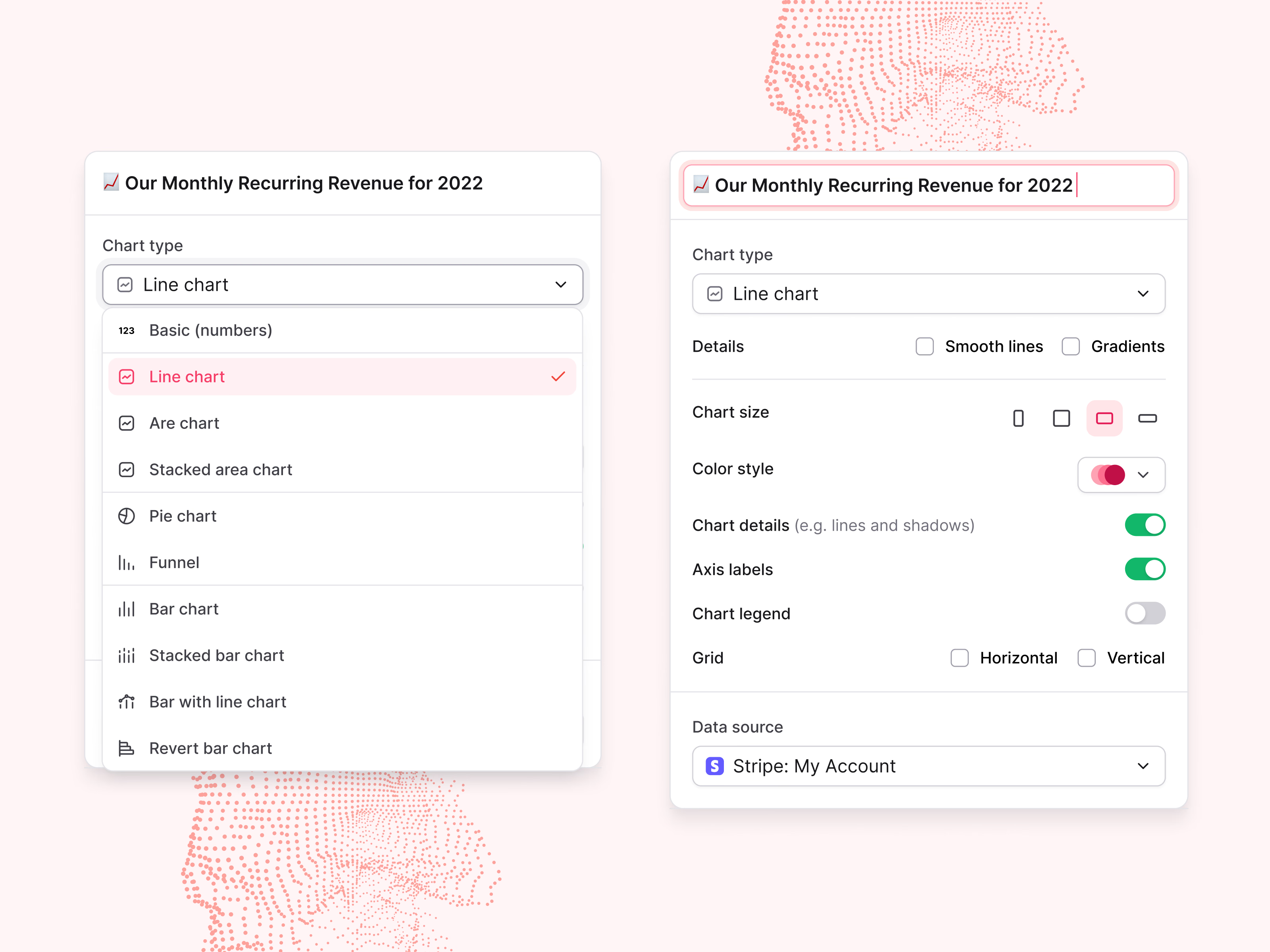
The chart settings panel in Stealth AI, with the chart type menu open.
Chart types are grouped by family: a basic number, then line, area and stacked area charts, then pie and funnel, then bar charts and their variants. On the right is the full panel for the same chart: an editable title, chart type, smooth lines and gradients, size as four shape buttons, color style, toggles for chart details, axis labels and the legend, grid lines, and the data source, here a Stripe account.
Got something real to build?
Tell me what you’re building and let’s see if we’re a good fit.