Chart editing (customisation) — Chart editing with side settings panel in Stealth AI
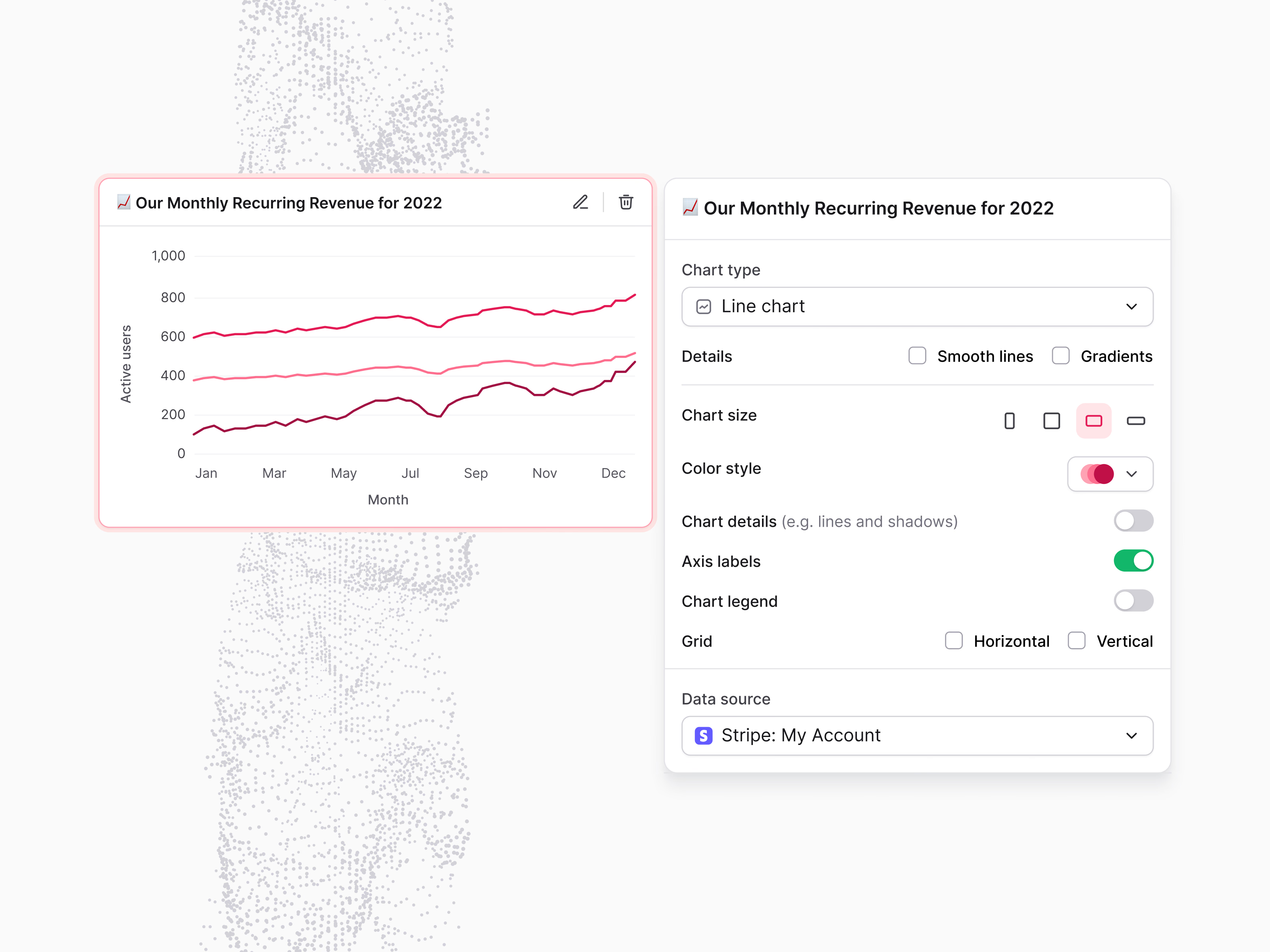
Editing a chart in Stealth AI: the selected widget on the left, its settings on the right.
The line chart of monthly recurring revenue is outlined in pink while it’s being edited. The panel next to it controls the rest: chart type, smooth lines and gradients, size, color style, toggles for chart details, axis labels and legend, horizontal and vertical grid lines, and the data source, here a Stripe account. Chart and settings sit side by side, so the effect of each change stays in view.
Got something real to build?
Tell me what you’re building and let’s see if we’re a good fit.