Creating dimensions — Create dimension modal with access settings in Horus
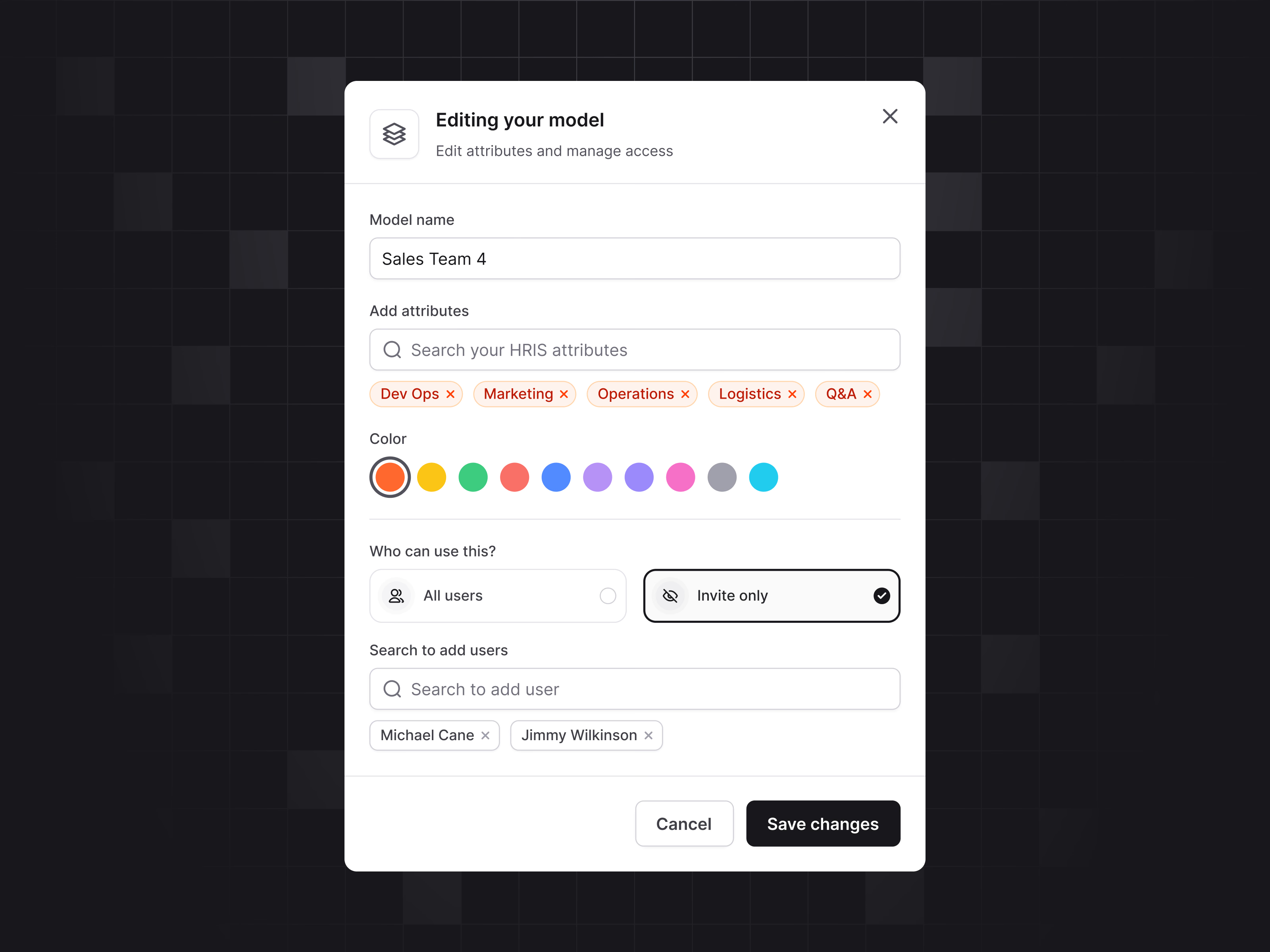
The modal for creating dimensions in Horus, shown here editing a model called Sales Team 4.
After the name come the attributes, picked from a search of HRIS data and shown as removable tags like Dev Ops, Marketing and Operations. A row of swatches gives the model a color. Access is a two-card choice, all users or invite only. With invite only selected, a search adds specific people, who appear as tags below. Cancel and Save changes close it out.
Got something real to build?
Tell me what you’re building and let’s see if we’re a good fit.