Filter interaction — Industry filter editing interaction for a newsletter
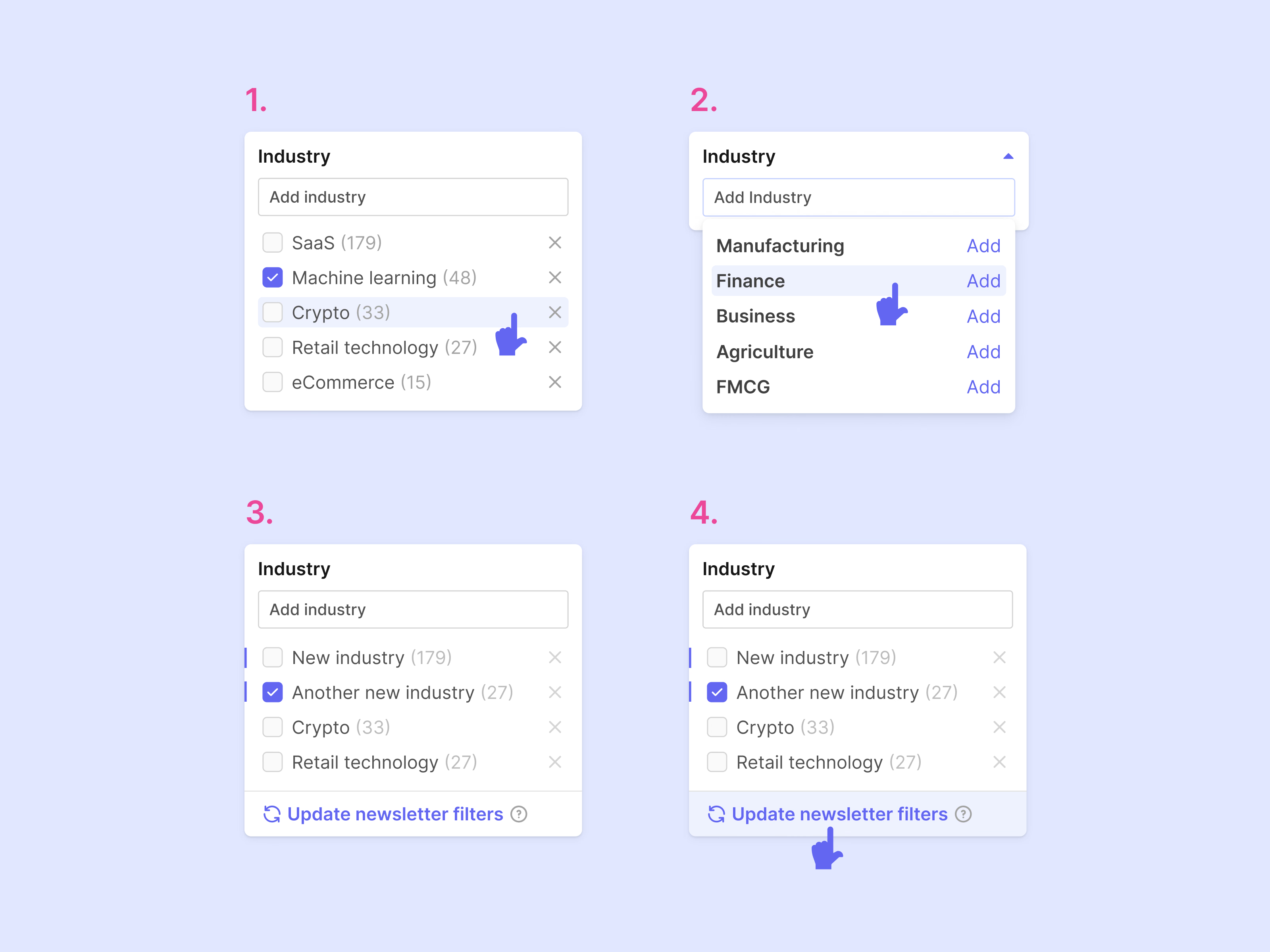
An industry filter whose changes carry over to a newsletter, walked through in four numbered steps.
First, the list: each industry has a checkbox and a count, and hovering a row brings out an x to remove it. Second, typing in Add industry opens suggestions, each with its own Add link. Third, the new industries join the list marked with a thin colored bar, so it’s clear which ones were just added. Fourth, Update newsletter filters at the bottom carries the changes over to the newsletter.
Got something real to build?
Tell me what you’re building and let’s see if we’re a good fit.