Filters Expanded + Examples — Company filter states for a prospecting search
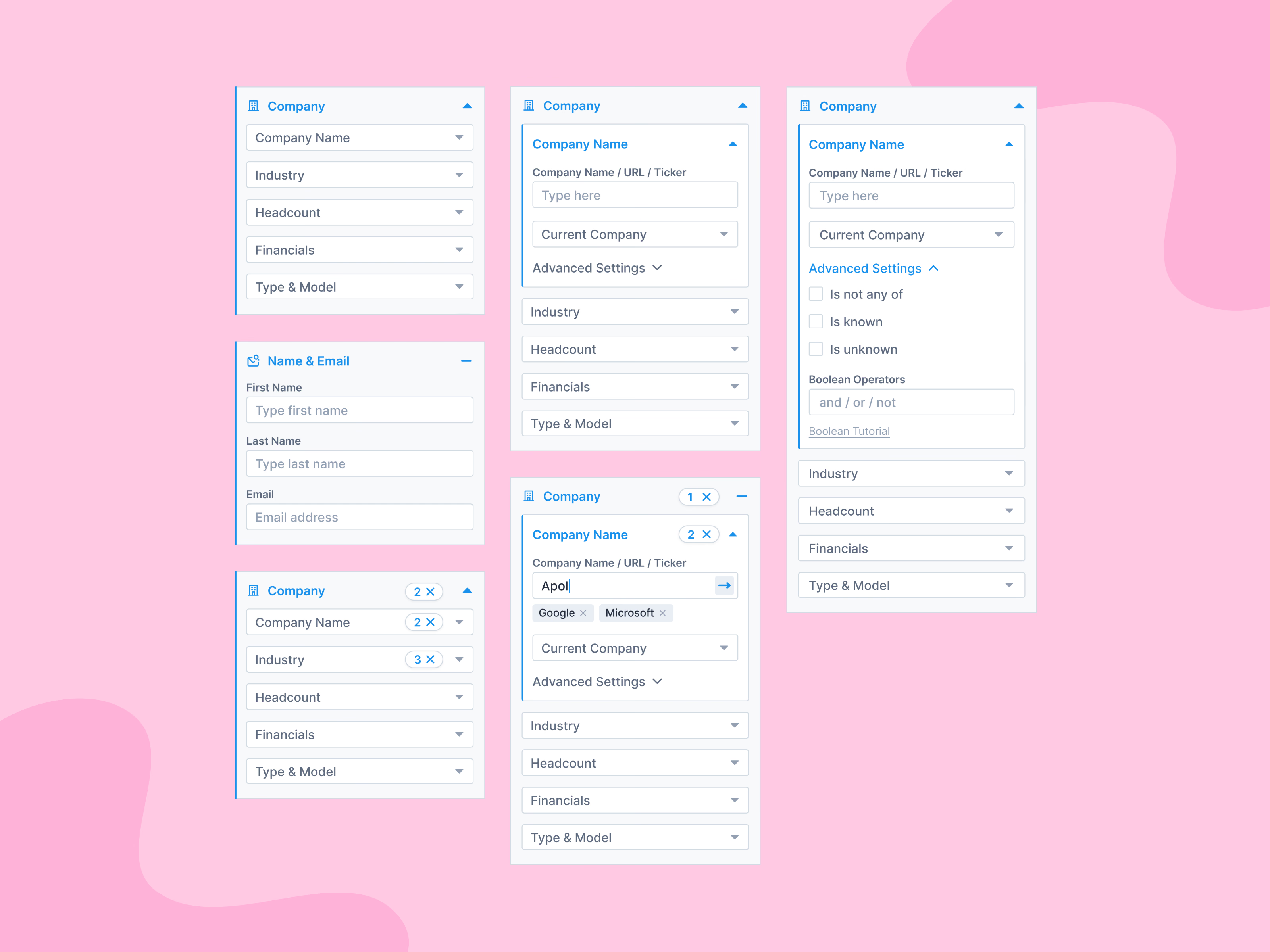
Six panels show the Company filter group of a prospecting search in each of its states. Closed, it lists Company Name, Industry, Headcount, Financials and Type & Model. Open, a field expands in place with a name, URL or ticker input, a current-company selector and folded advanced settings for exclusions and Boolean operators.
Selections become removable chips under the input, and counts appear on both the field and the group header, each with an × to clear. A Name & Email group shows the simpler, input-only variant.
Got something real to build?
Tell me what you’re building and let’s see if we’re a good fit.