Hiring stages — Hiring process stages setup for Teero job posts
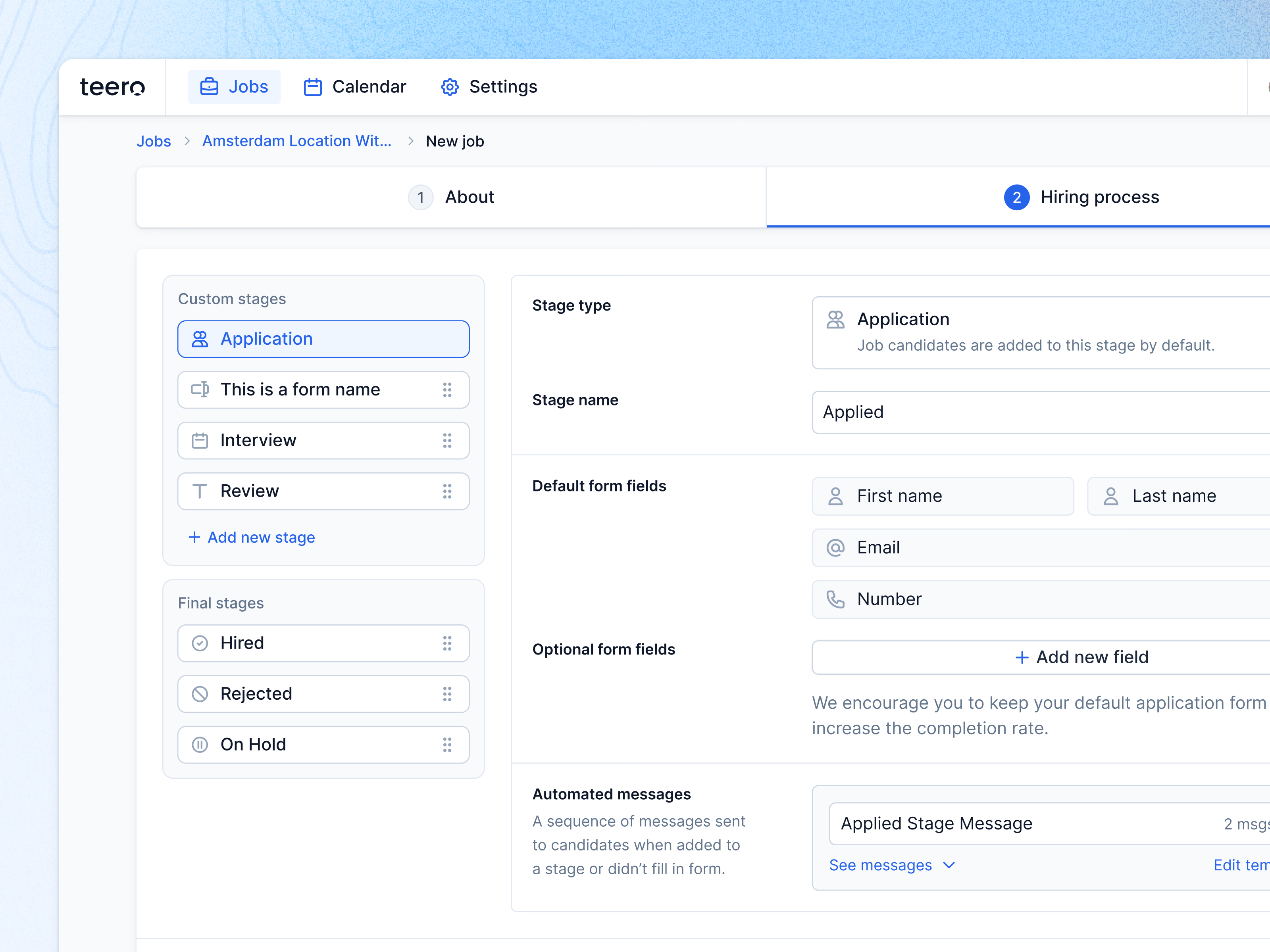
Step two of creating a job in Teero: the hiring process.
On the left are the stages candidates move through. Custom stages (Application, a form stage, Interview, Review) can be reordered by their handles, and Add new stage extends the list; final stages (Hired, Rejected, On Hold) sit in their own group below.
Selecting a stage opens its settings on the right. For Application that means the stage name, the default form fields, optional fields, and the automated messages sent when a candidate lands in the stage or doesn’t fill in the form. A short note encourages keeping the default form short to raise completion.
Got something real to build?
Tell me what you’re building and let’s see if we’re a good fit.