Newbook - Dashboard Customise — Dashboard widget customization for Newbook
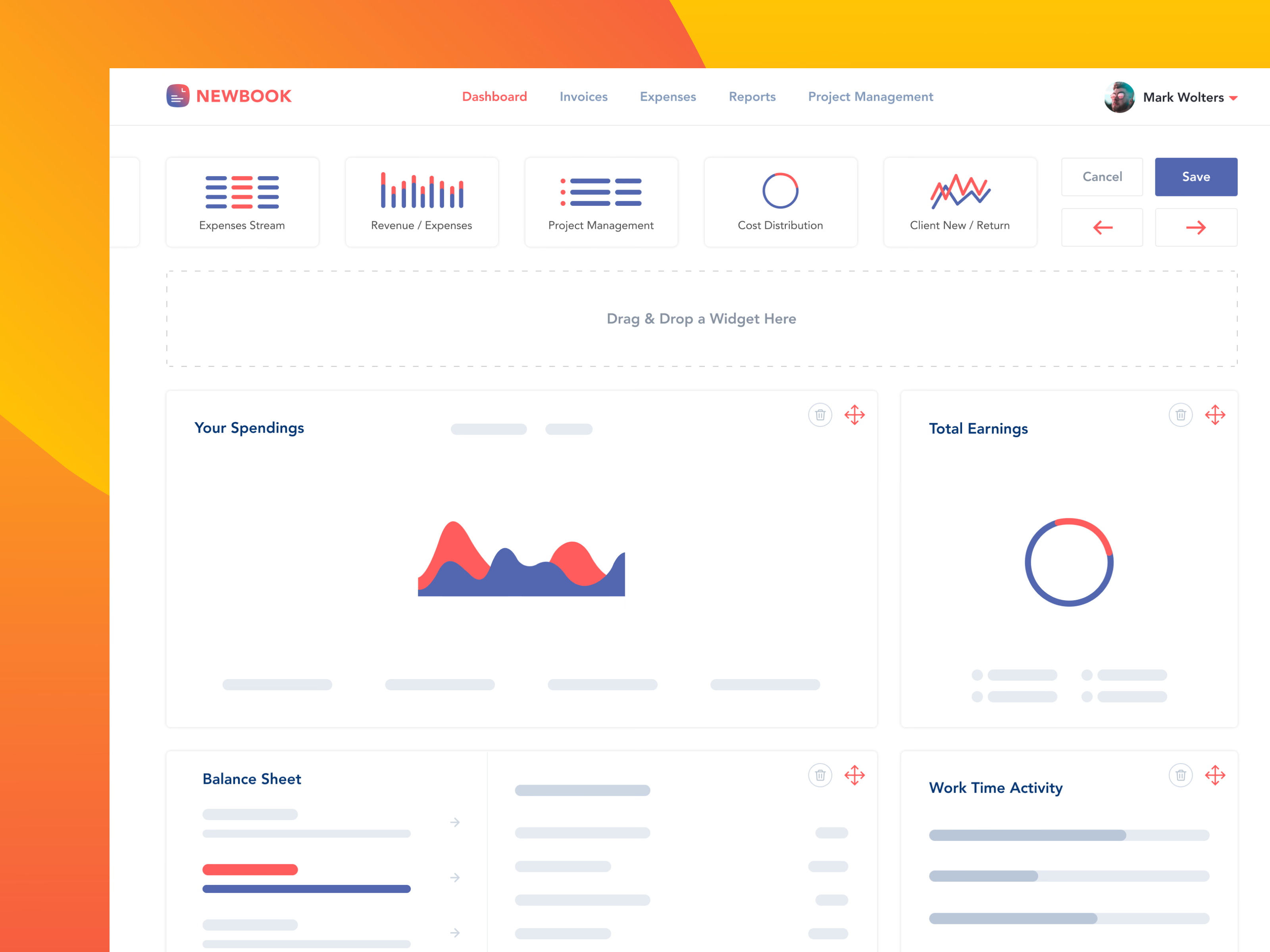
Customizing the dashboard in Newbook. You arrange, add and remove widgets to suit your type of work and process, with a basic drag and drop.
What changes is the level of detail. You don’t need the full data while rearranging, so each widget turns into a high-level sketch of itself: its title, the shape of its chart, placeholder lines, and handles to delete or move it. New widgets come from a tray at the top (expense stream, revenue and expenses, project management, cost distribution, new and returning clients) and drop into a marked area. Cancel and Save sit beside the tray.
Got something real to build?
Tell me what you’re building and let’s see if we’re a good fit.