Onboarding checklist — Gusto connected app settings page for Complicore
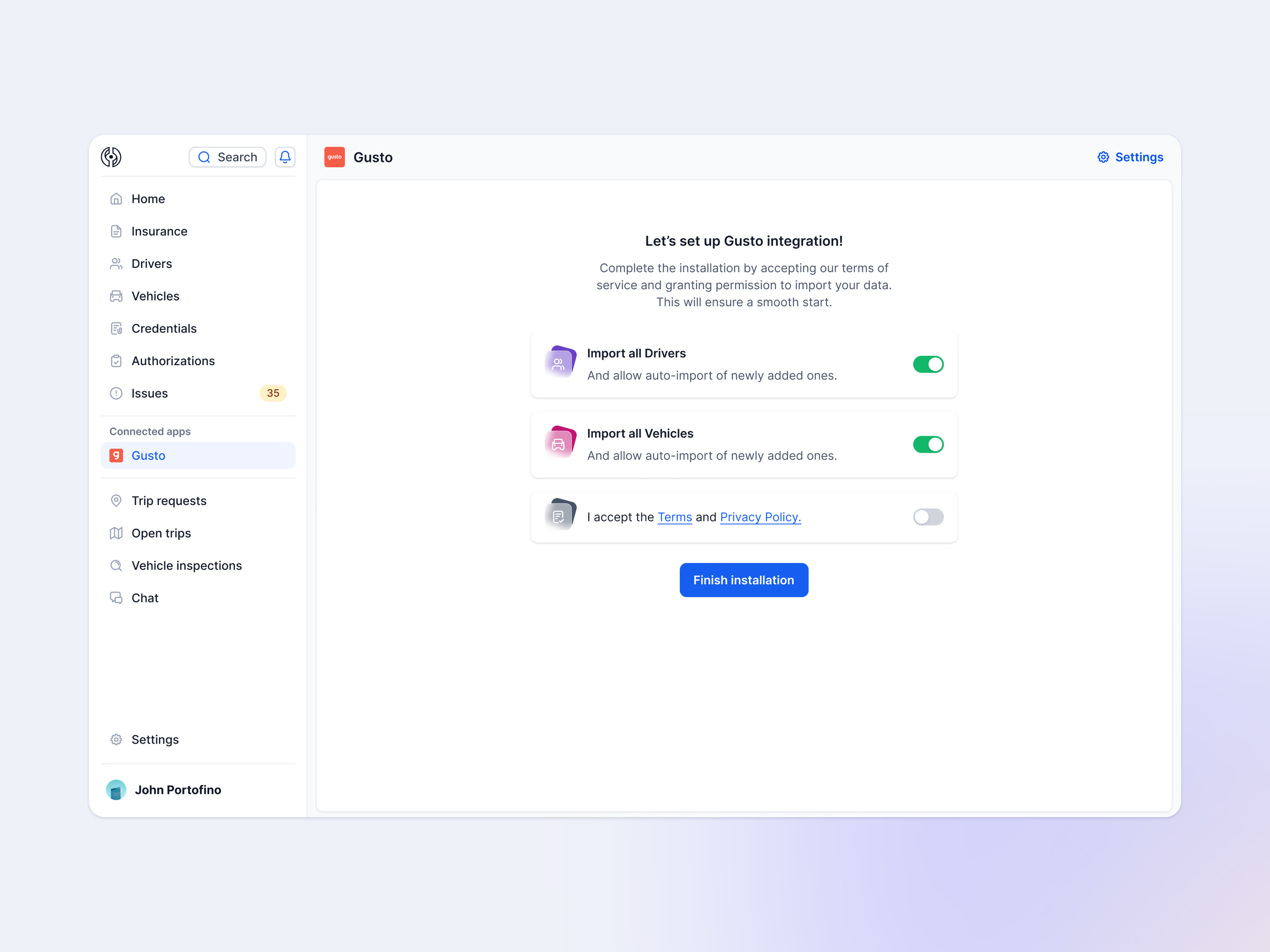
Setting up the Gusto integration from inside Complicore, where Gusto now appears under Connected apps in the sidebar.
The page asks for three things before installing: import all drivers, import all vehicles, and accept the terms and privacy policy. Each sits on its own card with a toggle, and both imports start switched on, with auto-import for anyone or anything added later. One Finish installation button closes it.
The sidebar shows the rest of the product: insurance, drivers, vehicles, credentials, authorizations, issues, trips, vehicle inspections and chat.
Got something real to build?
Tell me what you’re building and let’s see if we’re a good fit.