Pick a time — Interview scheduling page for Teero candidates
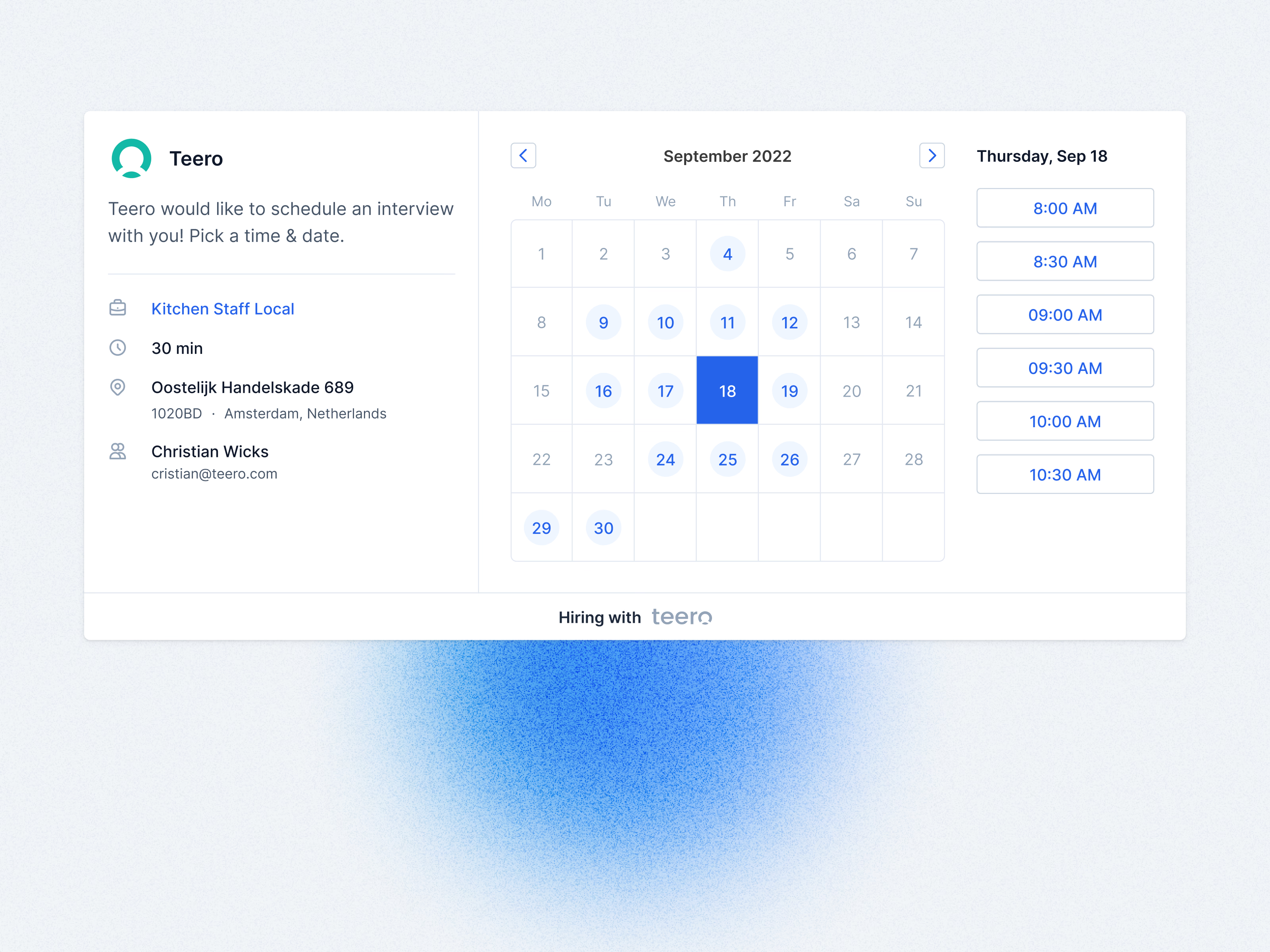
Teero’s interview booking page on desktop. A candidate opens the link, sees who wants to meet and why, and picks a time.
The left column holds the invitation and the facts: the job, a 30-minute length, the address, and the interviewer’s name and email. The calendar marks days with free slots in blue. Picking a day lists its times in the column on the right, so the whole decision happens on one screen, without extra steps.
Got something real to build?
Tell me what you’re building and let’s see if we’re a good fit.