Rejection reasons — Candidate rejection reasons menu in Teero
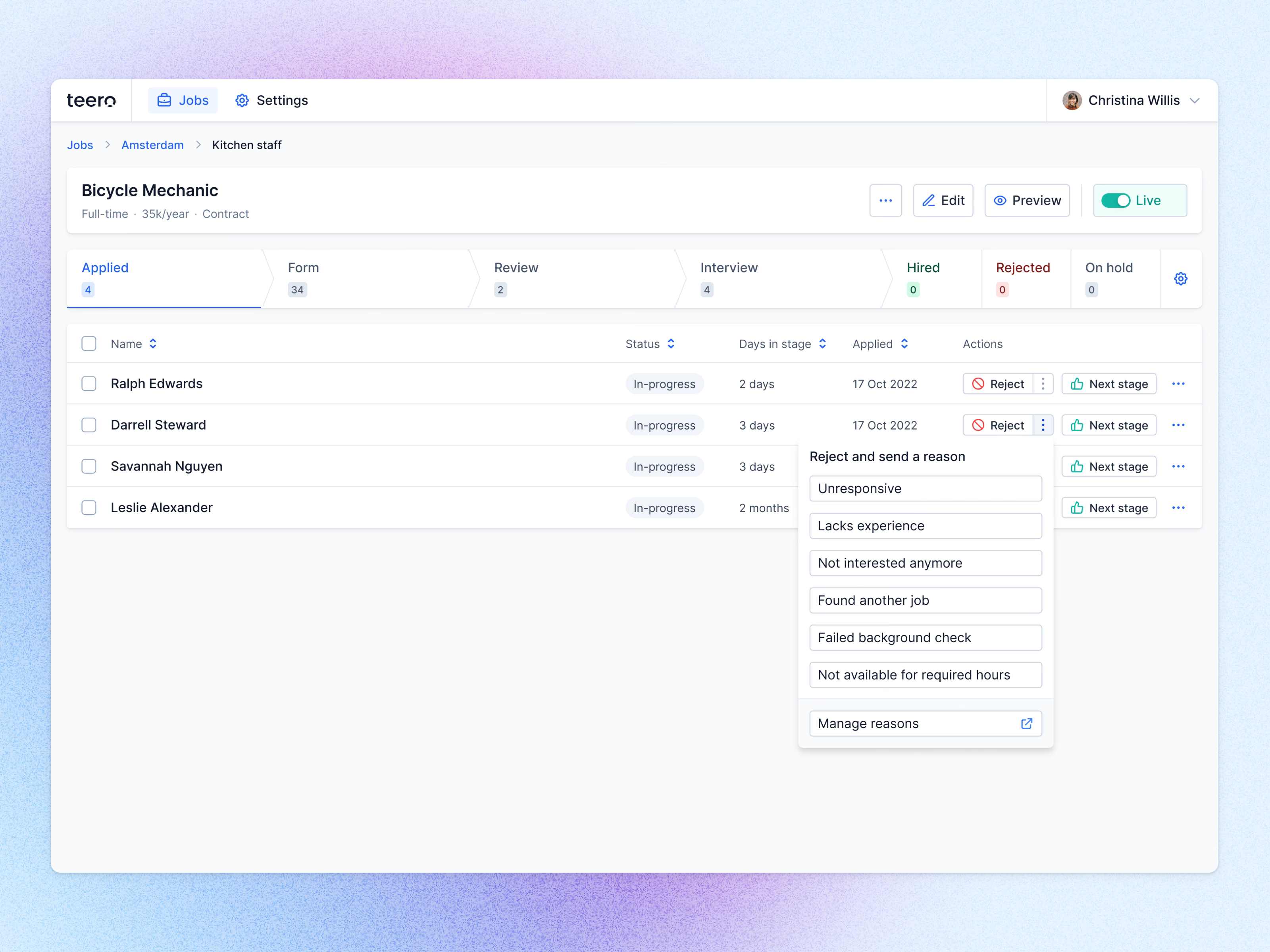
Rejecting a candidate with a reason in Teero.
The job page lists the applicants in a stage with how long each has been there, and every row offers two direct actions: Reject and Next stage. Reject has a small menu attached for rejecting with a reason. It opens a short list of common ones (unresponsive, lacks experience, found another job, failed background check, not available for required hours), and Manage reasons at the bottom leads to where a team edits that list.
Across the top, the pipeline shows each stage of the job with its candidate count.
Got something real to build?
Tell me what you’re building and let’s see if we’re a good fit.