Salesforce search (2) — Search results states for a Salesforce add-on
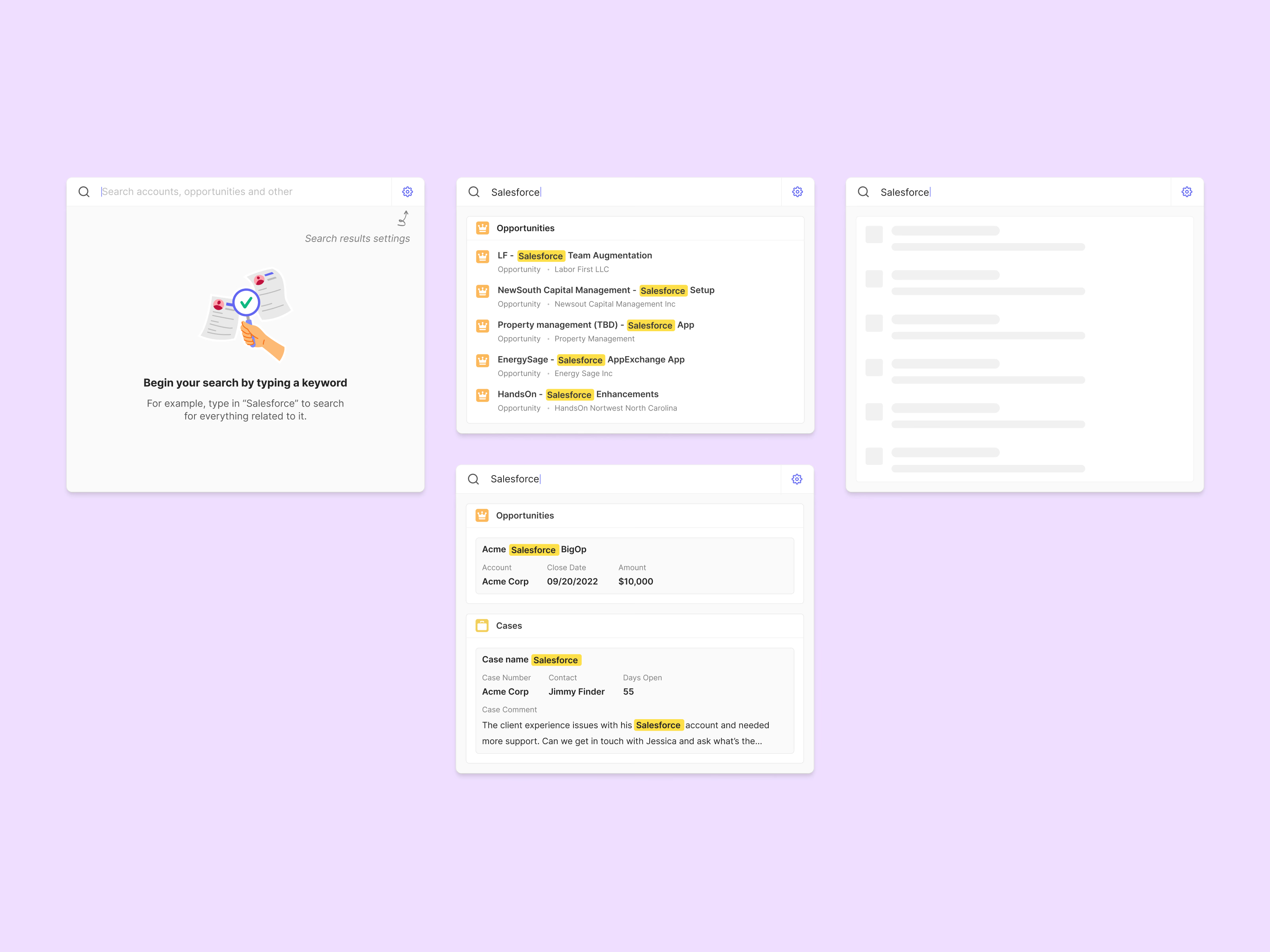
Search results for a Salesforce add-on, from the empty state to the full answer.
The empty panel shows a small illustration and an example keyword so it’s clear what to do, with a pointer to the search results settings. While results load, gray skeleton rows keep the panel’s shape. Results come grouped by record type. A compact version lists opportunities with their account underneath; a detailed one turns each match into a card with its key fields, such as account, close date and amount, or a case’s contact and days open. Every match of the keyword is highlighted.
Got something real to build?
Tell me what you’re building and let’s see if we’re a good fit.