Slash command block menu in ShoSho's editor
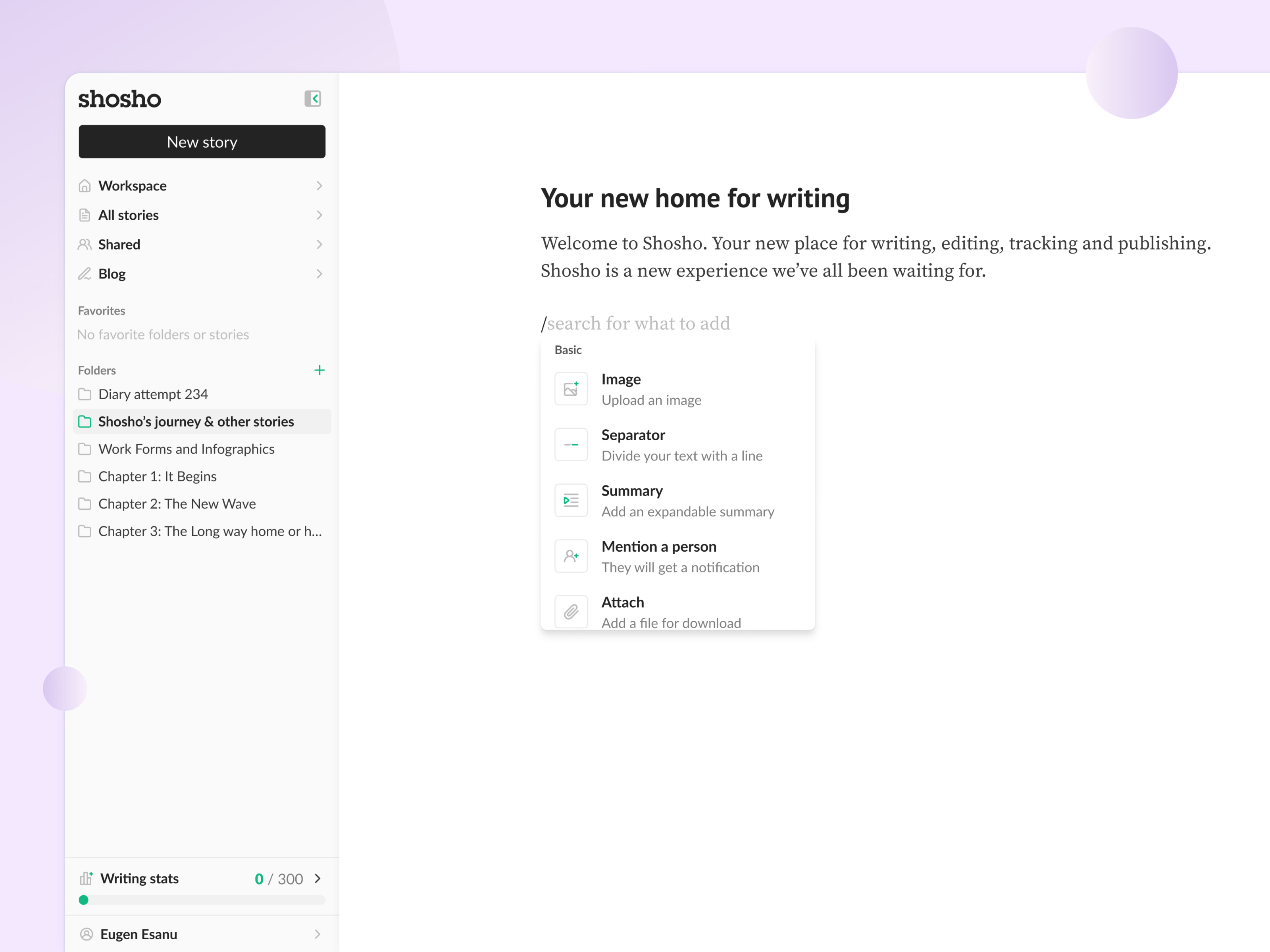
Typing a forward slash on an empty line in ShoSho’s editor opens a menu of blocks to insert.
The line itself becomes a search field, with placeholder text that reads search for what to add. Each option pairs an icon with a name and a one-line description: Image to upload an image, Separator to divide text with a line, Summary for an expandable summary, Mention a person who then gets a notification, and Attach to add a file for download. The basic blocks are grouped under their own label.
Got something real to build?
Tell me what you’re building and let’s see if we’re a good fit.