Table of contents expanded — Expanded table of contents panel in ShoSho's editor
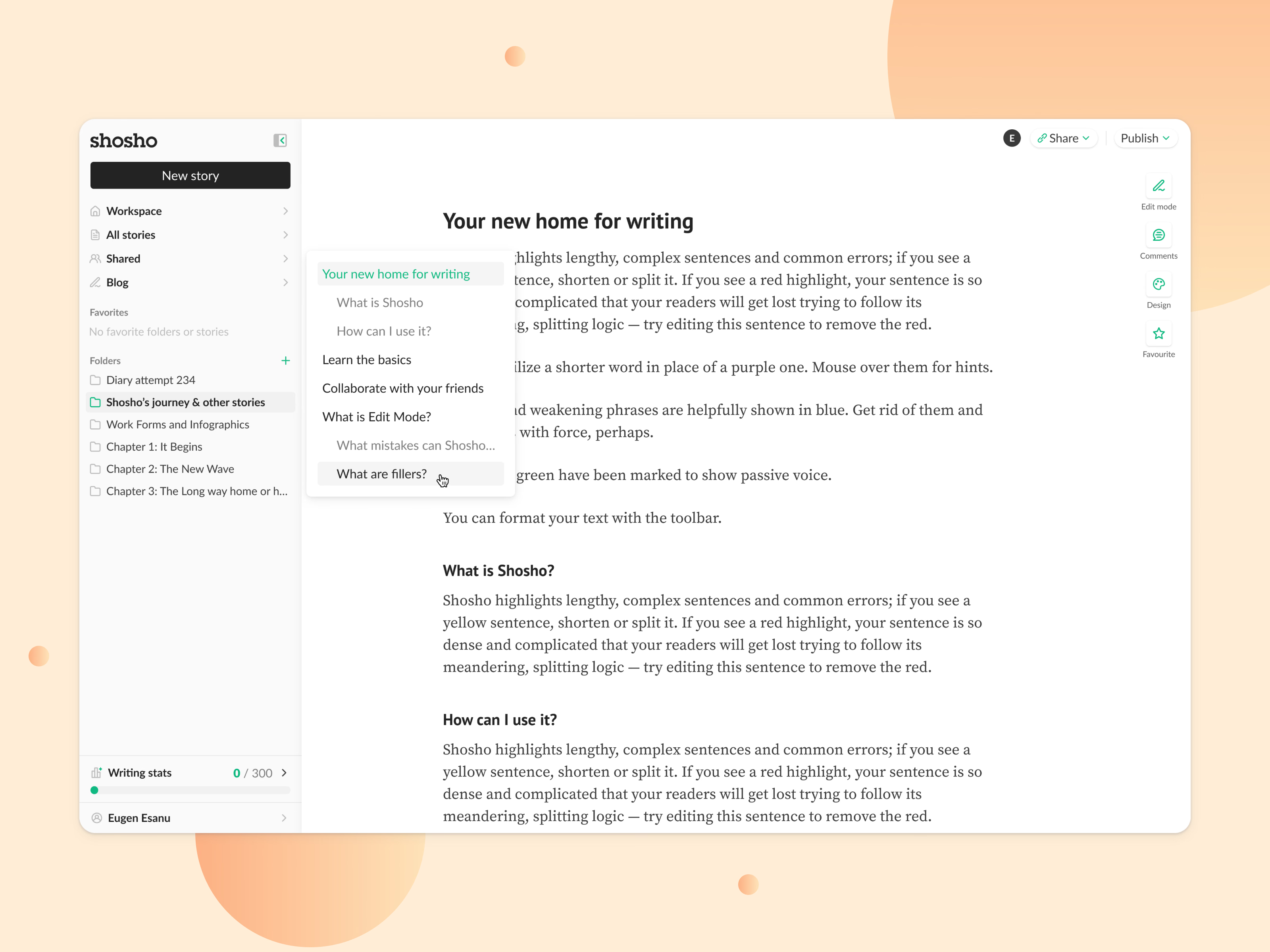
Opened over a long story, the table of contents in ShoSho’s editor becomes a panel that lists every heading: top-level headings in dark text, subheadings indented and in gray, the current section in green. It sits in the left margin, right next to the text it maps.
Around it, the rest of the editor stays in place: the sidebar with folders and the daily writing stats, Share and Publish at the top, and the side actions on the right for Edit mode, comments, design and favorites.
Got something real to build?
Tell me what you’re building and let’s see if we’re a good fit.