Adding contacts to hierarchy map — Stakeholder map contact preview with bio in Lantern
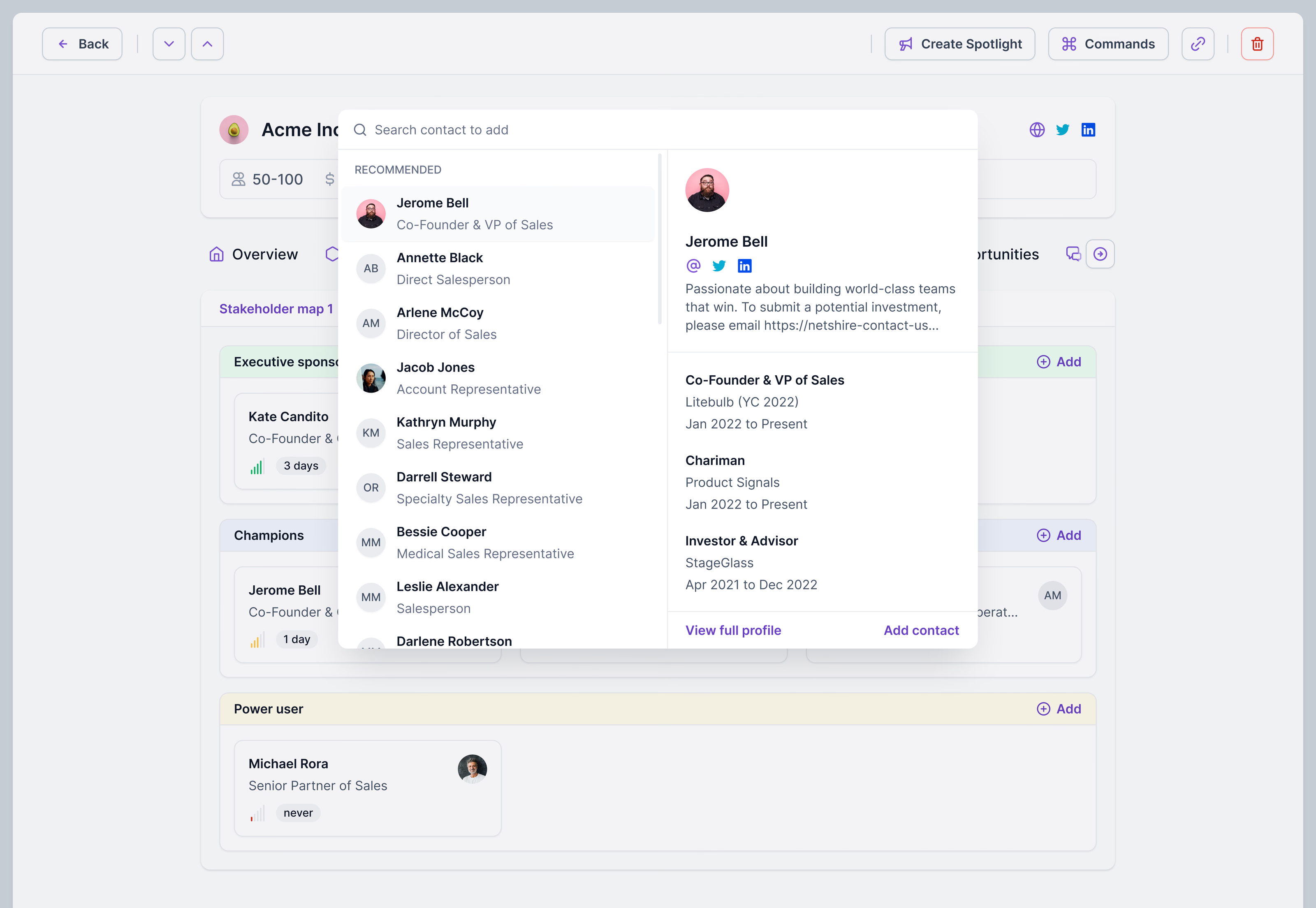
Picking who to add to an account’s stakeholder map in Lantern. The search panel opens over the map with recommended people first, each with their title, and the highlighted one gets a preview on the right: a short bio, social links and work history.
From the preview you can add the contact or open their full profile, so it’s easy to check you have the right person before they land in a group. Behind the panel, the map sorts people into executive sponsor, champions and power user.
Got something real to build?
Tell me what you’re building and let’s see if we’re a good fit.