Availability Schedule — Interview availability schedule settings in Teero
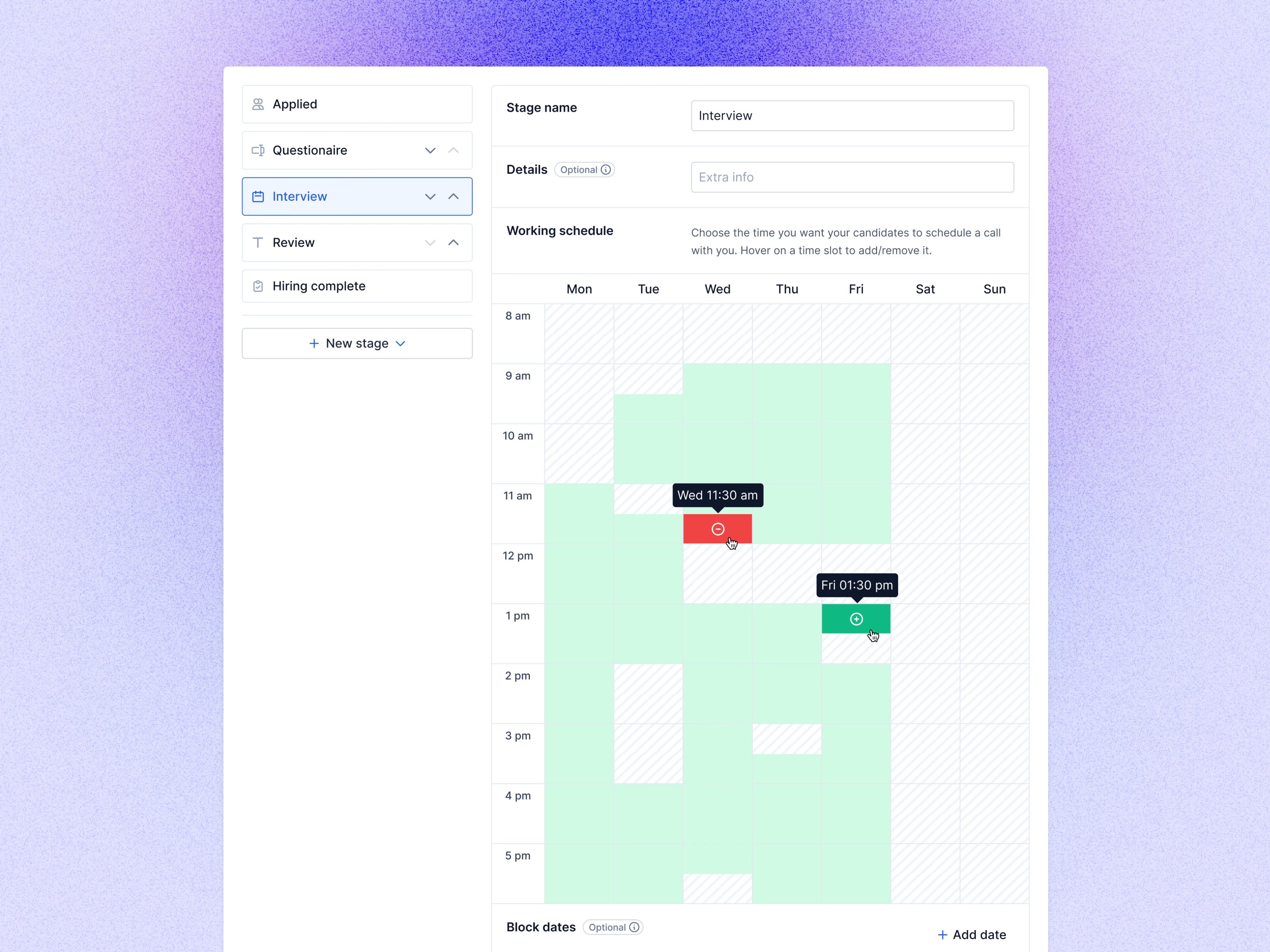
The working schedule for an interview stage in Teero, where a recruiter sets the times candidates can book a call.
The list of stages stays on the left with Interview selected. On the right, the stage gets a name and optional details, then a week grid from 8 am to 5 pm. Green blocks are open. Hovering a slot shows its day and time with a red minus to remove it or a green plus to add it, so availability gets painted straight onto the week. Block dates, further down, can rule out specific days.
Got something real to build?
Tell me what you’re building and let’s see if we’re a good fit.