Candidate status (2) — Candidate form request status timeline in Teero
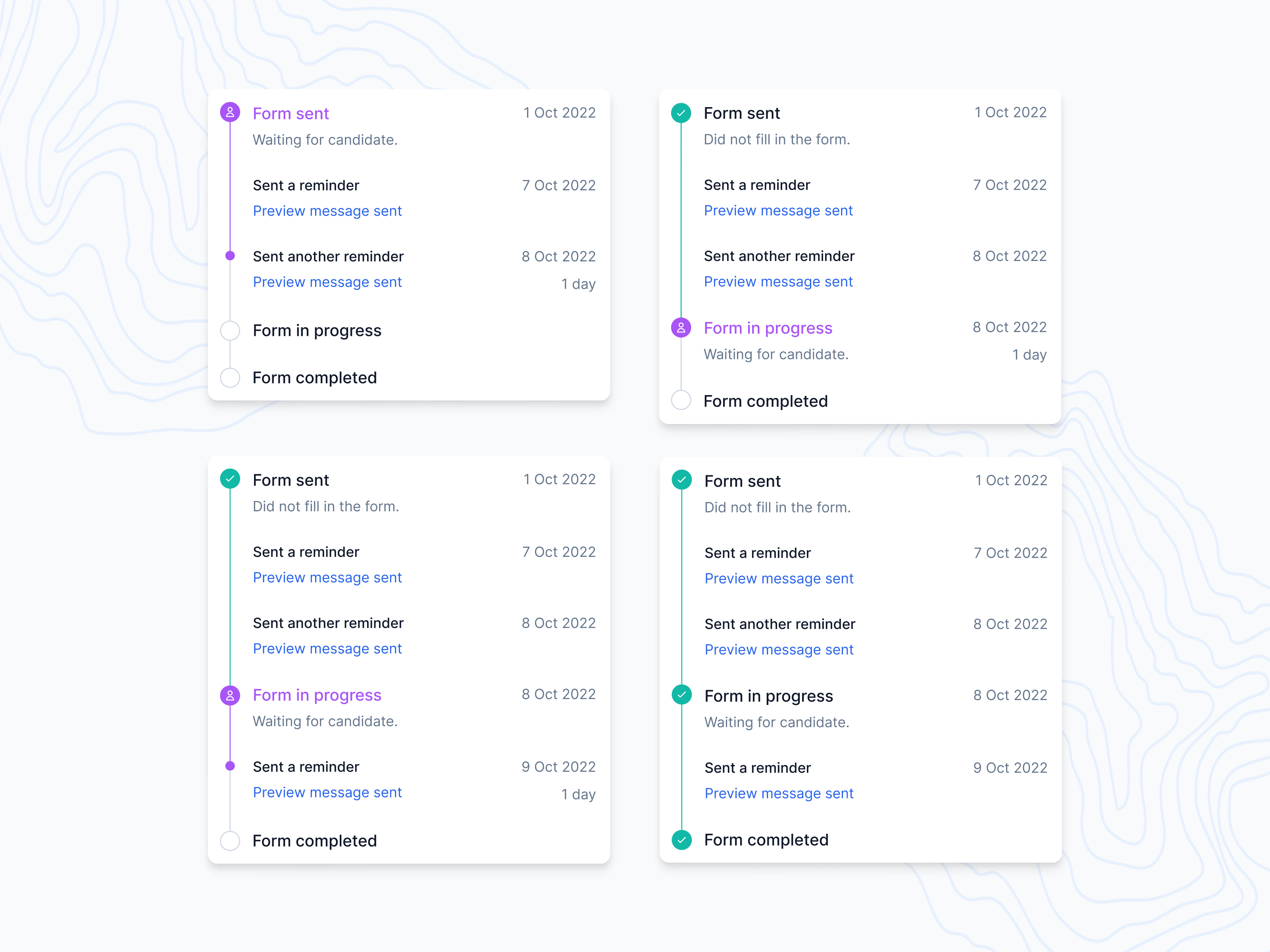
Four states of a form request on a candidate’s timeline in Teero, from Form sent to Form completed.
Each automated reminder gets its own line with a date and a Preview message sent link, so a recruiter can check exactly what the candidate received and when. The current step is purple and says it’s waiting for the candidate, with a count of days. A sent step that got no reply says so: Did not fill in the form.
Once the candidate starts, the step moves to Form in progress, reminders can continue under it, and the line turns fully green when the form is completed.
Got something real to build?
Tell me what you’re building and let’s see if we’re a good fit.