Condition settings (trigger creation) — Workflow trigger condition settings in Lantern
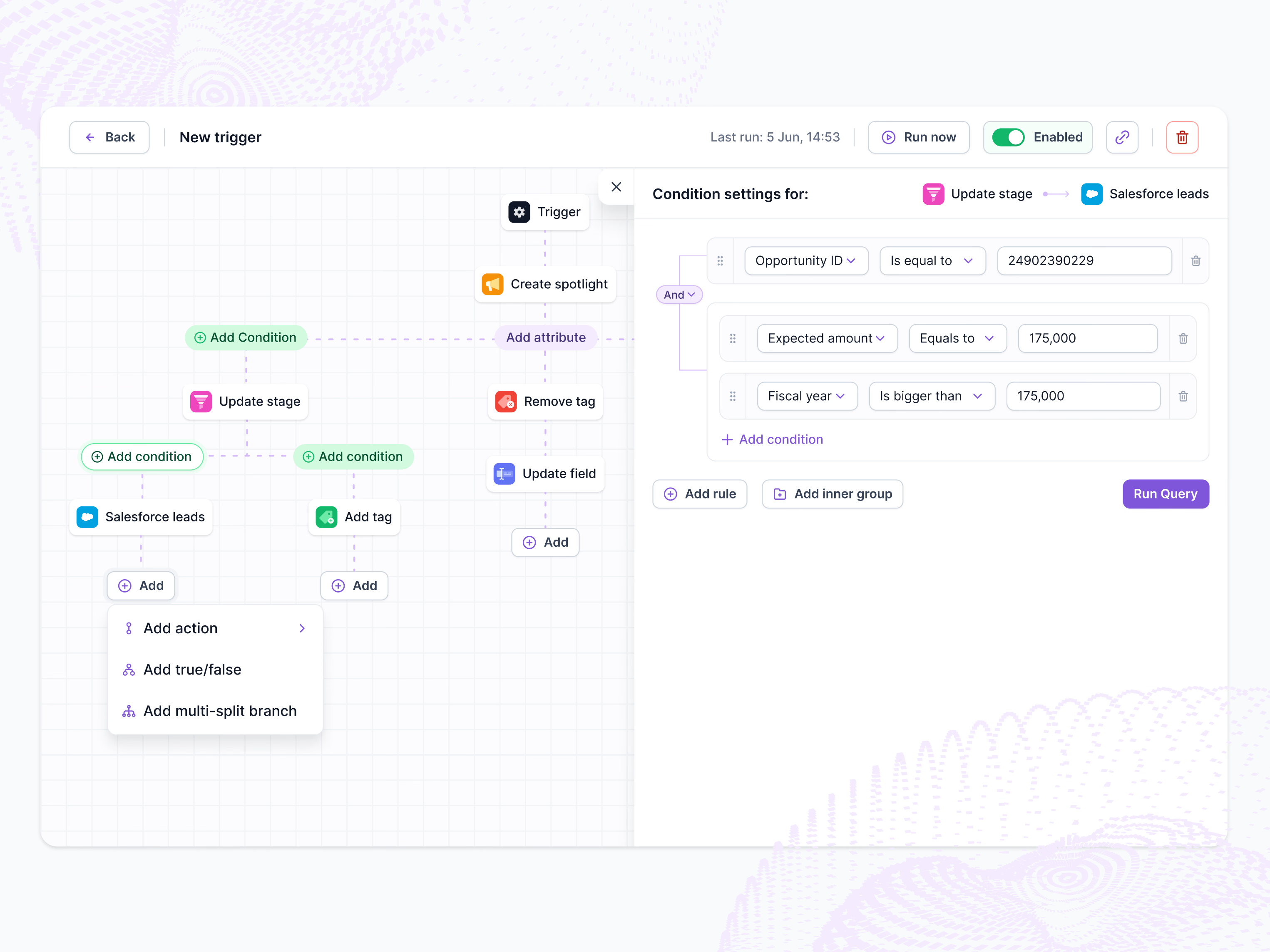
Condition settings in Lantern’s workflow builder, while creating a new trigger.
The canvas branches from the trigger into separate paths, with steps like update stage, Salesforce leads, add tag and update field, and conditions shown as green pills. Selecting a condition opens its settings on the right, labeled with the two steps it connects. Rules read like a sentence: field, operator, value. They nest into And groups, reorder by their handles and run as a query to test them. The header shows the last run, Run now and an Enabled toggle.
Got something real to build?
Tell me what you’re building and let’s see if we’re a good fit.