Data Segmentation — Report builder data segmentation step in Datamind
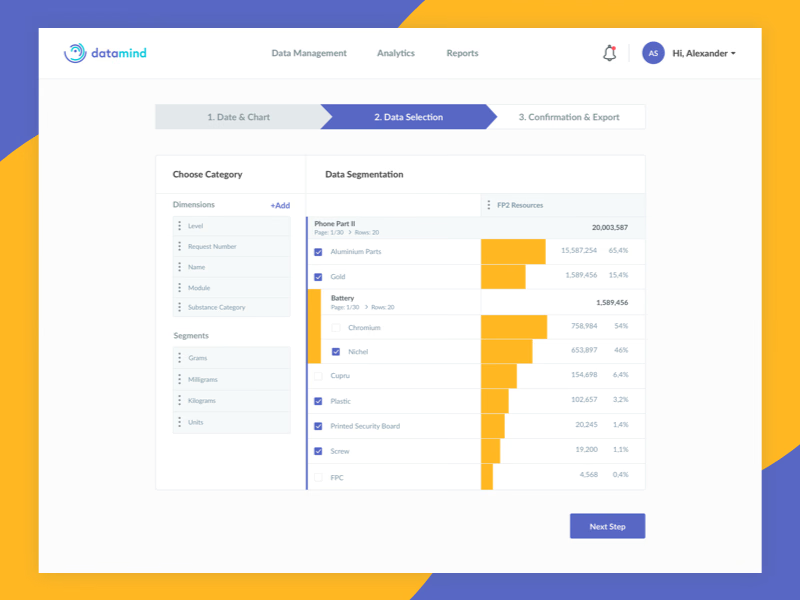
Step two of Datamind’s report builder, where you decide which slice of the data goes into a report.
The left column holds the building blocks: dimensions such as Level, Name, Module and Substance Category, and segments in grams, milligrams, kilograms or units. On the right, the data breaks down row by row, each with a yellow bar, a value and its share of the total. Groups like Battery open in place, so you can go a level deeper and choose the parts inside.
Checkboxes mark what’s included, and a stepper across the top shows what comes next: Confirmation & Export.
Got something real to build?
Tell me what you’re building and let’s see if we’re a good fit.