Edit Mode — Color-coded writing edit mode in ShoSho
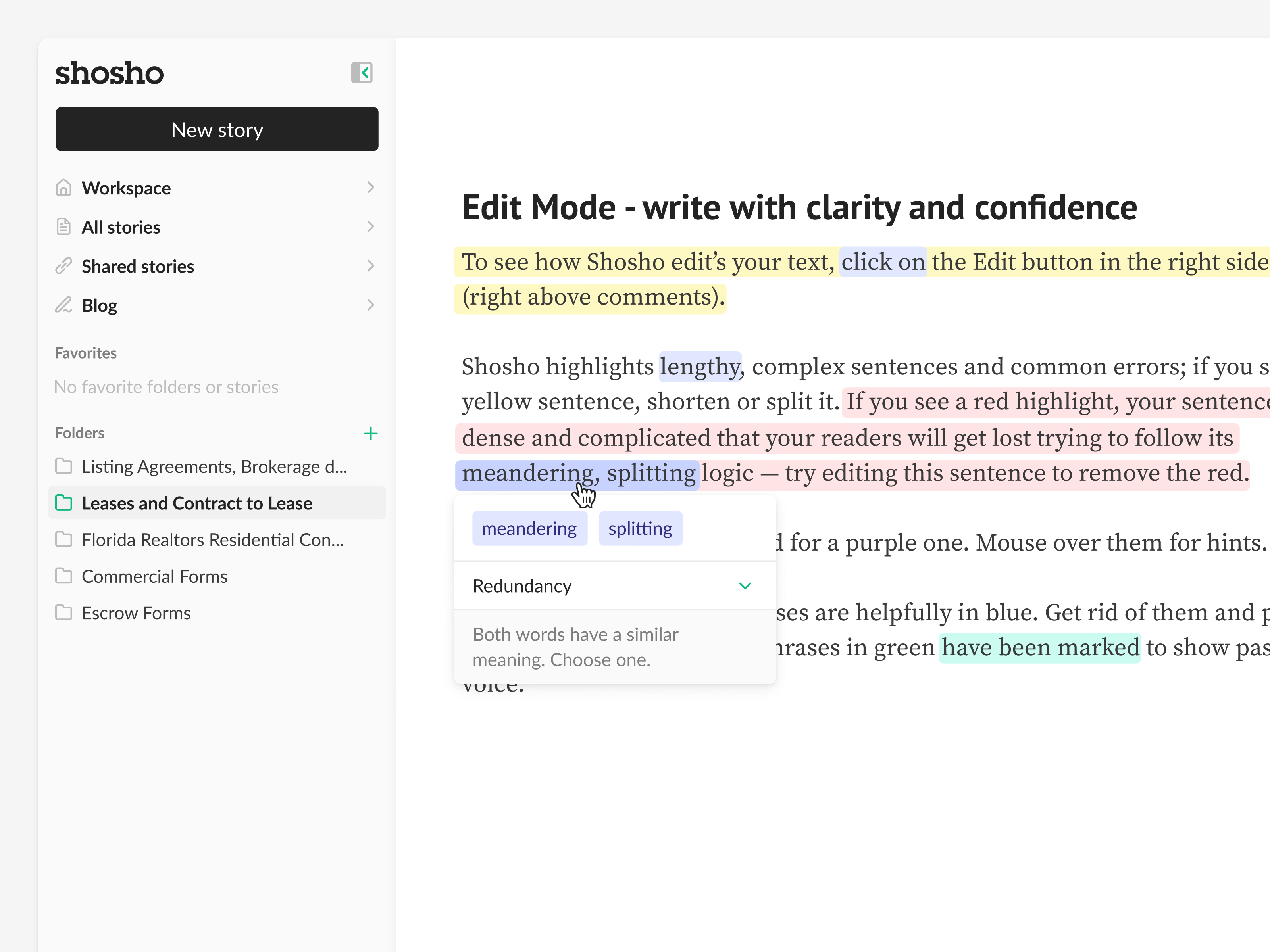
Edit mode in ShoSho marks up a draft so the writer can see where it gets hard to follow.
Yellow means a sentence should be shortened or split, red means it’s so dense readers will get lost, purple suggests a shorter word, blue catches weakening phrases and green marks passive voice. Hovering a highlight opens a small card with the fix. Here it flags “meandering, splitting” as redundancy, explains that both words mean much the same, and asks the writer to pick one. The sample story describes the color system in its own text, so it teaches the feature as you read.
Got something real to build?
Tell me what you’re building and let’s see if we’re a good fit.