Filter Edit — Custom prospecting filter editor in Apollo settings
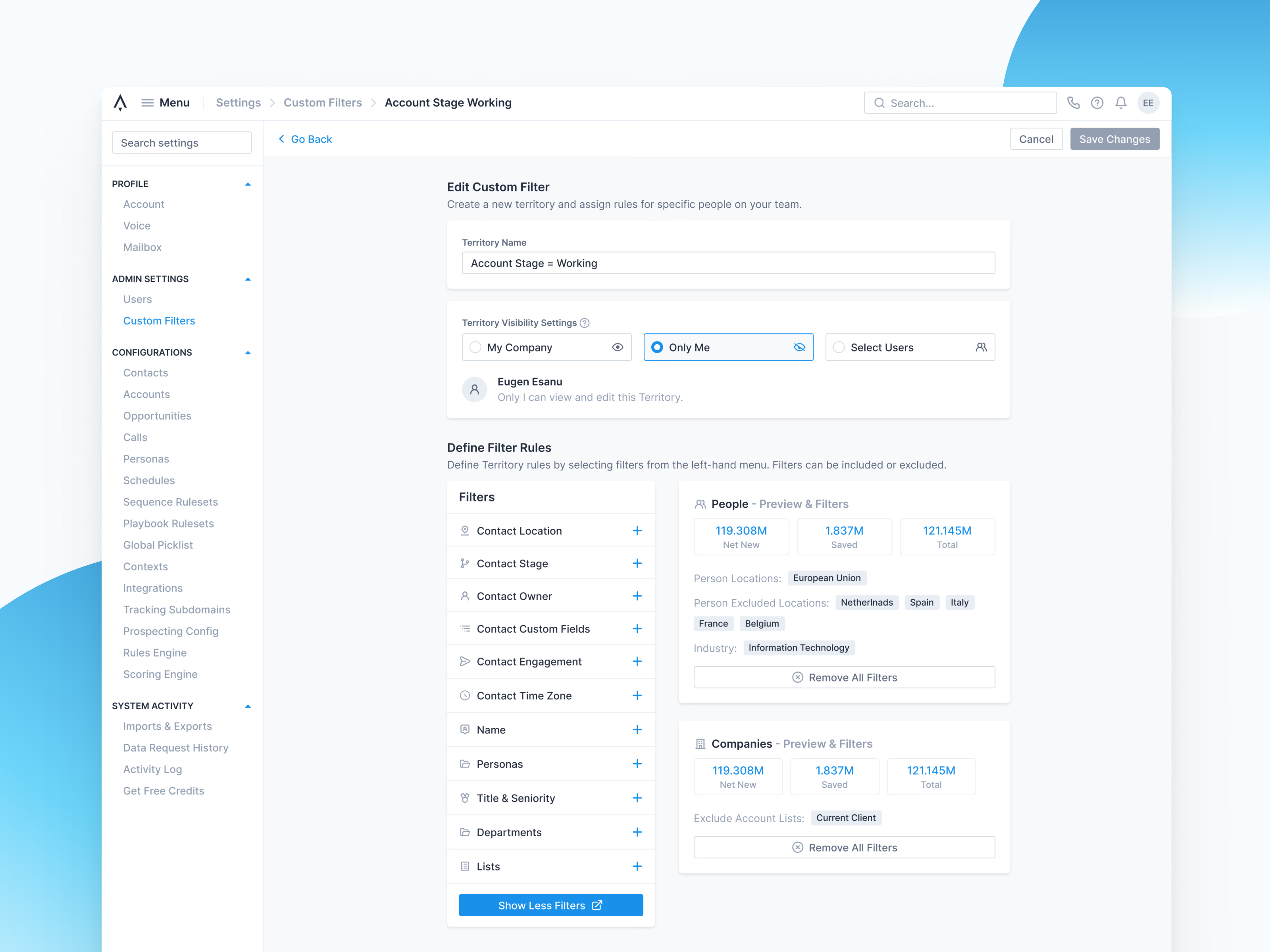
Editing a custom filter in Apollo’s settings. The filter decides what a team can prospect, so the page asks for a name, who can see it (my company, only me or selected users) and the rules.
Rules sit beside previews of the people and companies still in reach, since a bad rule affects everyone. Net new, saved and total counts show how many, and applied filters appear as tags, so one that cuts too deep is easy to spot.
Got something real to build?
Tell me what you’re building and let’s see if we’re a good fit.