Apollo.io
Growth experiments for a sales platform: onboarding, search, sequences and upgrades. Activation up 15.7%.
Overview
Apollo.io is a sales platform: a database of people and companies to search, sequences of emails, calls and LinkedIn steps to reach them, and a Chrome extension that brings both onto LinkedIn.
I joined as the team’s second designer and worked on growth with Krishan Patel, then Head of Growth and later VP of Product. Sequences were my first project; then came onboarding and the path to a first search, empty states, upgrade prompts and the LinkedIn extension.
The problem
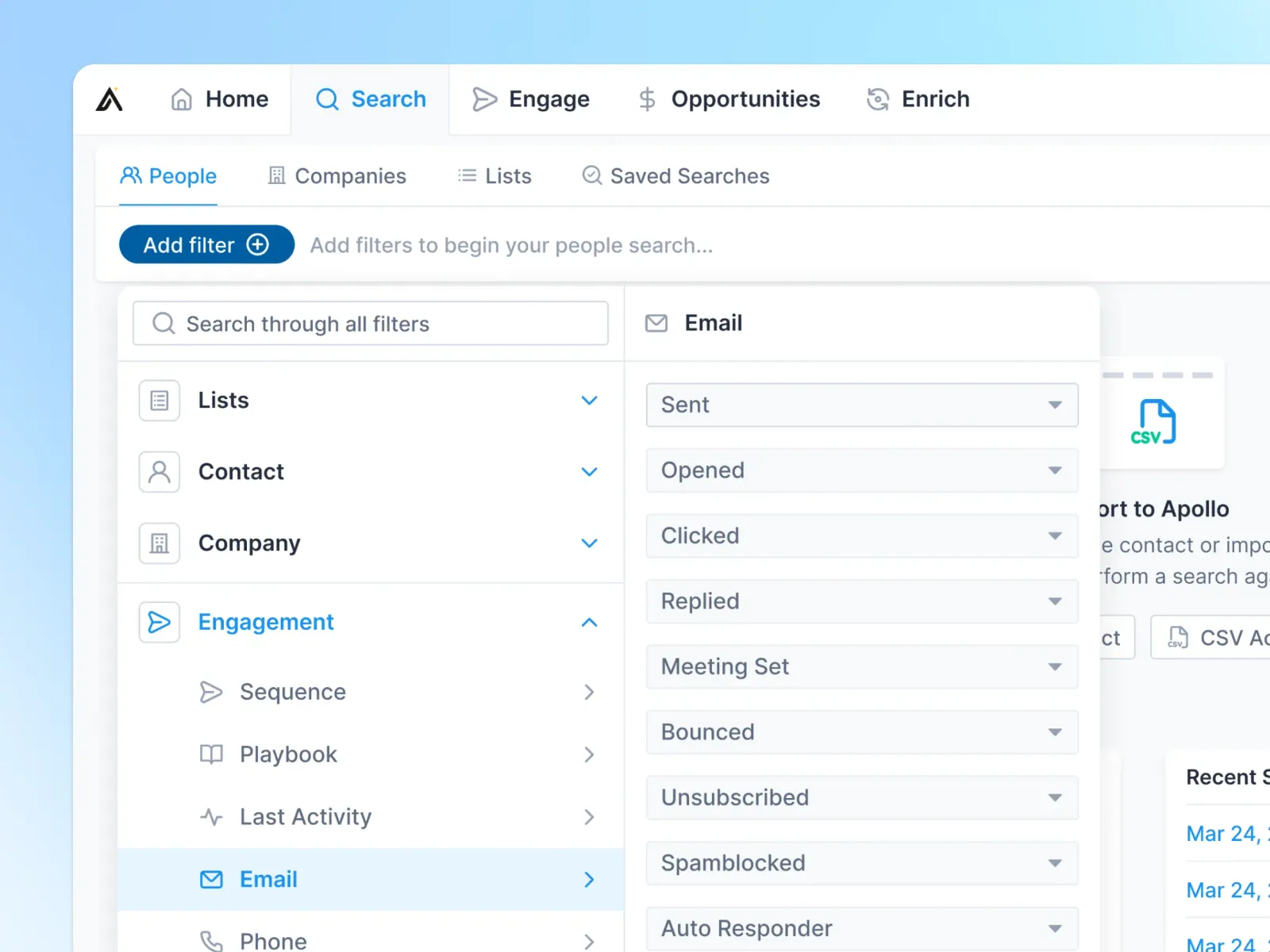
Apollo only clicks once a new user applies filters and sees people worth contacting. The growth question was how to get more sign-ups to that first result, and more free users to upgrade when they hit a limit.
How I approached it
One experiment at a time, with Krishan Patel. The empty search started pointing at the filters, with saved and recent searches waiting in its place. Onboarding got shorter, asking one question before a short checklist, and upgrade prompts appeared the moment a plan ran out, their wording built as A/B tests.
What was hard
Users were hard to reach: when Apollo offered $50 for an interview, about six or seven people out of a thousand replied. So most of what we learned came from tests in the product, not from interviews.
The result
Sign-up to activation rose 15.7%. Before I left, I helped hire Max Burlak, who took over my role and went on to lead design at Apollo.
Results
- Sign-up to activation
- +15.7%
- More new users reached their first filters and first results.
- Product areas
- 5
- Search and filters, onboarding, sequences, upgrade prompts and the LinkedIn extension.
- Lead designer hired
- 1
- Max Burlak, who took over my role and went on to lead design.
From sign-up to first result to upgrade
Most of the work sat between sign-up and a paid plan: what a new user sees before their first filter, what an empty page says, and what appears when a free plan runs out. Around it sat the tools reps use every day, from sequences to the LinkedIn extension.
Scope
- Search and filters
- Onboarding and empty states
- Upgrade prompts and limited plans
- Sequences: reports, builder and follow-ups
- LinkedIn extension: task automation
- Contact pages, settings and calling