Hiring stages - Schedule — Interview scheduling stage setup in Teero hiring
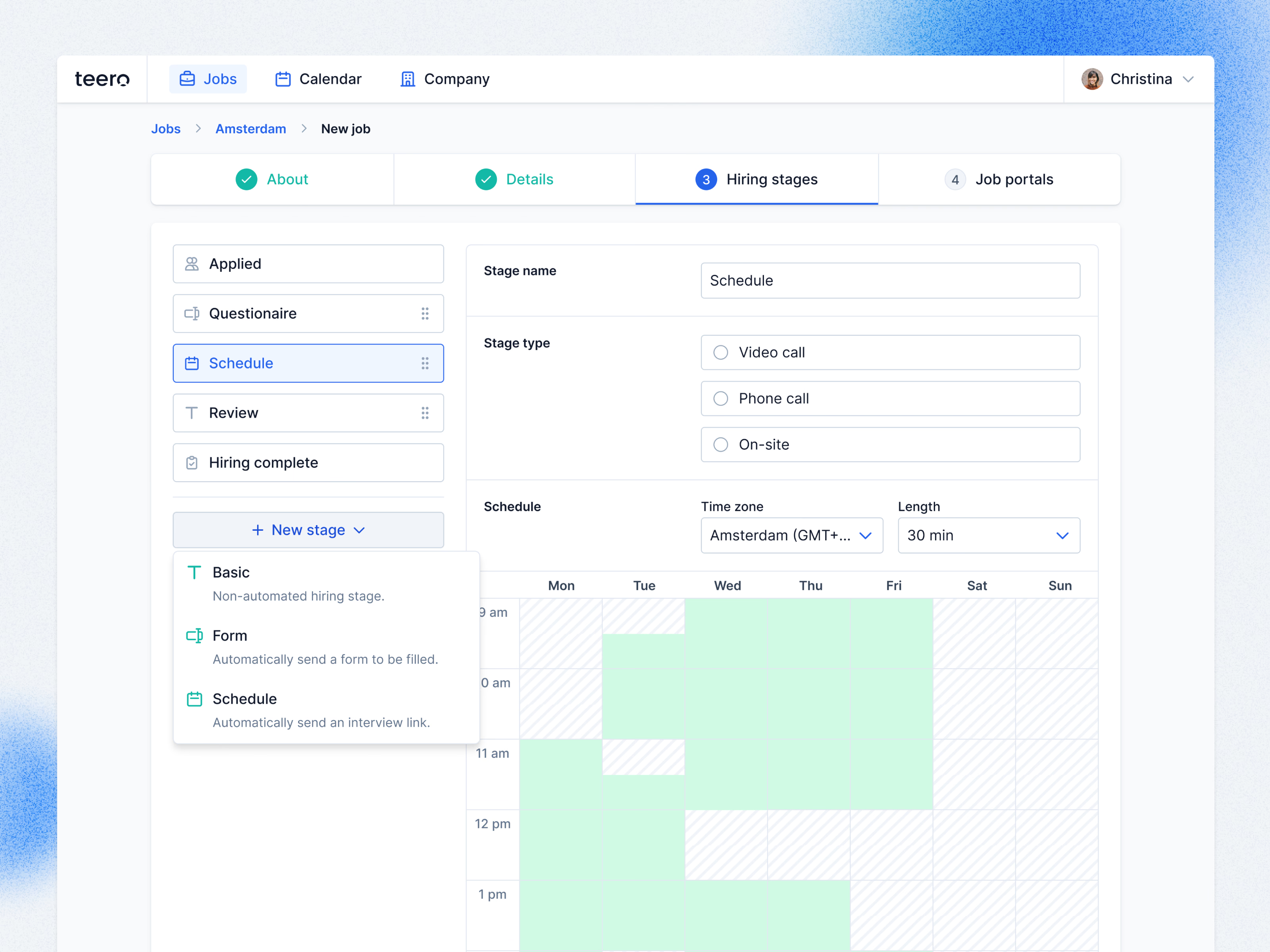
Setting up a Schedule stage while creating a job in Teero.
Stages run down the left, from Applied through a questionnaire, Schedule and Review to Hiring complete, with handles for dragging them into order. New stage offers three types, each with a one-line explanation: Basic for a manual stage, Form to send a form automatically, and Schedule to send an interview link. Choosing Schedule opens its settings on the right: video call, phone or on-site, the time zone, the meeting length, and a weekly grid where green blocks mark the hours candidates can book.
Got something real to build?
Tell me what you’re building and let’s see if we’re a good fit.