Meeting confirmed components — Interview booking confirmation states in Teero
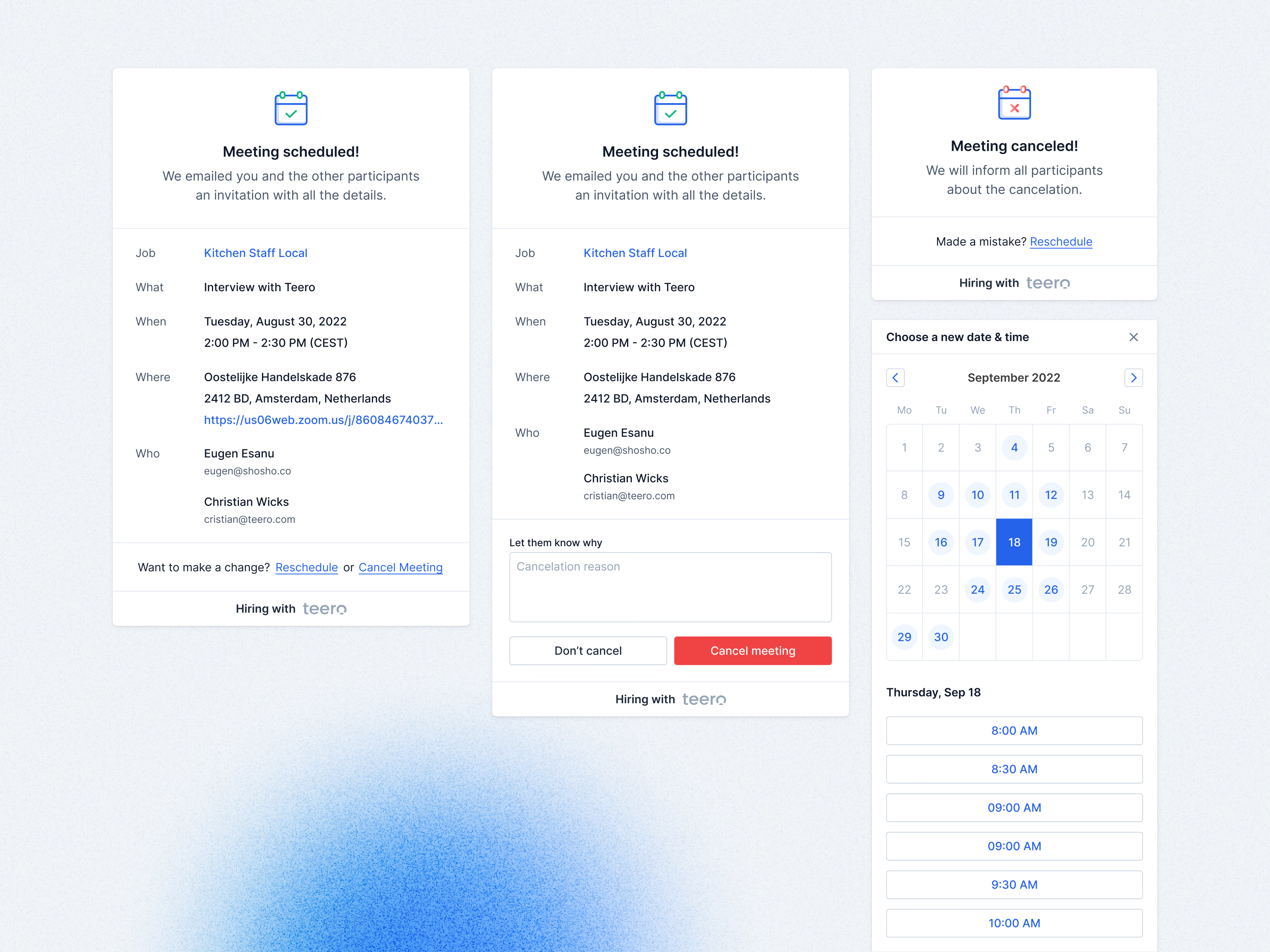
What a candidate sees after booking an interview through Teero, in each of its states.
The first card confirms the meeting and spells out the job, what it is, when, where (with the video link) and who will be there, with links to reschedule or cancel underneath. Canceling asks the candidate to let the team know why, with Don’t cancel next to a red Cancel meeting button. Once canceled, a short card offers a way back (“Made a mistake? Reschedule”) that opens the date and time picker again.
Got something real to build?
Tell me what you’re building and let’s see if we’re a good fit.