Integration screen — Gusto app install screen for Complicore integrations
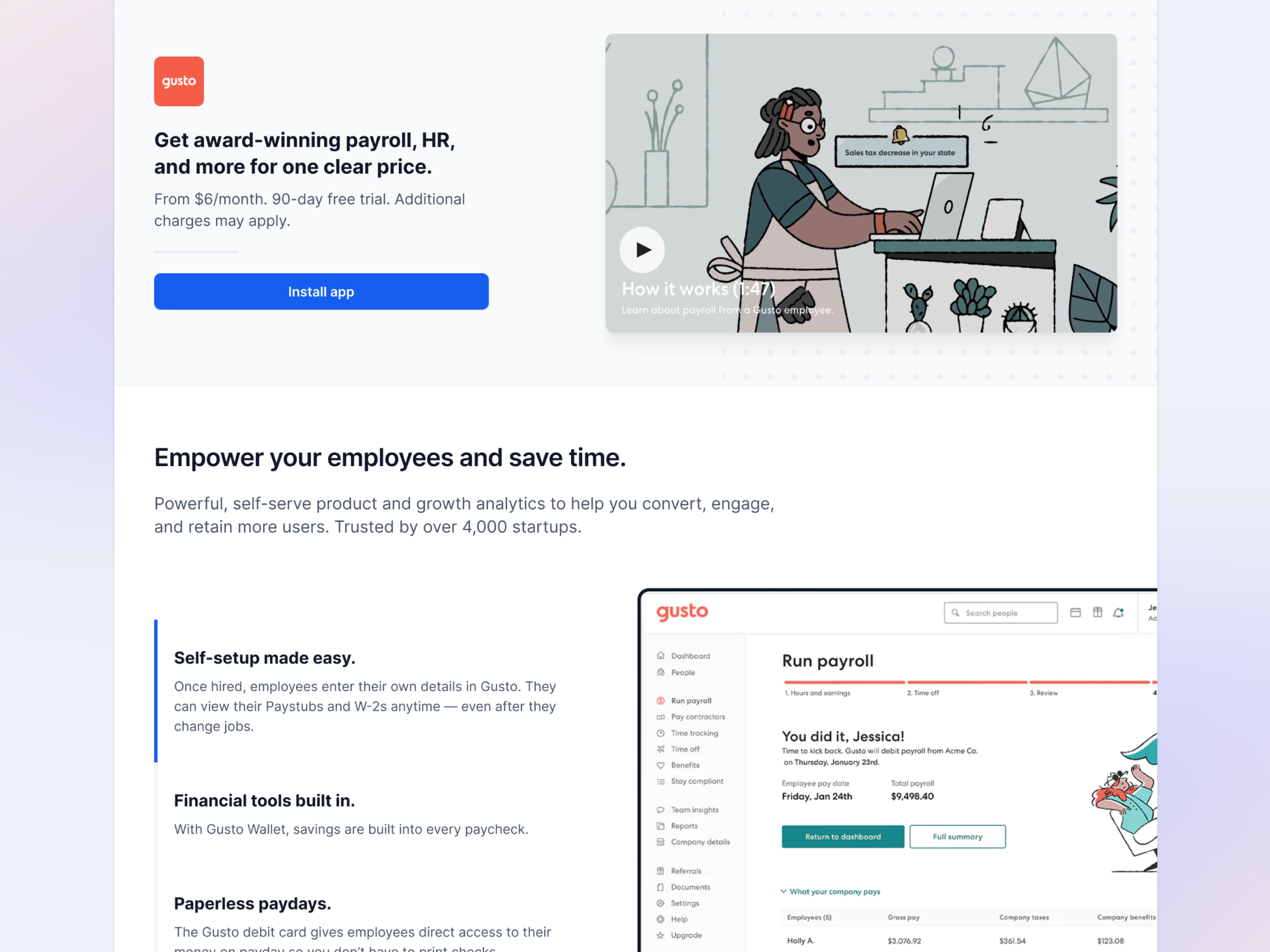
The top of the Gusto integration page, before anything is installed. Gusto’s logo, a one-line pitch and the starting price sit on the left over a single blue Install app button, with a how-it-works video on the right.
Further down, three benefits (self-setup, built-in financial tools and paperless paydays) stack in a column, a blue rule marking the first, beside a screenshot of Gusto’s own payroll screen. People see what they’re connecting before they connect it.
Got something real to build?
Tell me what you’re building and let’s see if we’re a good fit.