Invite team members — Team member roles and invites table for Lantern
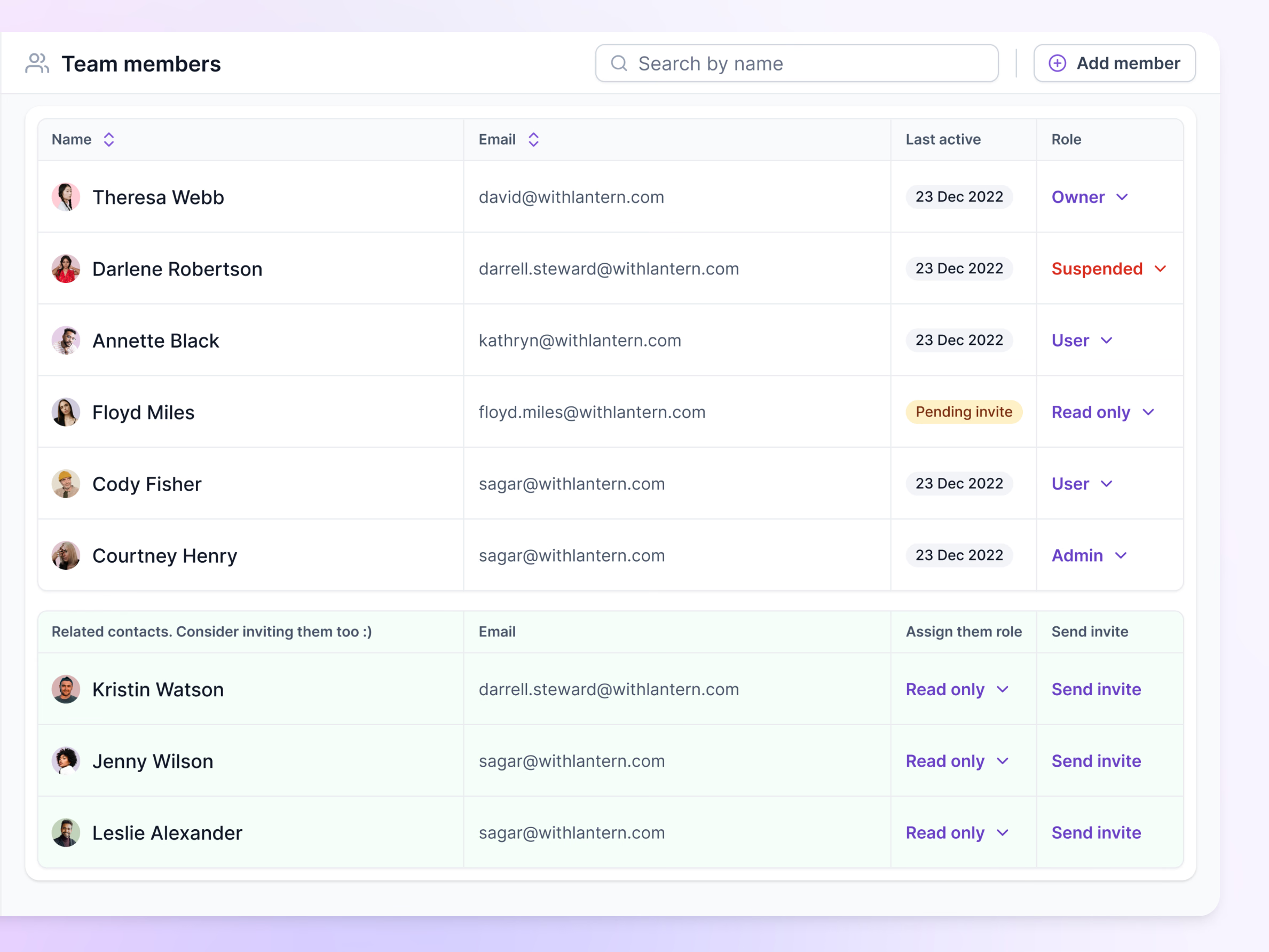
Team member settings in Lantern, with roles and invites in one table.
Each row shows the person, their email, when they were last active and a role picker (owner, admin, user, read only). Exceptions stand out: a suspended member’s role turns red, and someone who hasn’t accepted yet shows a pending invite badge instead of a date.
Below, a green section suggests related contacts from the same company who aren’t on the team yet. Each comes with a role already set to read only and a Send invite link, so adding them takes one click per person.
Got something real to build?
Tell me what you’re building and let’s see if we’re a good fit.