Layout Editing — Contact page layout editor for Apollo
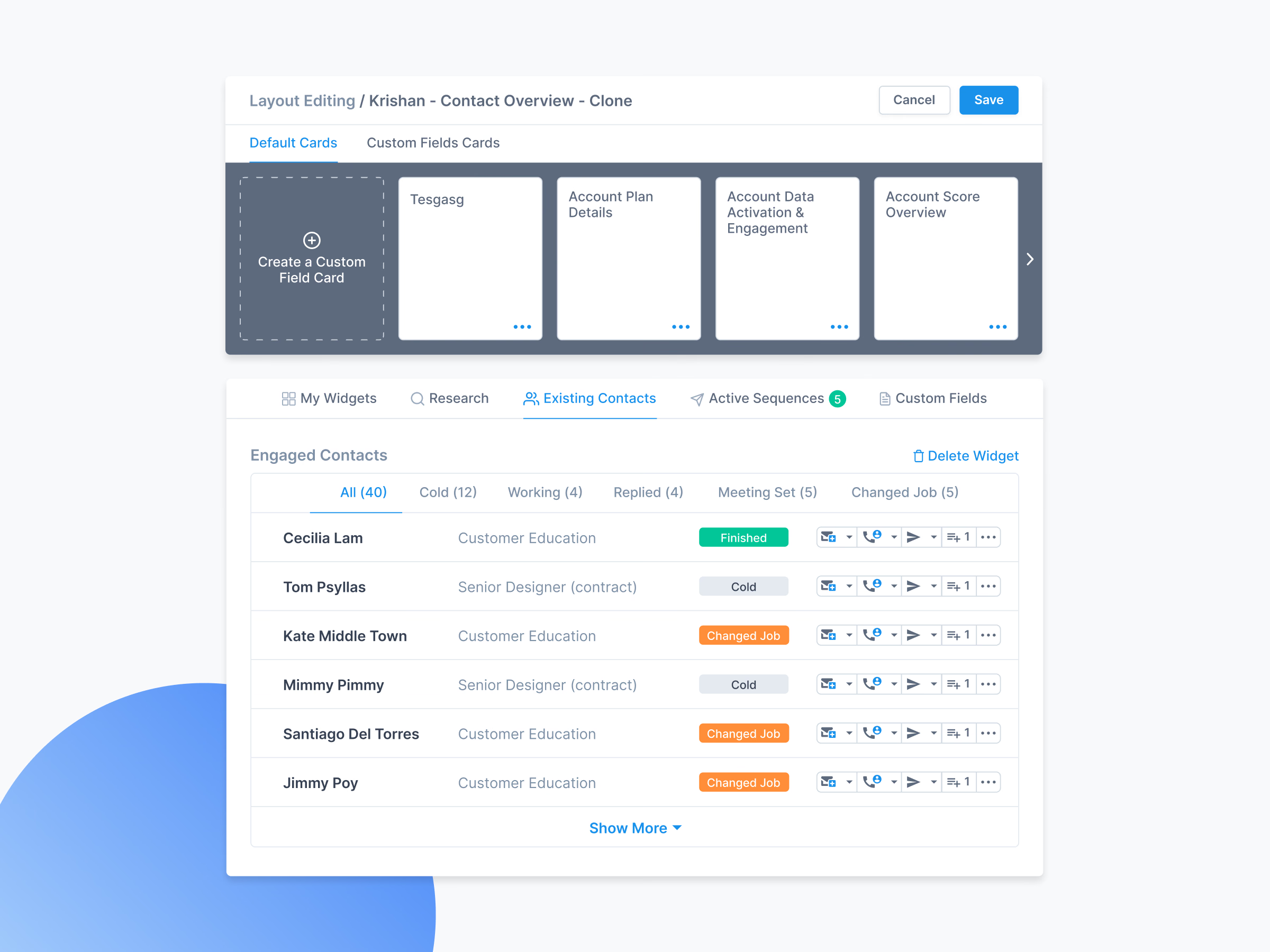
Layout editing for Apollo’s contact page, so each team can arrange it around the information it uses.
Edit mode opens a tray of cards above the live page, so people see the result as they arrange it. Default and custom field cards are kept apart, and a new custom field card can be made on the spot. The engaged contacts card shows that placed cards keep working, with status tabs and quick actions for email, calls, sequences and tasks.
Got something real to build?
Tell me what you’re building and let’s see if we’re a good fit.