Mobile onboarding (utility) — Mobile utility onboarding flow for Public Grid
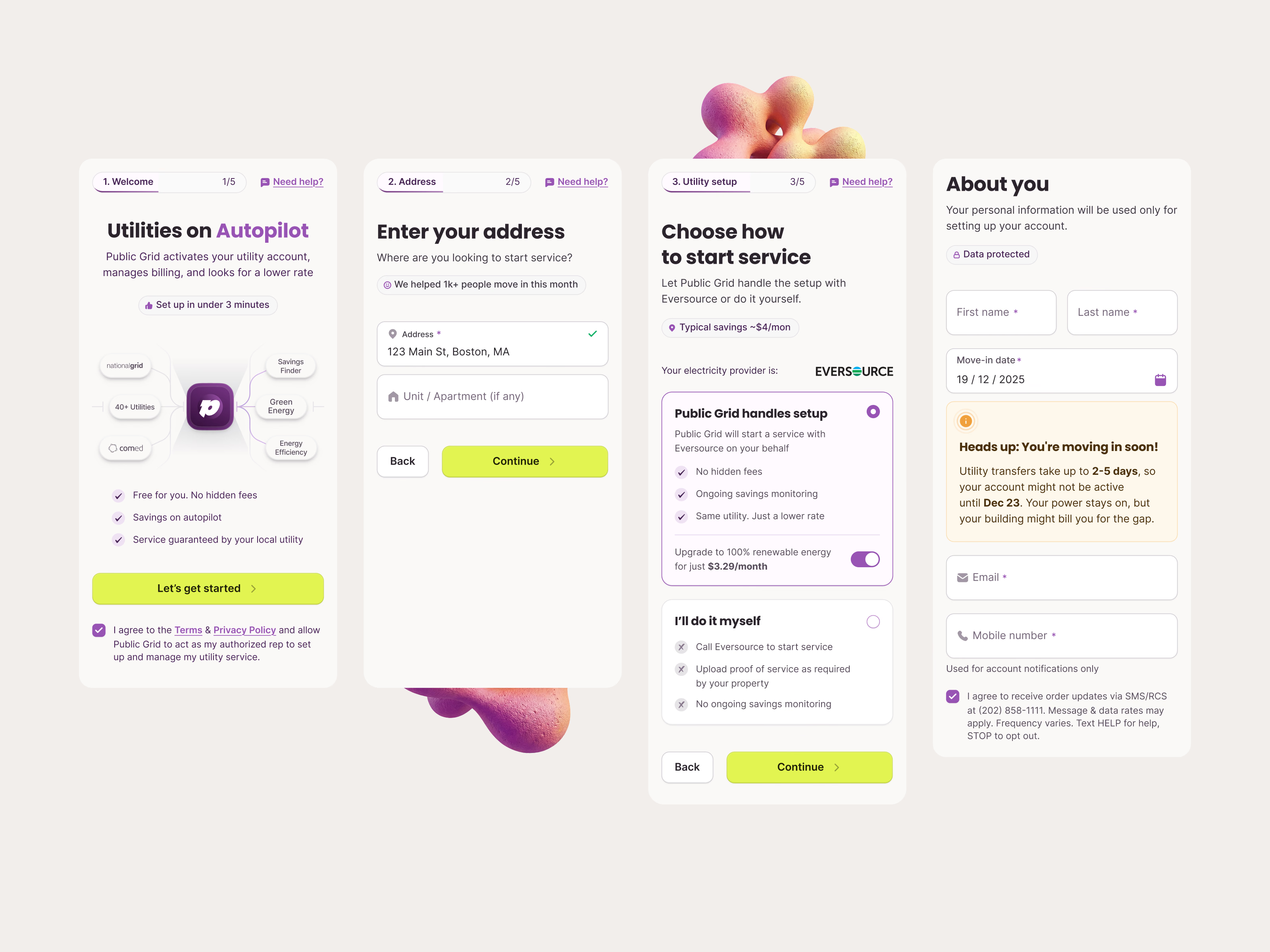
Public Grid’s onboarding on mobile, in four steps: welcome, address, utility setup and about you.
The welcome screen explains the service in one line and shows Public Grid at the center of the utilities, savings and green energy it connects. The address step is a single field. Utility setup names the local provider and offers two choices: Public Grid handles setup, with an optional upgrade to 100% renewable energy, or I’ll do it myself, with a plain list of what that means. The last step collects contact details and warns when a move-in date is so close the utility transfer might not finish in time.
Got something real to build?
Tell me what you’re building and let’s see if we’re a good fit.