Quick job editing side panel in Teero
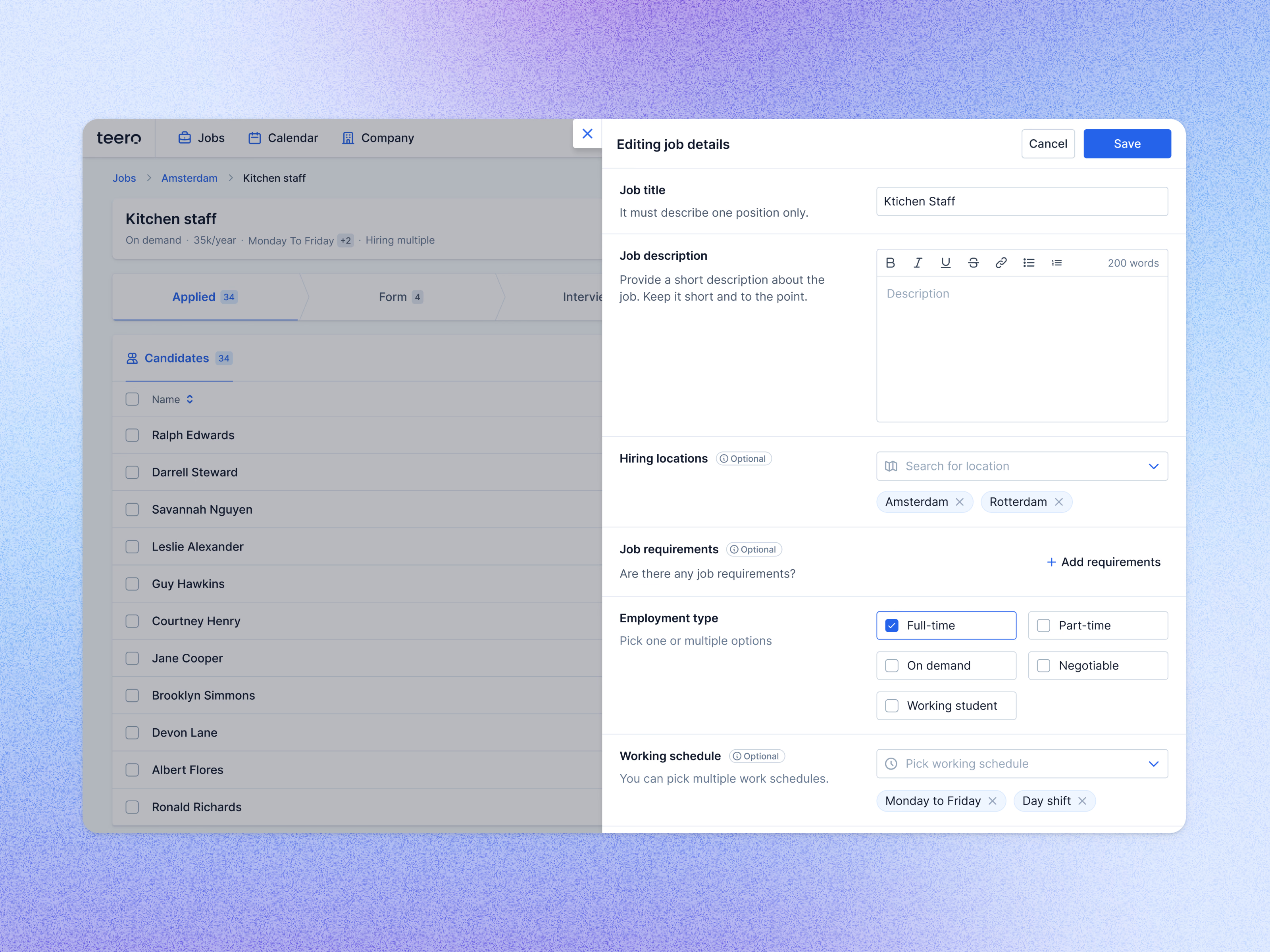
Editing a job’s details in Teero from a side panel, with the job’s candidate list still visible behind it.
Each field comes with a one-line rule on the left: the job title must describe one position only, and the description should be short and to the point, with a small text toolbar and a word counter. Optional fields are tagged as such. Hiring locations and working schedules are picked from menus and shown as removable chips, and employment type is a set of checkboxes.
Cancel and Save sit at the top of the panel.
Got something real to build?
Tell me what you’re building and let’s see if we’re a good fit.