User management — Team member management settings for Teero
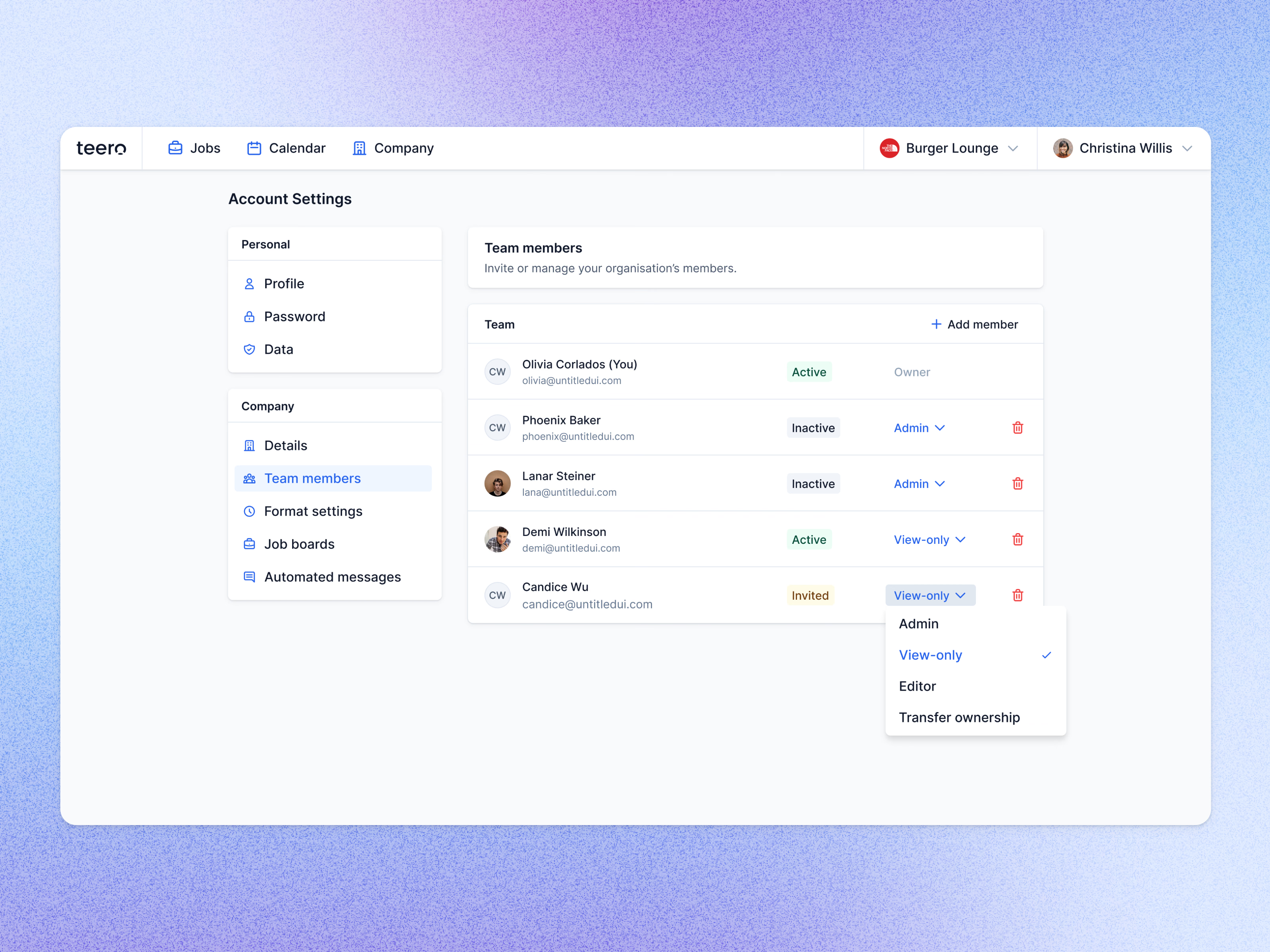
Team members in Teero’s account settings, where an admin invites people and decides what each can do.
Every row shows the person, their email, a status (Active, Inactive or Invited) and their role. The owner’s role is plain text, while everyone else’s is a menu: Admin, View-only or Editor, with Transfer ownership at the end. A delete icon ends each row, and Add member sits in the table header.
The settings menu splits personal pages (profile, password, data) from company ones (details, team members, format settings, job boards, automated messages).
Got something real to build?
Tell me what you’re building and let’s see if we’re a good fit.