Schedule Stage — Interview scheduling stage setup for a hiring pipeline
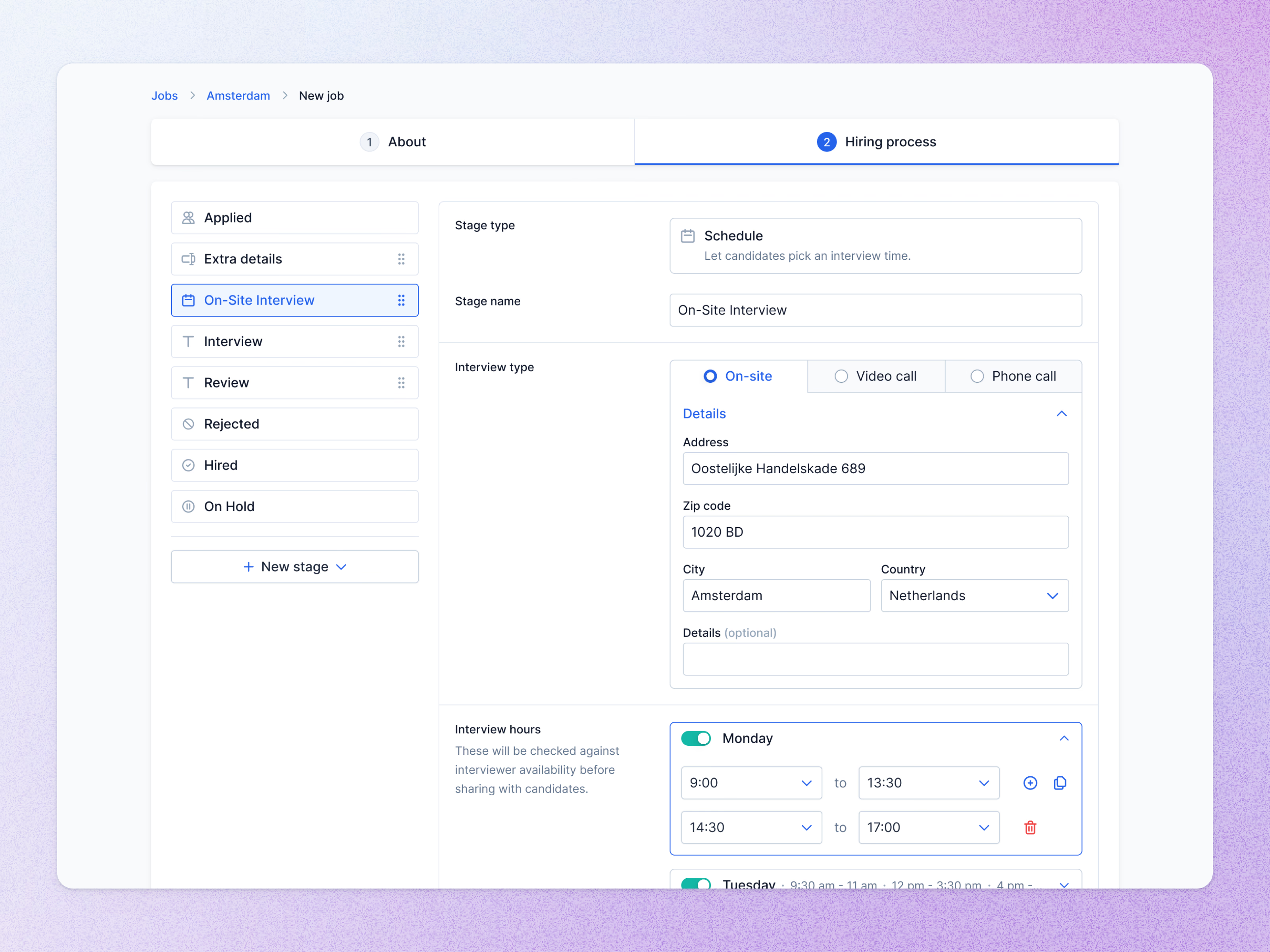
Setting up an interview stage while creating a job, on the hiring process step.
The stage list on the left runs from Applied through Extra details, On-Site Interview, Interview and Review to Rejected, Hired and On Hold, with drag handles on the stages that can move. Selecting On-Site Interview opens its settings: a Schedule stage type that lets candidates pick an interview time, the interview type (on-site, video call or phone call) with the address for on-site, and interview hours for each day.
A note explains that those hours are checked against interviewer availability before candidates see them.
Got something real to build?
Tell me what you’re building and let’s see if we’re a good fit.