Comments empty state — Comments panel empty state in the ShoSho editor
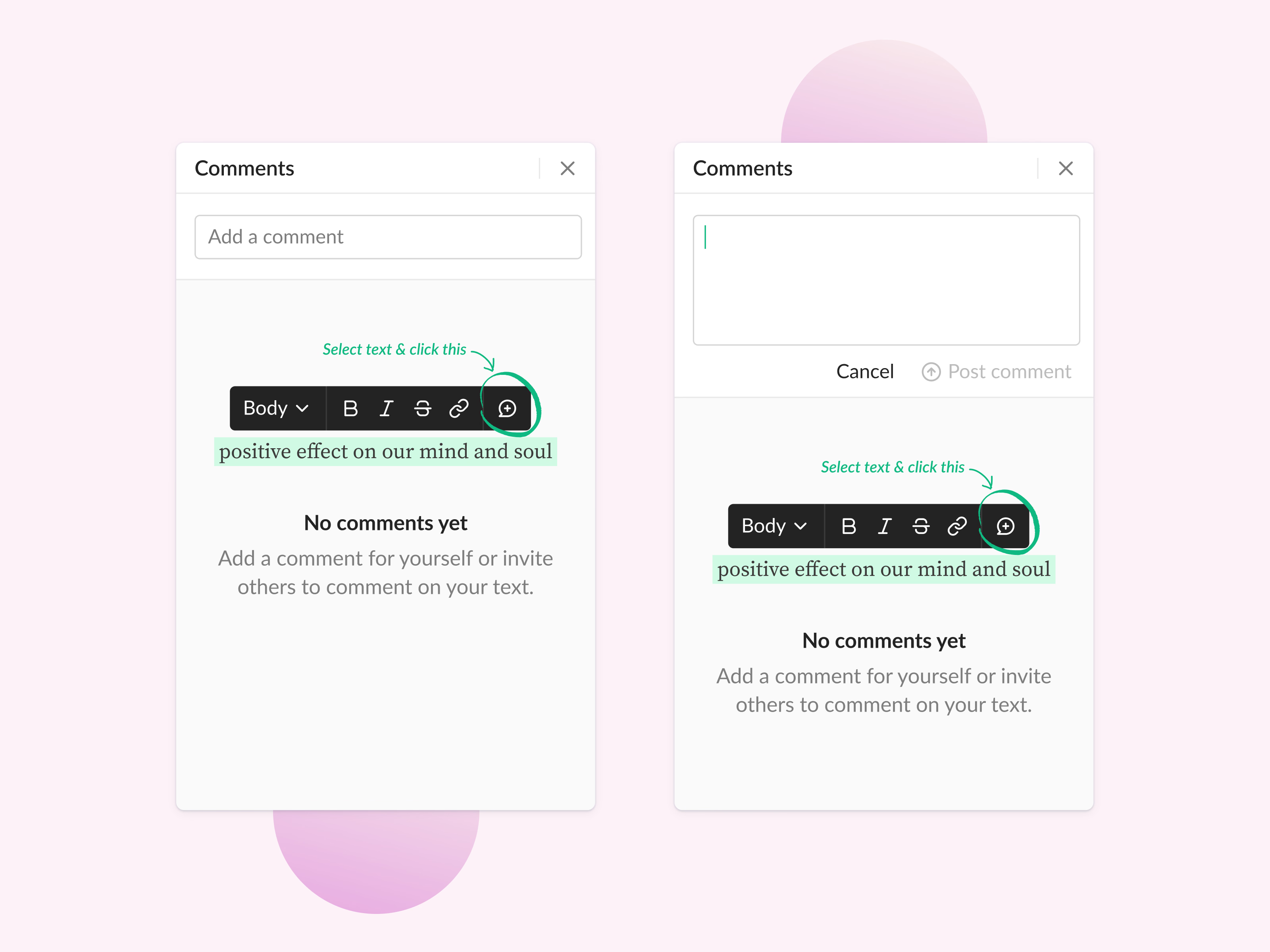
An empty comments panel in ShoSho’s editor that teaches the feature instead of sitting blank.
A small copy of the text toolbar sits over a highlighted phrase, with a handwritten note and an arrow pointing at the comment button: select text and click this. Underneath, a line explains that comments can be notes to yourself or a way to invite others into the text.
The second state shows the input once focused. It grows into a text area with Cancel and a Post comment button, grayed out until there’s something to post.
Got something real to build?
Tell me what you’re building and let’s see if we’re a good fit.