Settings Cards — Call recording settings cards in Apollo
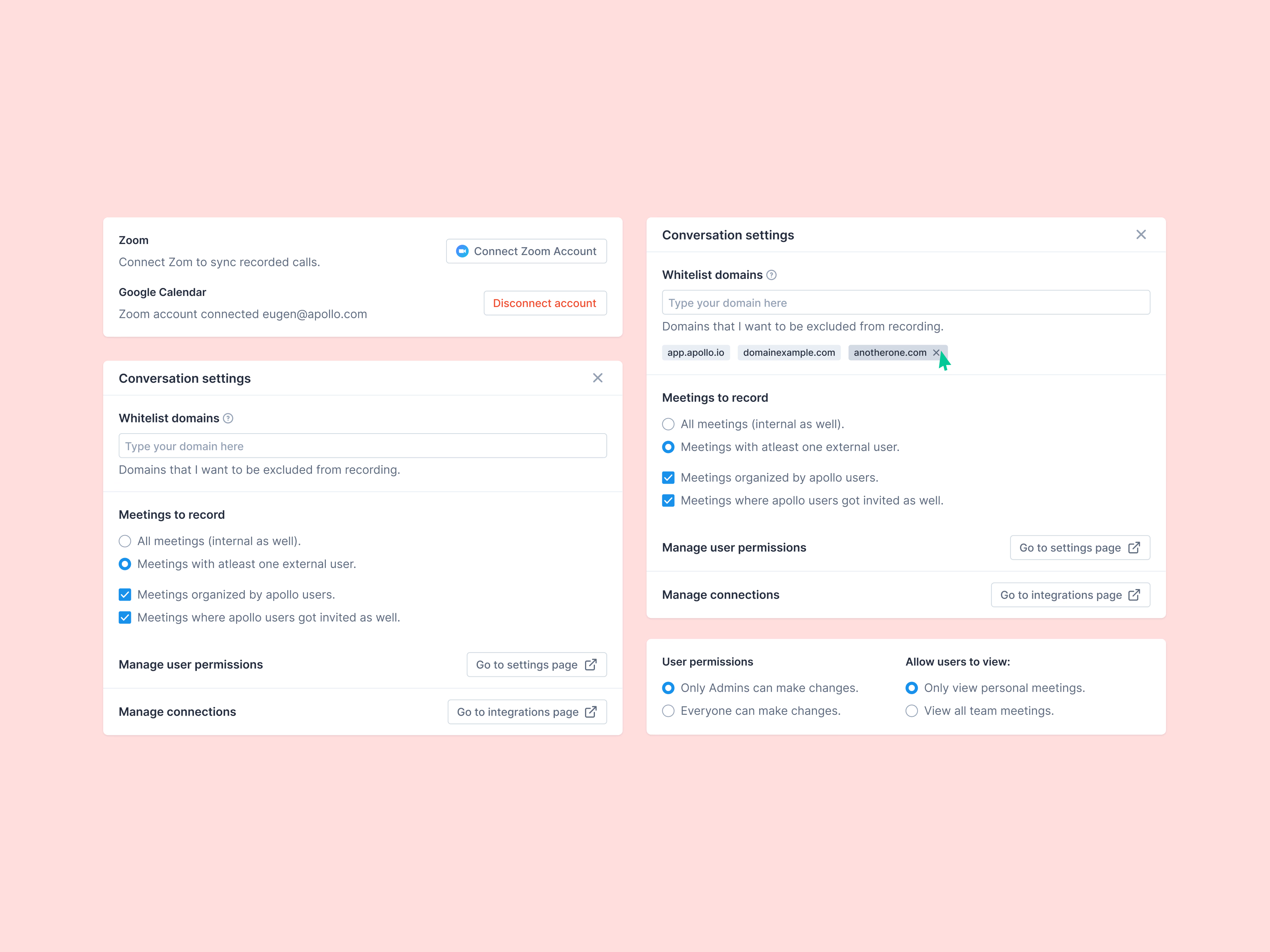
Settings cards for call recording in Apollo’s conversations.
Connections come first: connect Zoom to sync recorded calls, and see which account Google Calendar is linked to, with a red Disconnect beside it. Conversation settings decide what gets recorded. Domains can be excluded and appear as removable chips, and two choices set the rules: record every meeting or only those with at least one external person, and whether to include meetings Apollo users organized or were invited to. A last card covers permissions: who can change settings, and whether people see only their own meetings or the whole team’s.
Got something real to build?
Tell me what you’re building and let’s see if we’re a good fit.