Settings / Customise — Signals settings for technologies and job posts in Apollo
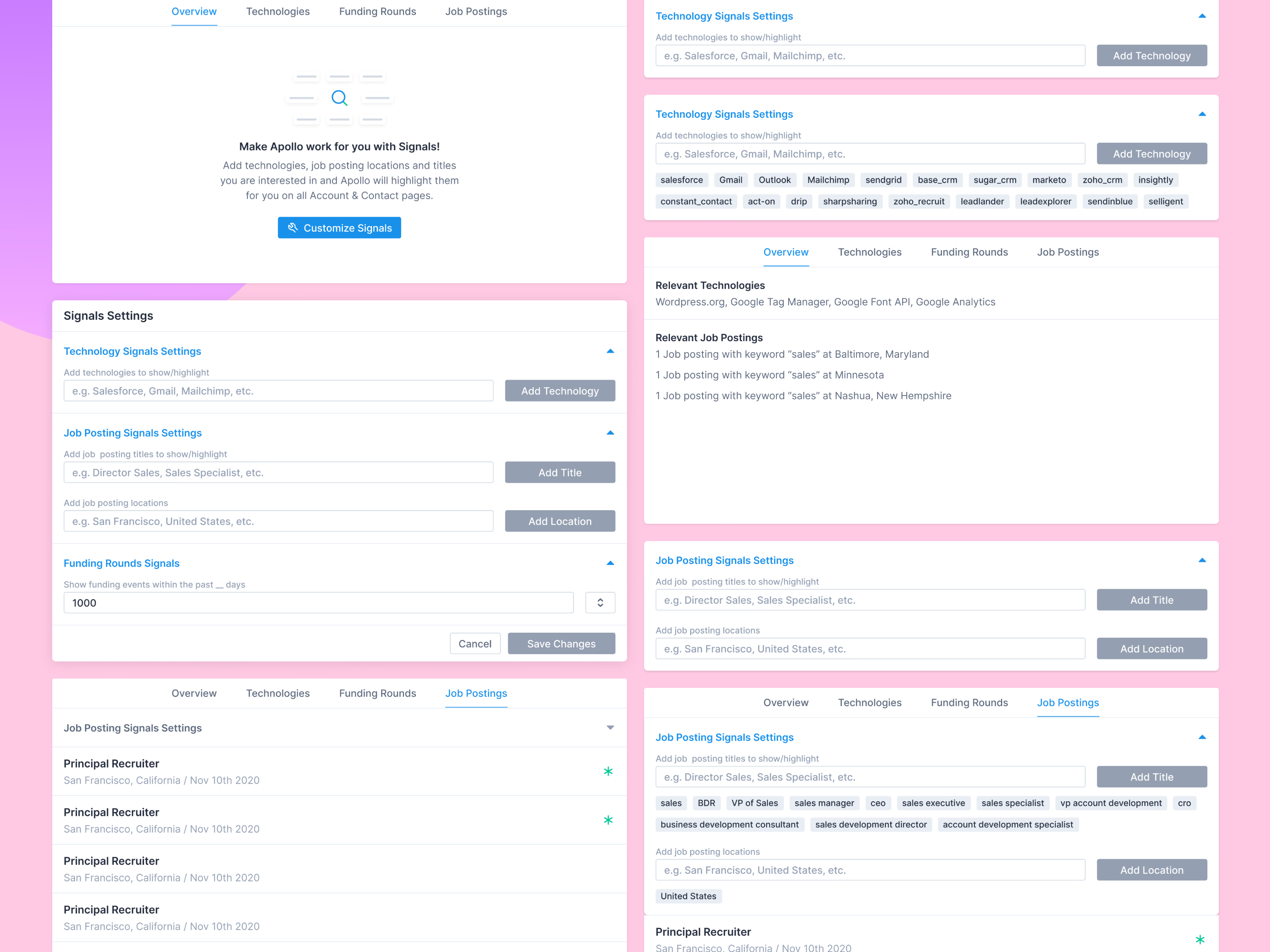
Signals settings in Apollo, from the first prompt to a configured page. The empty state explains the idea in a line: add the technologies, job posting titles and locations you care about, and Apollo highlights them on every account and contact page.
The settings panel splits into three: technology signals, job posting signals by title and location, and funding rounds within a number of days you choose. Added terms appear as tags. On a company’s Overview tab, matches show up as plain sentences, like a job posting with the keyword sales in a given city, and matching postings get a green marker in the list.
Got something real to build?
Tell me what you’re building and let’s see if we’re a good fit.