ShoSho — Edit Mode — Edit mode with readability highlights in ShoSho
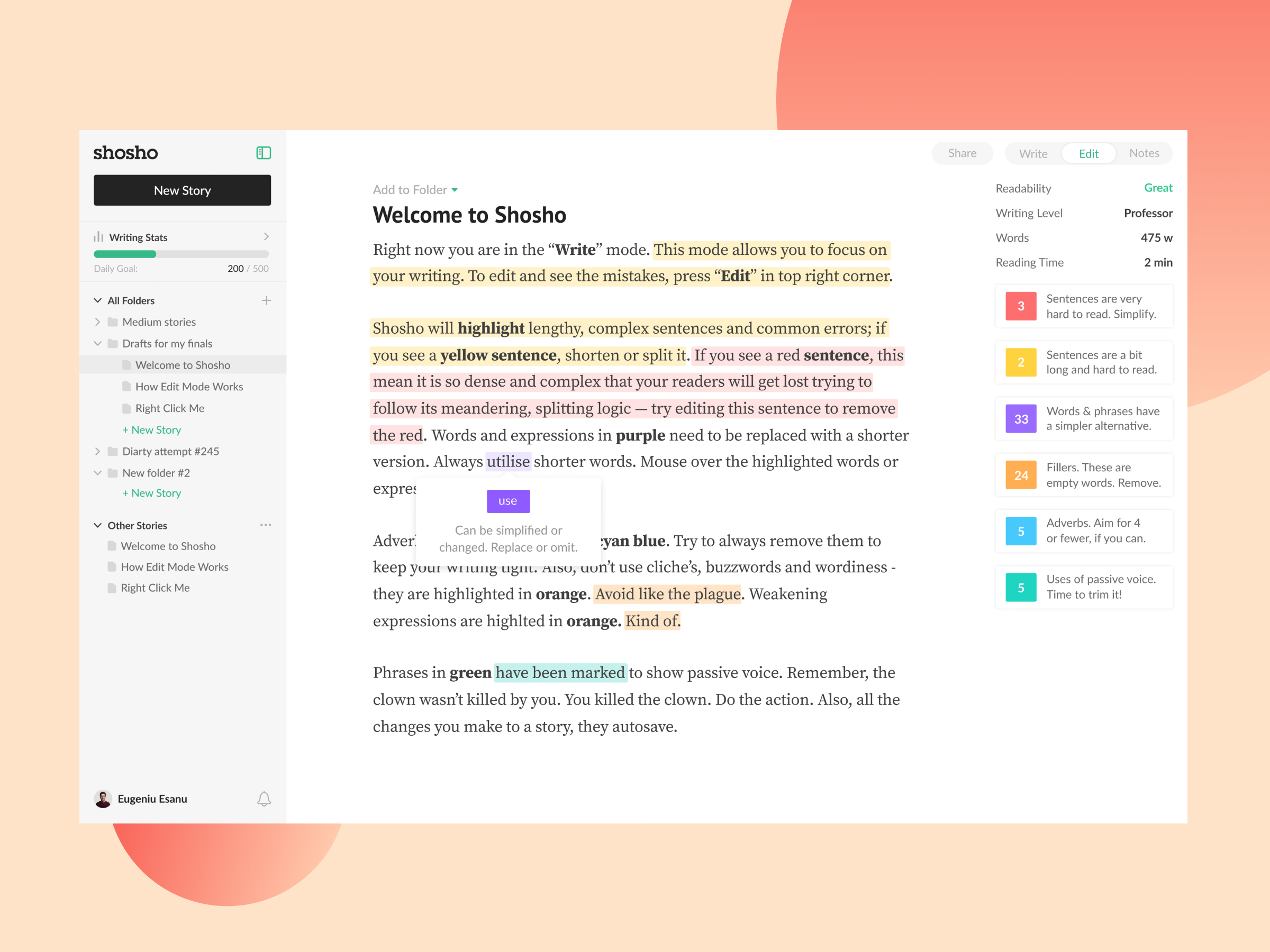
Edit mode in ShoSho, live in the product. Switching from Write to Edit colors the text by problem: yellow for long sentences, red for hard ones, purple for words with a simpler alternative, orange for fillers and clichés, blue for adverbs, green for passive voice.
Hovering a highlight suggests the fix, like replacing “utilise” with “use”. A panel on the right sums up readability, writing level, word count and reading time, with a card counting each kind of issue, so the writer knows where to start.
Got something real to build?
Tell me what you’re building and let’s see if we’re a good fit.