ShoSho — Story Notes — Notes mode for research beside the draft in ShoSho
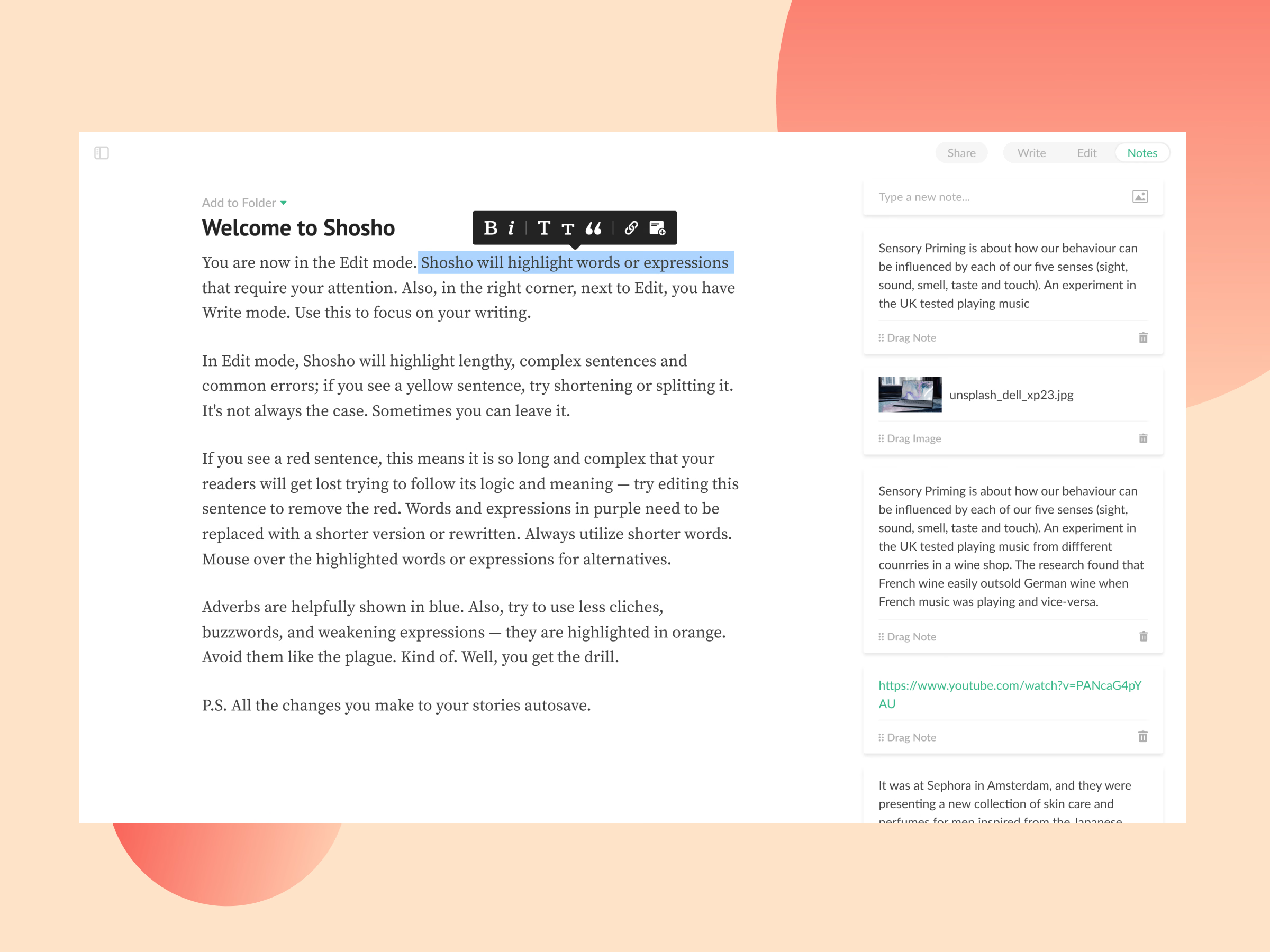
Notes mode in ShoSho, live in the product. Switching to Notes opens a column beside the story for research and loose ideas: type a note or add an image at the top, and each saved note becomes a card with a drag handle and a delete icon.
Notes can hold text, images or links, so quotes, references and videos stay next to the draft instead of in another app. The sidebar collapses to give the text room, and selecting a sentence still brings up the formatting bar.
Got something real to build?
Tell me what you’re building and let’s see if we’re a good fit.