Tasks Overview — Sales tasks list with bulk actions in Apollo
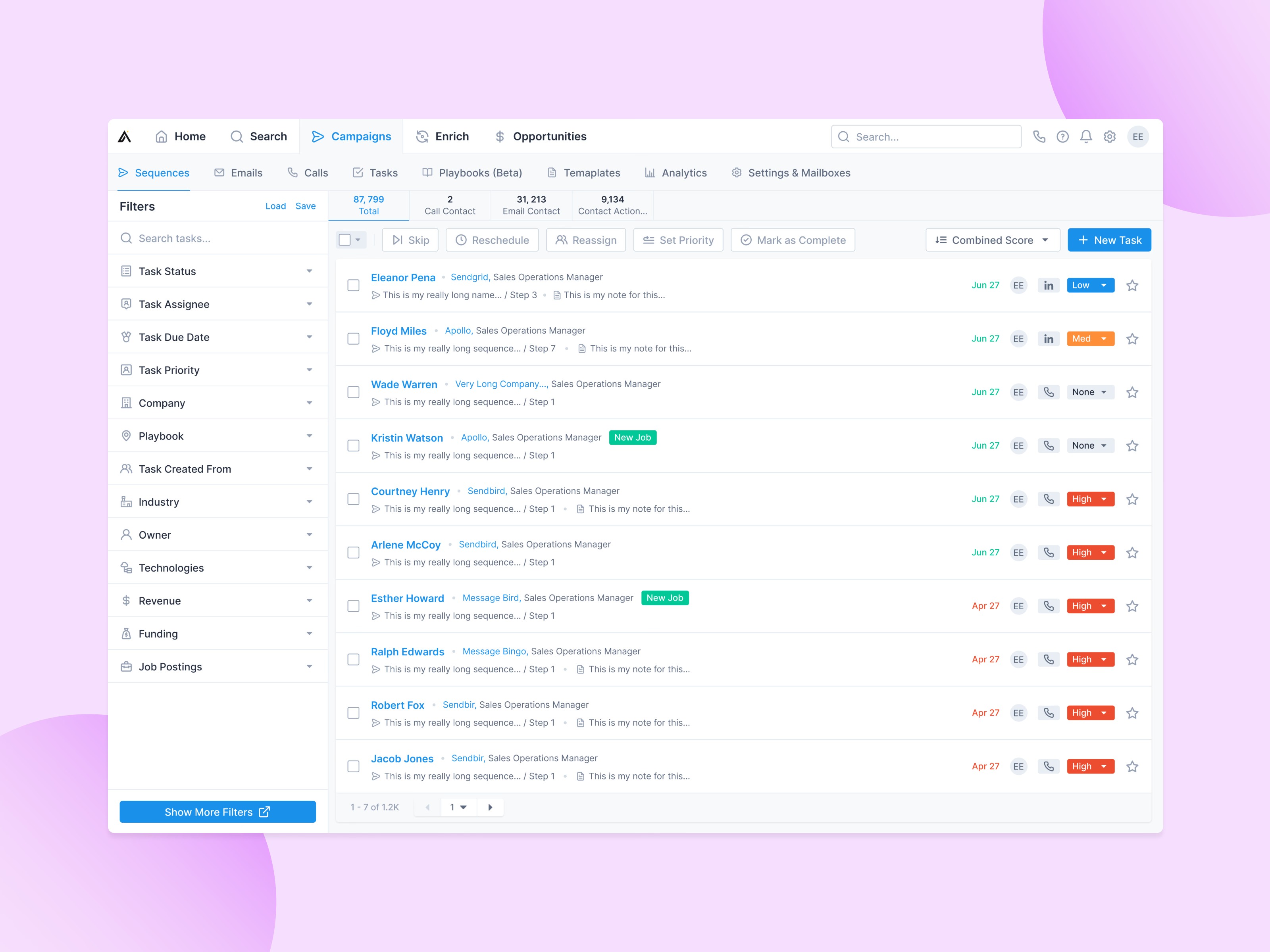
The tasks list in Apollo, where reps work through the calls, emails and LinkedIn touches their sequences create.
Each row carries what’s needed before acting: the contact, their company and title, the sequence and step the task came from, a note, the due date, the task type and a priority that can be changed in place. A green New Job tag flags contacts who just moved companies. Counts across the top split the queue by task type, and bulk actions (skip, reschedule, reassign, set priority, mark as complete) sit above it.
Filters run down the left, from status and due date to company data like industry, funding and job postings.
Got something real to build?
Tell me what you’re building and let’s see if we’re a good fit.