Trigger (interaction) — Workflow builder step menu interaction for Lantern
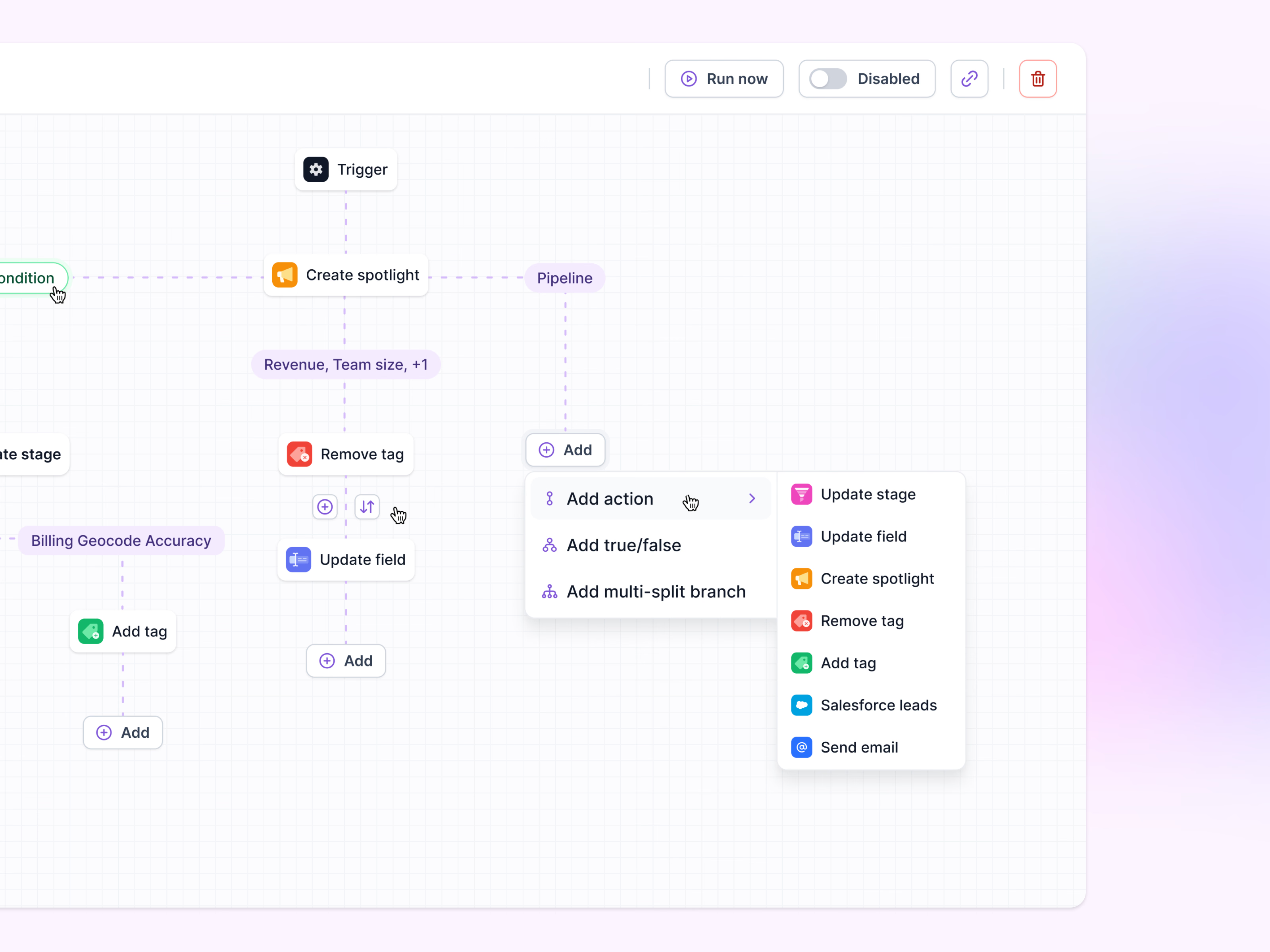
Adding a step in Lantern’s workflow builder. The canvas reads top to bottom, from the trigger through actions like Create spotlight, Remove tag and Update field, with conditions sitting on the connecting lines as purple labels.
Clicking Add opens a short menu: add an action, a true/false branch or a multi-split branch. Actions opens a second list (update stage, update field, create spotlight, remove tag, add tag, Salesforce leads, send email), each with the same colored icon as the node it creates. Run now, an on/off switch, a link and delete sit in the top bar.
Got something real to build?
Tell me what you’re building and let’s see if we’re a good fit.