Trigger settings (reworked UI) — Reworked workflow trigger settings panel for Lantern
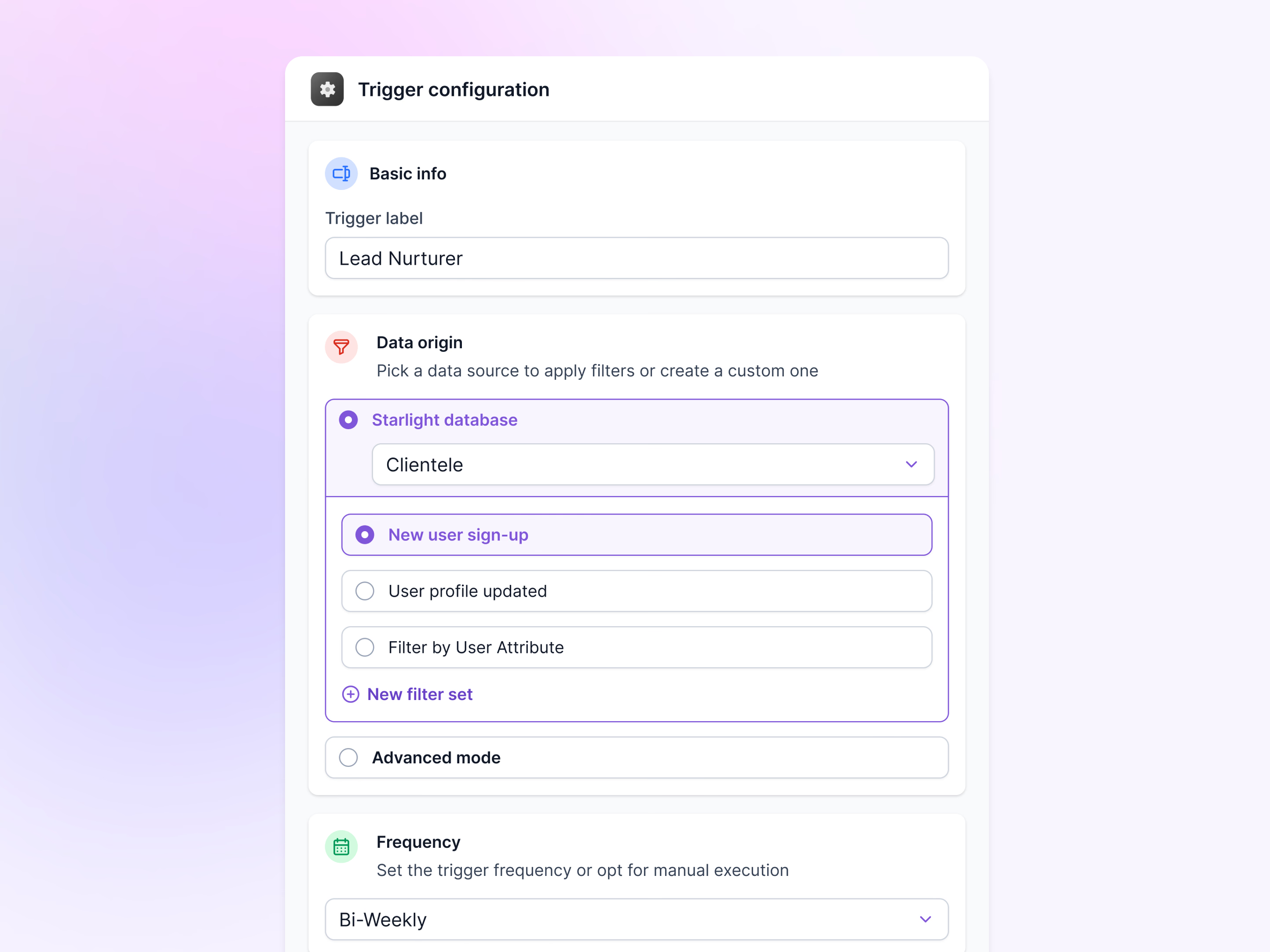
A reworked trigger configuration panel for Lantern’s workflow builder. A trigger decides when a workflow runs, and the panel breaks that decision into three cards, each with its own icon: basic info, data origin and frequency.
Basic info holds the trigger’s label. Data origin uses progressive disclosure: choose a source, pick a table, then pick the event that starts the workflow, such as a new user sign-up or an updated profile, or add a new filter set. Advanced mode stays a separate option below. Frequency sets a schedule, here Bi-Weekly, or manual runs.
Got something real to build?
Tell me what you’re building and let’s see if we’re a good fit.