Upload CSV widgets — CSV upload states for customer tracking in Lantern
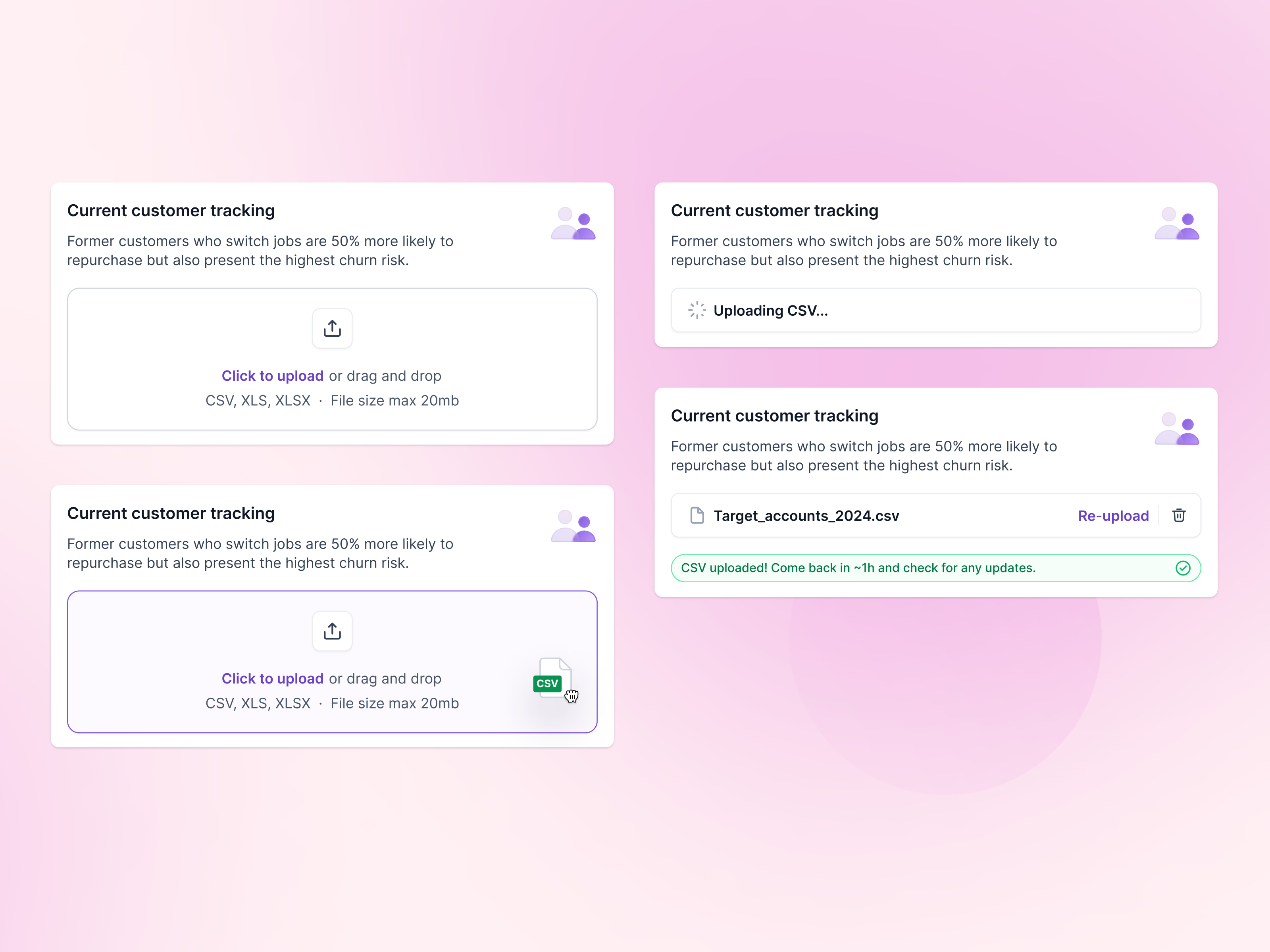
Upload states for Lantern’s current customer tracking card, where a team brings in its customer list.
The card explains why in one line: former customers who switch jobs are likely to buy again, and their old accounts become a churn risk. Then the upload area goes through each state. Empty, it asks for a CSV, XLS or XLSX file up to 20 MB. With a file dragged over, the border turns purple. While uploading, a spinner says what’s happening. When done, the file appears with options to re-upload or delete, plus a note to come back in about an hour for updates.
Got something real to build?
Tell me what you’re building and let’s see if we’re a good fit.