Workflow interaction testing — Step insertion test for Lantern's workflow builder
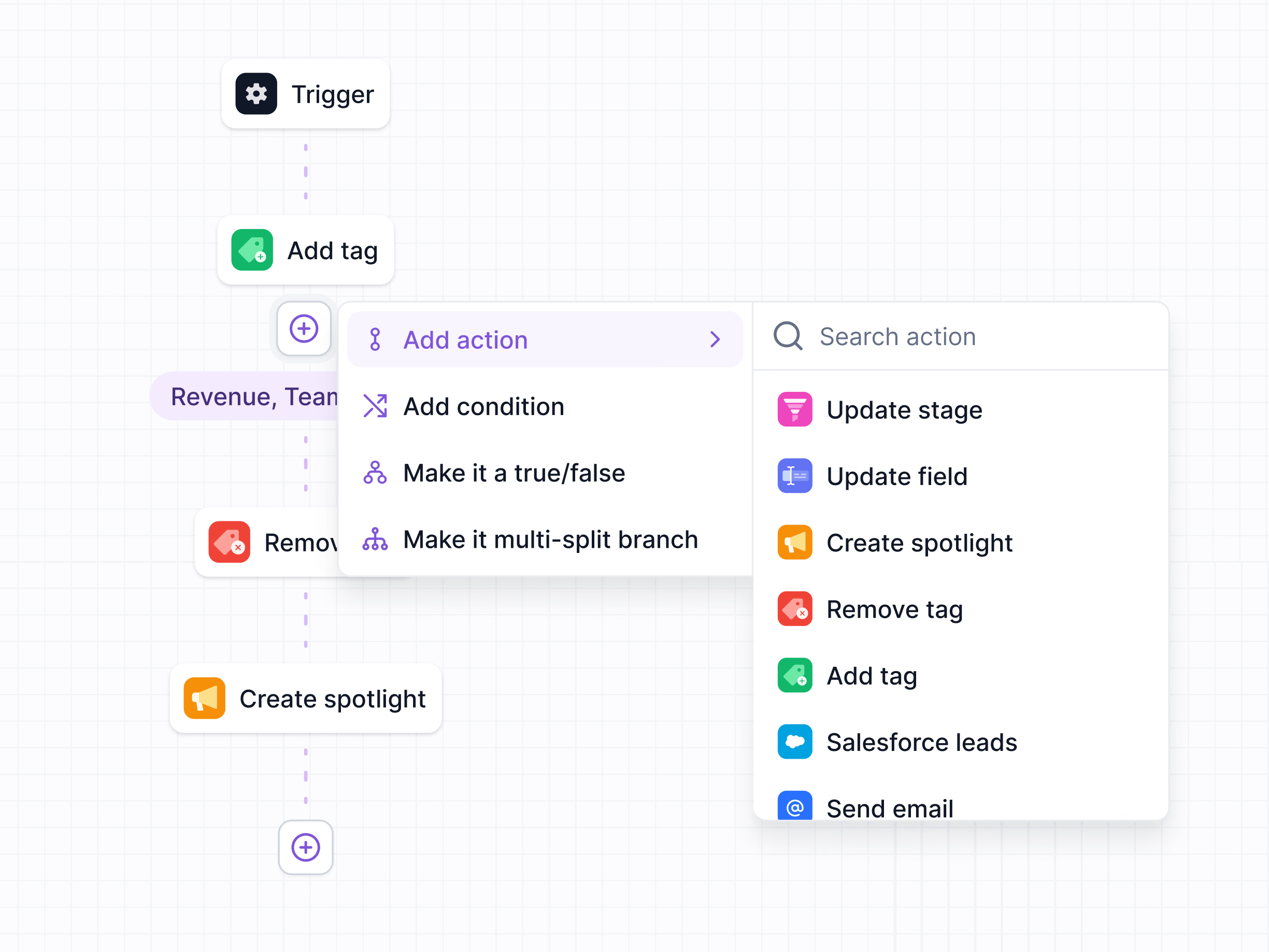
A test of how steps get added in Lantern’s workflow builder.
Clicking the plus between two steps opens a short menu: add an action, add a condition, make it a true/false branch or make it a multi-split branch. Add action opens a second, searchable list, each action with a colored icon so it’s easy to spot: update stage, update field, create spotlight, remove tag, add tag, Salesforce leads and send email. The workflow stays visible on the grid behind the menu, so you can see where the new step will land.
Got something real to build?
Tell me what you’re building and let’s see if we’re a good fit.