Components & interactions — Spotlight task list and status menu in Lantern
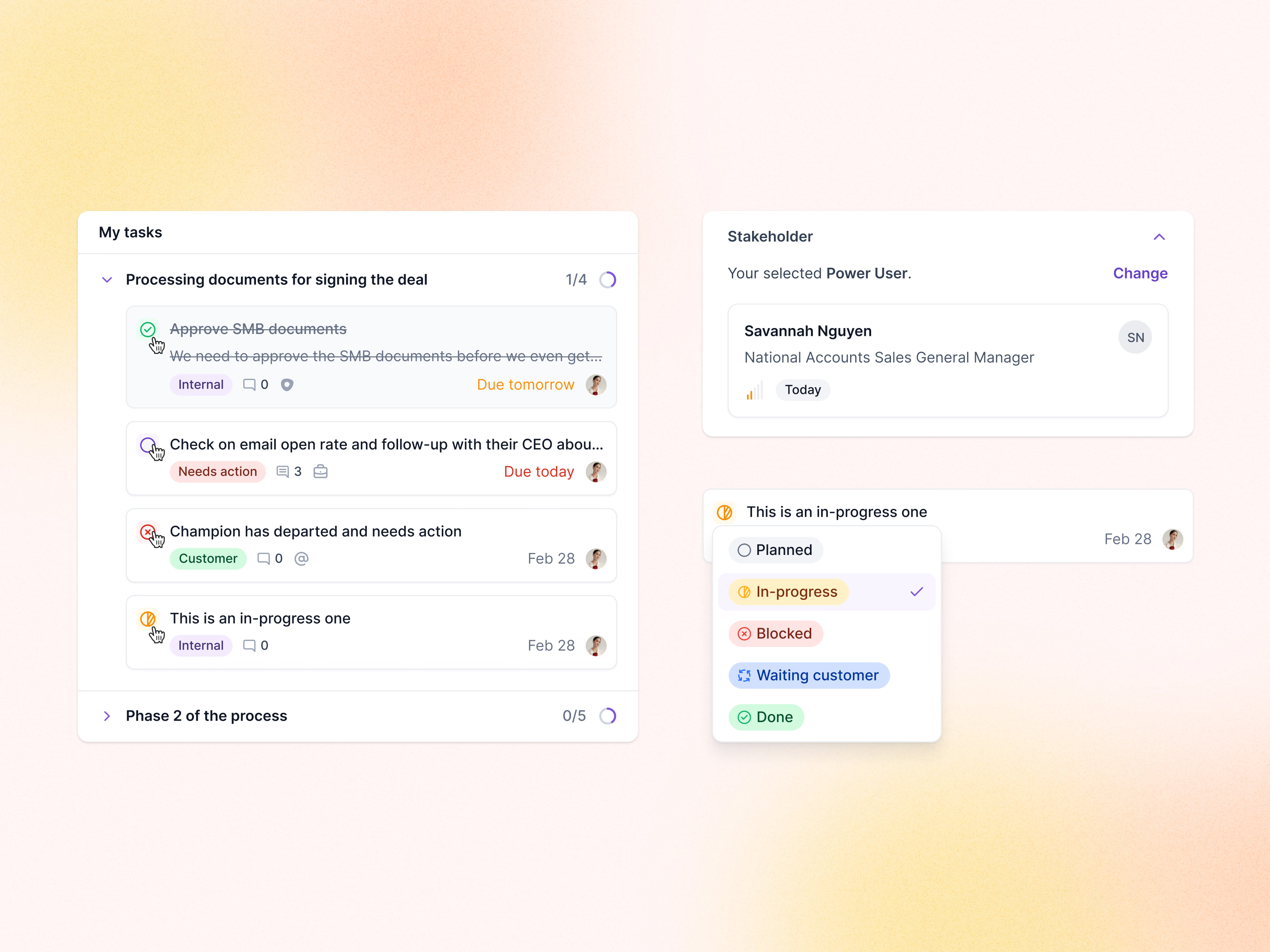
Task components from Lantern’s spotlights. In My tasks, each phase lists its tasks with a progress count, and every task carries a status icon, a label, comments and a due date that turns orange or red as it gets close.
Clicking a status icon opens a menu of five states (planned, in-progress, blocked, waiting customer, done), each with its own color and icon. The stakeholder card on the right shows the selected power user, how recently they were contacted, and a Change link.
Got something real to build?
Tell me what you’re building and let’s see if we’re a good fit.