Creating new filter — New filter form with SQL and AI query in Lantern
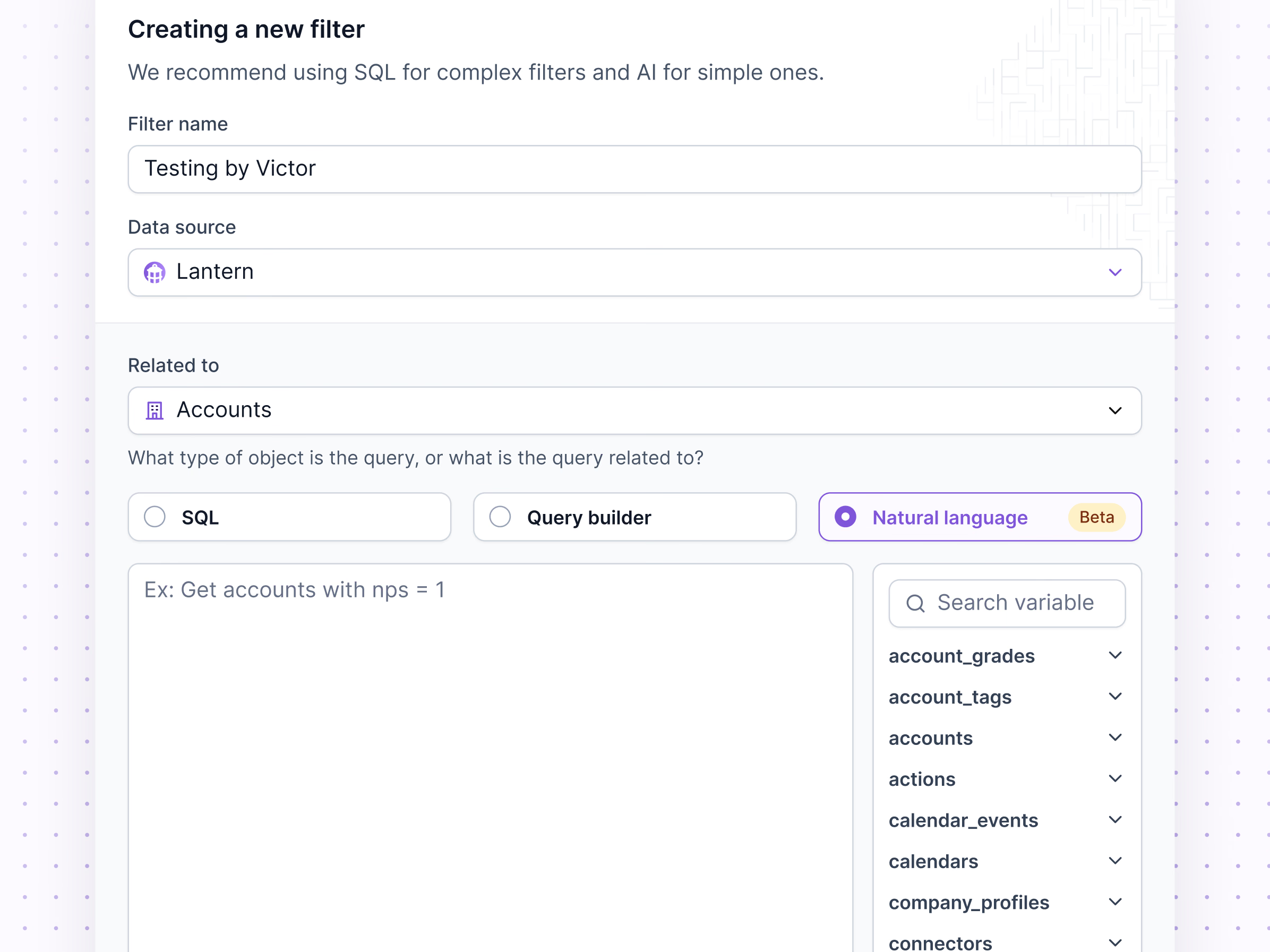
Creating a new filter in Lantern. Filters are saved queries that decide which records a view or workflow works with.
The form starts with a name, a data source and the object the query relates to, such as accounts. Then come three ways to write it: SQL, a query builder, or natural language, marked beta. A line at the top gives the rule of thumb: SQL for complex filters, AI for simple ones.
Next to the query field, a searchable list of variables (accounts, actions, calendar events and more) helps people find the right table without leaving the form.
Got something real to build?
Tell me what you’re building and let’s see if we’re a good fit.