Workflow trigger settings with data filters in Lantern
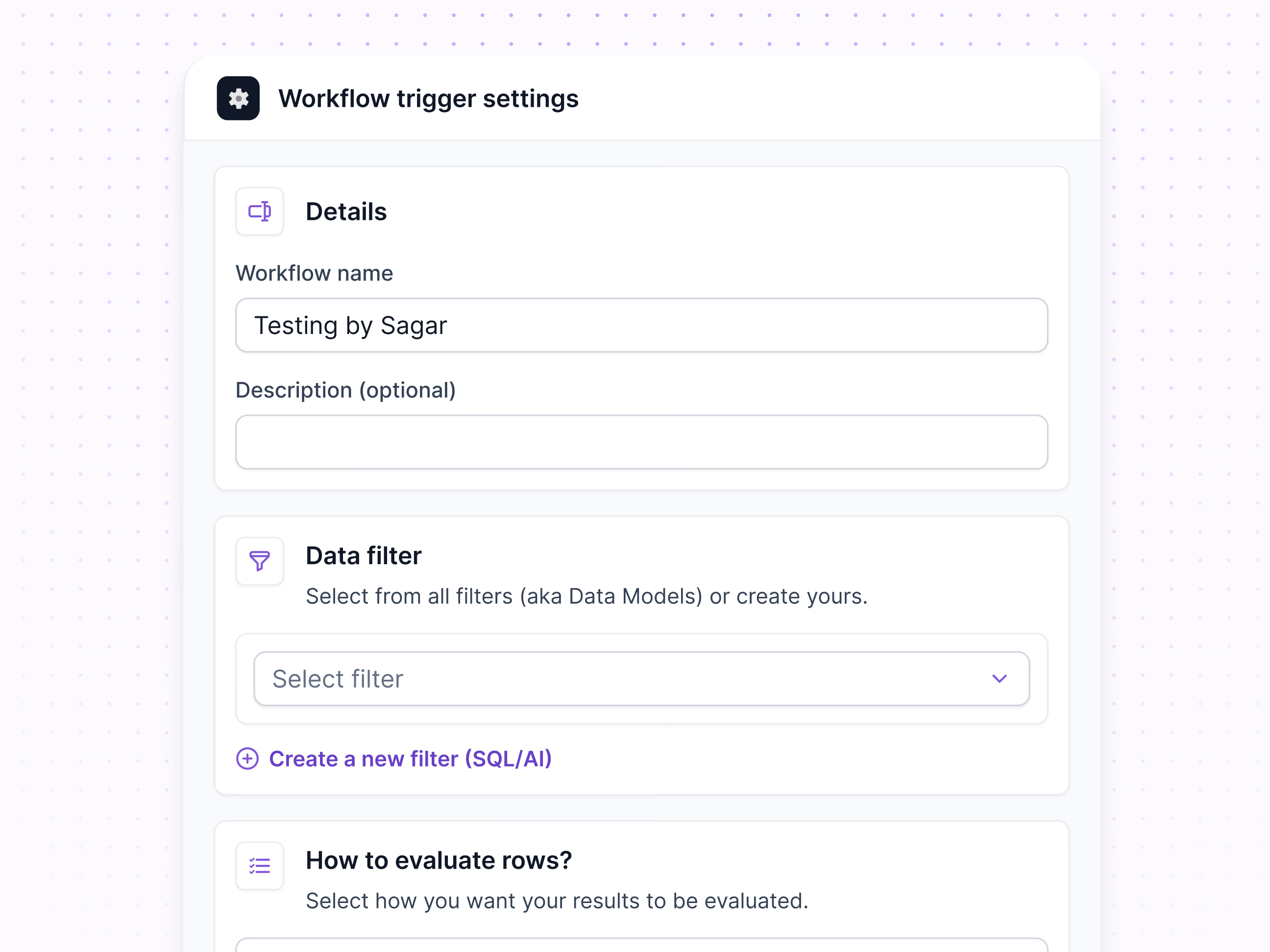
Trigger settings for a workflow in Lantern, the panel that decides what a workflow runs on.
It’s split into blocks, each with an icon, a title and a line of help. Details holds the workflow’s name and an optional description. Data filter picks one of the saved filters, also called data models, or creates a new one with SQL or AI. The next block asks how rows should be evaluated.
Breaking the setup into short questions keeps a technical step approachable for people who don’t write queries.
Got something real to build?
Tell me what you’re building and let’s see if we’re a good fit.