Onboarding - set up analytics — Optional analytics setup and expert score in Lantern
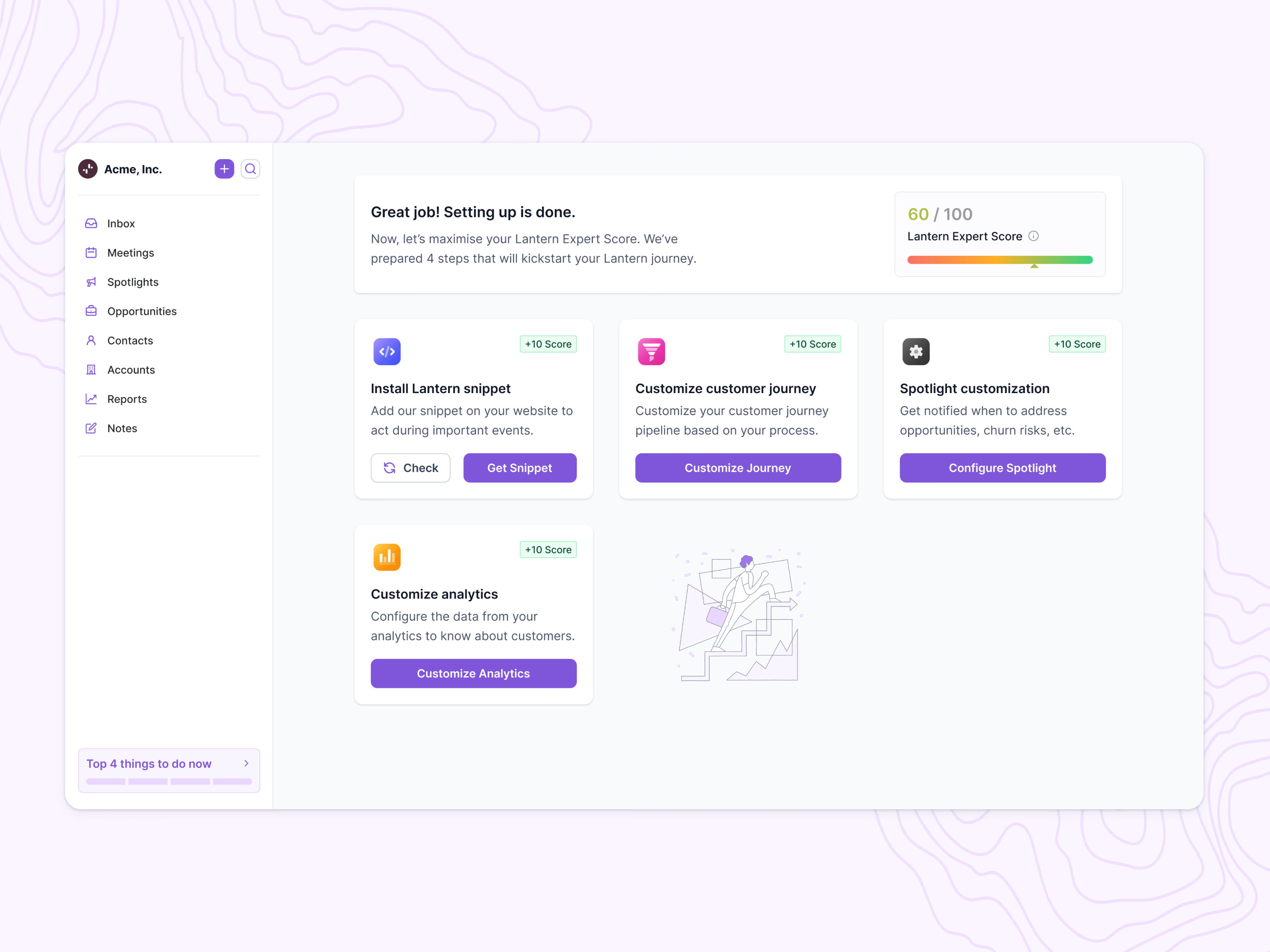
Part of Lantern’s onboarding: the screen after the required setup, where optional steps raise a Lantern Expert Score.
The score bar runs from red to green and reads 60 of 100 in this example. Four cards each add 10 points. Install Lantern snippet pairs Get Snippet with a Check button to confirm the snippet is live. Customize analytics asks for data from the team’s analytics so Lantern knows more about its customers, and the journey and spotlight cards follow the same pattern.
An illustration fills the empty slot in the grid, and a Top 4 things to do now shortcut sits in the sidebar.
Got something real to build?
Tell me what you’re building and let’s see if we’re a good fit.