Public Grid Explorations - How it works section — How it works section exploration for Public Grid
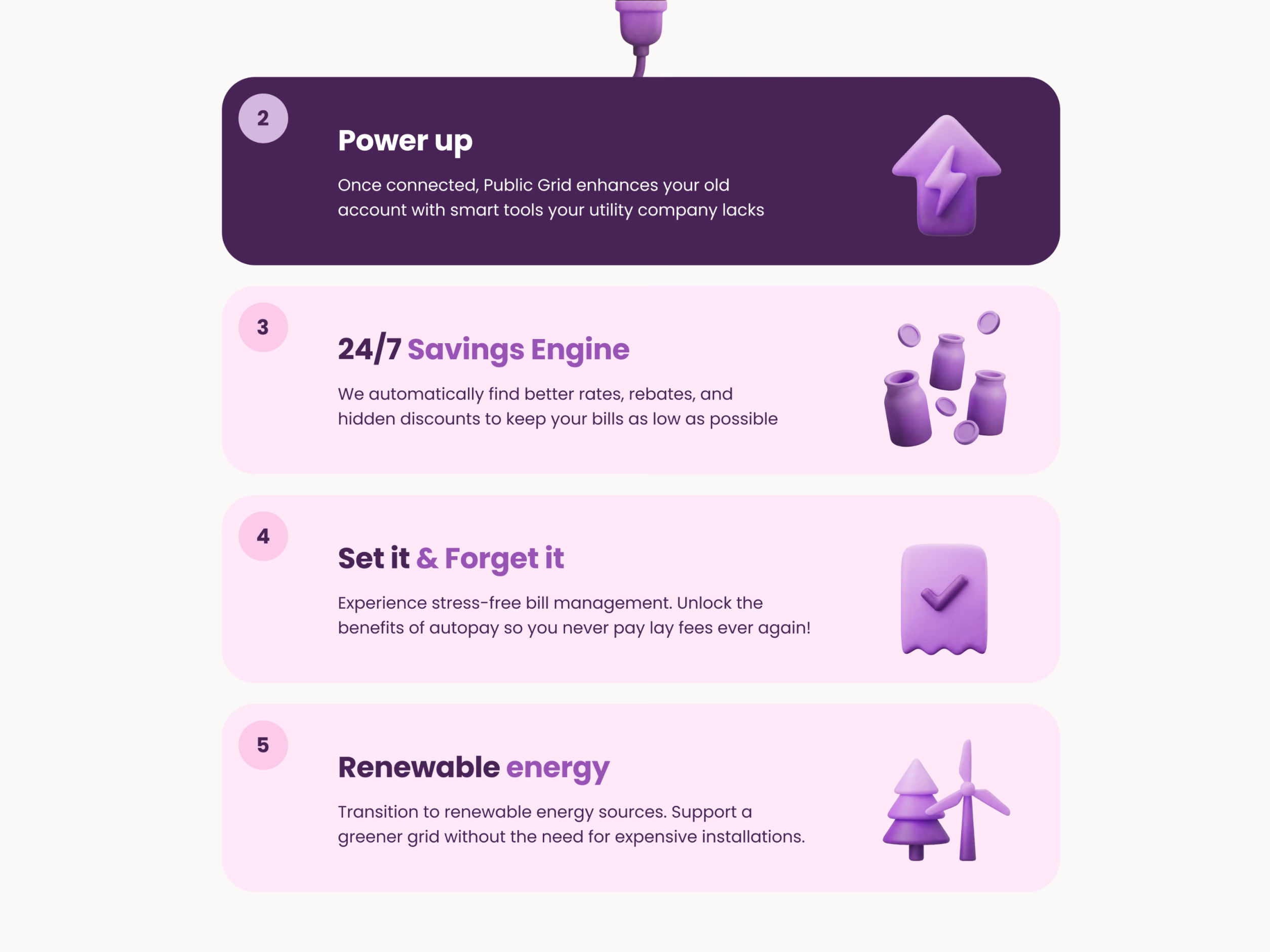
An early exploration of the How it works section for Public Grid’s website, under the headline Your Utility Supercharged: Public Grid isn’t a new energy provider but a software layer on top of your existing account. It didn’t make it to the final handoff, since we moved to a different layout, but some explorations are too fun not to share.
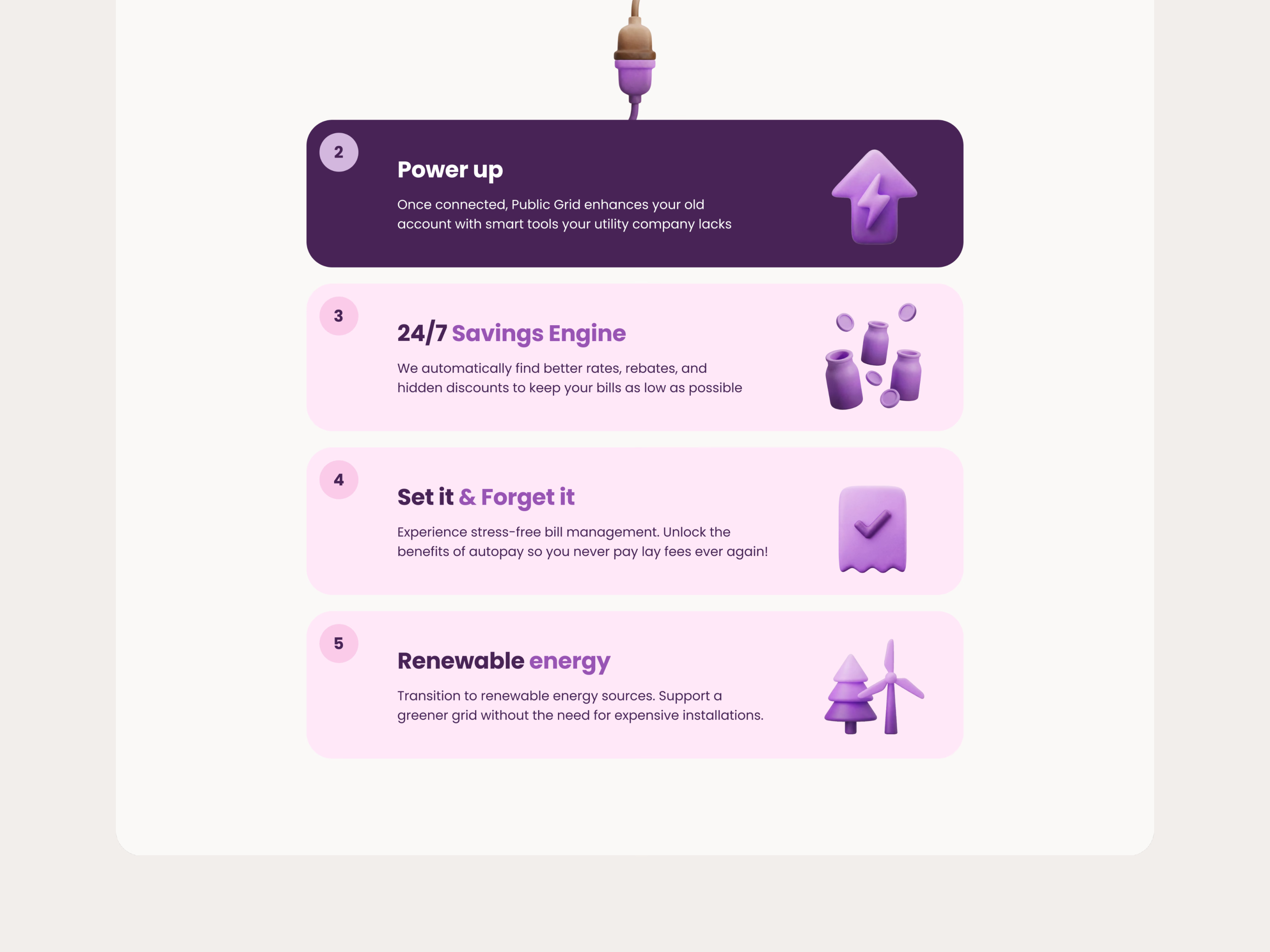
Each step is a numbered card with a short headline and a 3D clay icon: connect your utility, power up with smart tools your utility company lacks, a 24/7 savings engine that finds better rates, rebates and discounts, set it and forget it with autopay, and renewable energy without expensive installations. A tactile plug connector bridges the cards, and the active step turns dark purple.
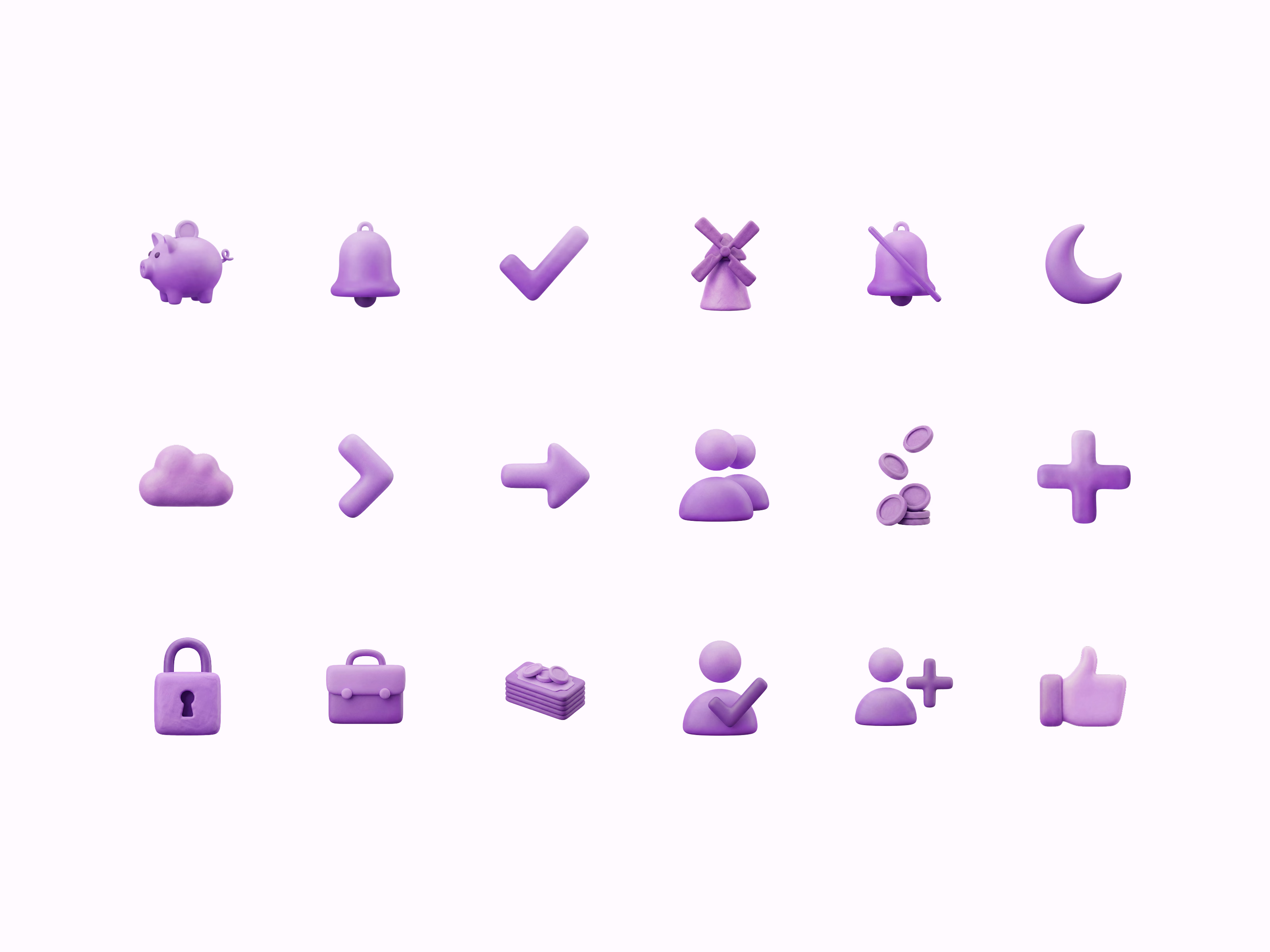
The draft was also a test of how Nano Banana handles larger, more complex clay metaphors, like the savings jars and the power-up bolt, next to a full icon set in the same purple clay: a piggy bank, bells, a windmill, coins, people and a padlock.
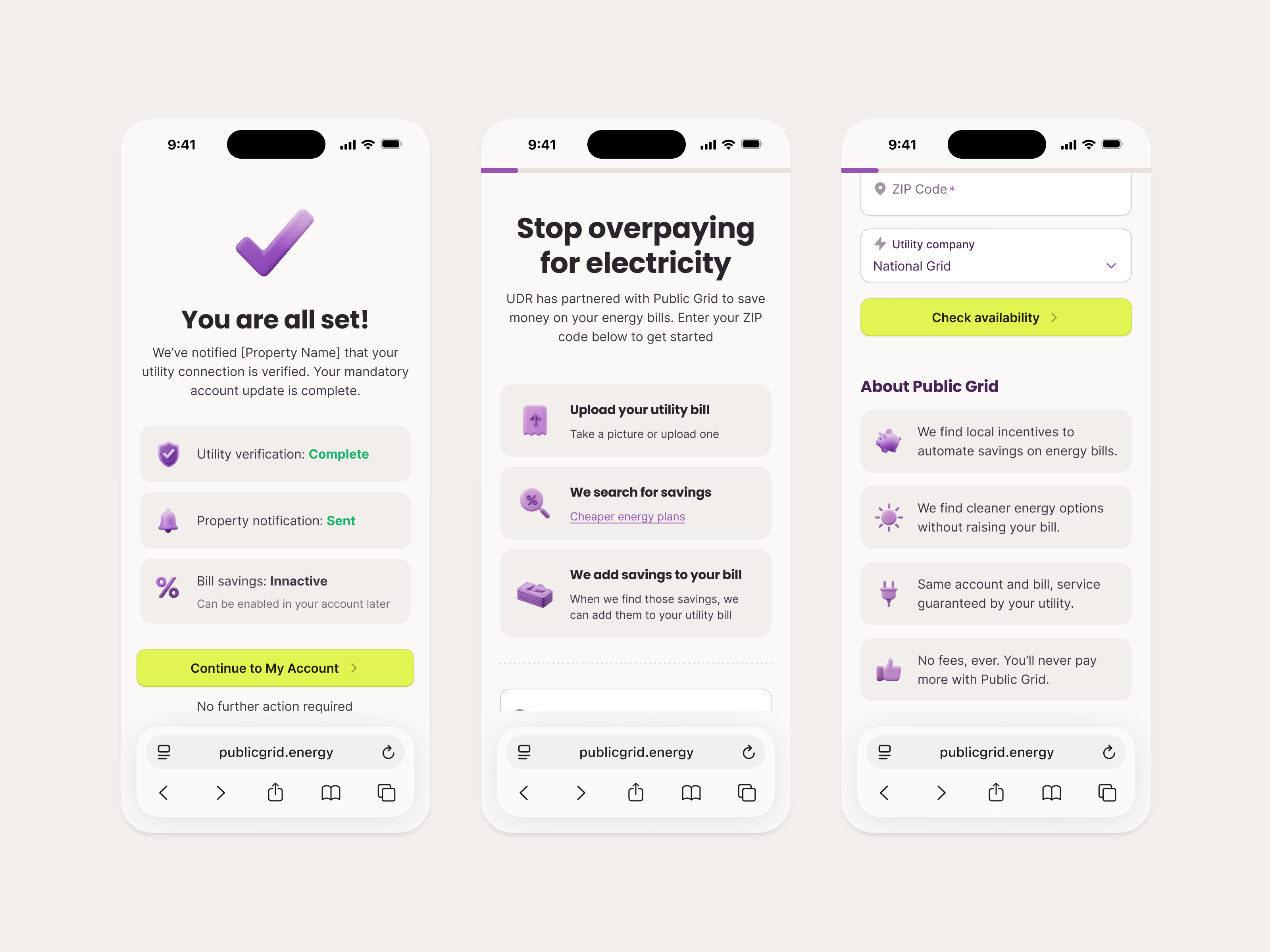
On a phone, the same icons carry a partner’s flow: residents enter a ZIP code and their utility to check availability, see how Public Grid uploads the bill, searches for savings and adds them to it, and end on a You are all set confirmation once the property is notified.
Got something real to build?
Tell me what you’re building and let’s see if we’re a good fit.